Browser vs Private Search Engine: What Protects What?
A browser displays the web; a search engine helps find pages. Learn how browser privacy and private search address different parts of your activity.

Kayla
Quetta Networks


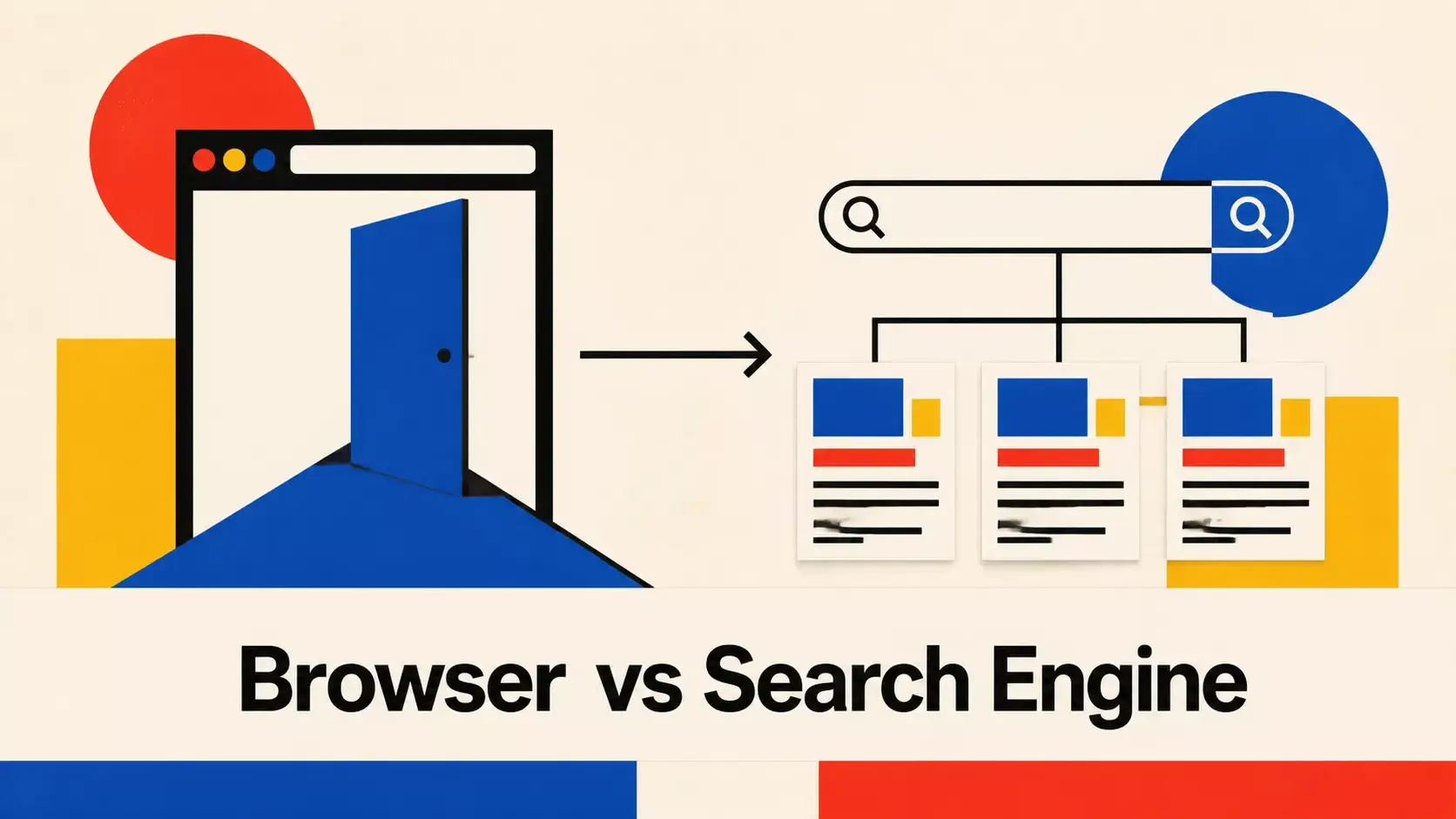
A web browser is software that retrieves and displays websites. A search engine is a web service that finds and ranks web pages. A private search engine aims to collect or retain less search-related information, while a privacy-focused browser can reduce exposure across many websites—not only searches.
Browser vs Search Engine
Web browser | Search engine | |
|---|---|---|
What it is | Software used to access the web | A service used to find web pages |
Examples of activity handled | Tabs, page loading, cookies, permissions and downloads | Search queries, result ranking and search ads |
Privacy scope | Potentially every site visited | Searches performed through that service |
Can be changed independently | Yes | Yes |
Typing words into a browser address bar often sends them to the selected search engine. That convenient integration is why people confuse the two, but changing a search engine does not change the browser itself.
What Is a Private Search Engine?
A private search engine is a search service designed to reduce the collection, retention or personalization of search data. Exact practices differ, so review its privacy policy. Useful questions include:
Does it store search queries with an IP address or account?
Does it build a long-term search profile?
Where do its results and ads come from?
Can users turn personalization off?
How long are logs retained?
“Private” does not necessarily mean no data is processed. A search provider must still receive enough information to answer a request, and its partners or result sources may affect the overall data flow.
What a Private Search Engine Does Not Cover
Once you click a result, the destination website operates under its own privacy practices. It may receive your public IP address, set cookies, load trackers or identify an account. A private search engine does not automatically control what every destination does.
A privacy-focused browser can add broader controls such as tracker blocking, third-party cookie restrictions and fingerprinting defenses. Learn how these layers work in our browser privacy guide.
Do You Need Both?
Using both can address different stages of a browsing session:
The private search engine handles the query under its stated privacy practices.
The browser controls how the search page and destination pages interact with your device.
Your account choices determine whether activity is linked to a stable identity.
The network connection still exposes information that neither ordinary browser controls nor a search engine necessarily hide.
Private mode is another separate layer. It mainly limits local session records and does not make searches anonymous to the search provider. See whether websites can track incognito browsing.
How to Choose a Private Search Setup
Read the search provider’s current privacy policy.
Set the preferred provider as the browser’s default if desired.
Review search suggestions, history sync and account settings.
Use tracker and third-party cookie controls for destination sites.
Avoid signing in when you do not want searches connected to an account.
Reassess the setup when policies or product behavior changes.
Using Private Search With Quetta
Quetta is a browser, not a search engine. You can use a supported search provider through the address bar while Quetta’s Privacy Guard handles browser-level controls. Quetta also avoids requiring email for ordinary browsing; optional sync uses a randomly generated Quetta Pass code or QR code.
For the broader product experience, see Quetta’s private browser for Android.
Frequently Asked Questions
Is Google a browser or a search engine?
Google Search is a search engine. Google Chrome is a browser. They are separate products even when the search engine is the browser’s default.
Does a private search engine make me anonymous?
Not necessarily. It may reduce search profiling, but network information, browser signals, destination websites and account behavior can still identify or link activity.
Can I use a private search engine in any browser?
Often yes. You can visit its website, and many browsers let you choose a default search provider. Available options depend on the browser.
Is Quetta a private search engine?
No. Quetta is a browser. Search engines are separate services that can be used through a browser.