Bilingual Webpage Translator Extension
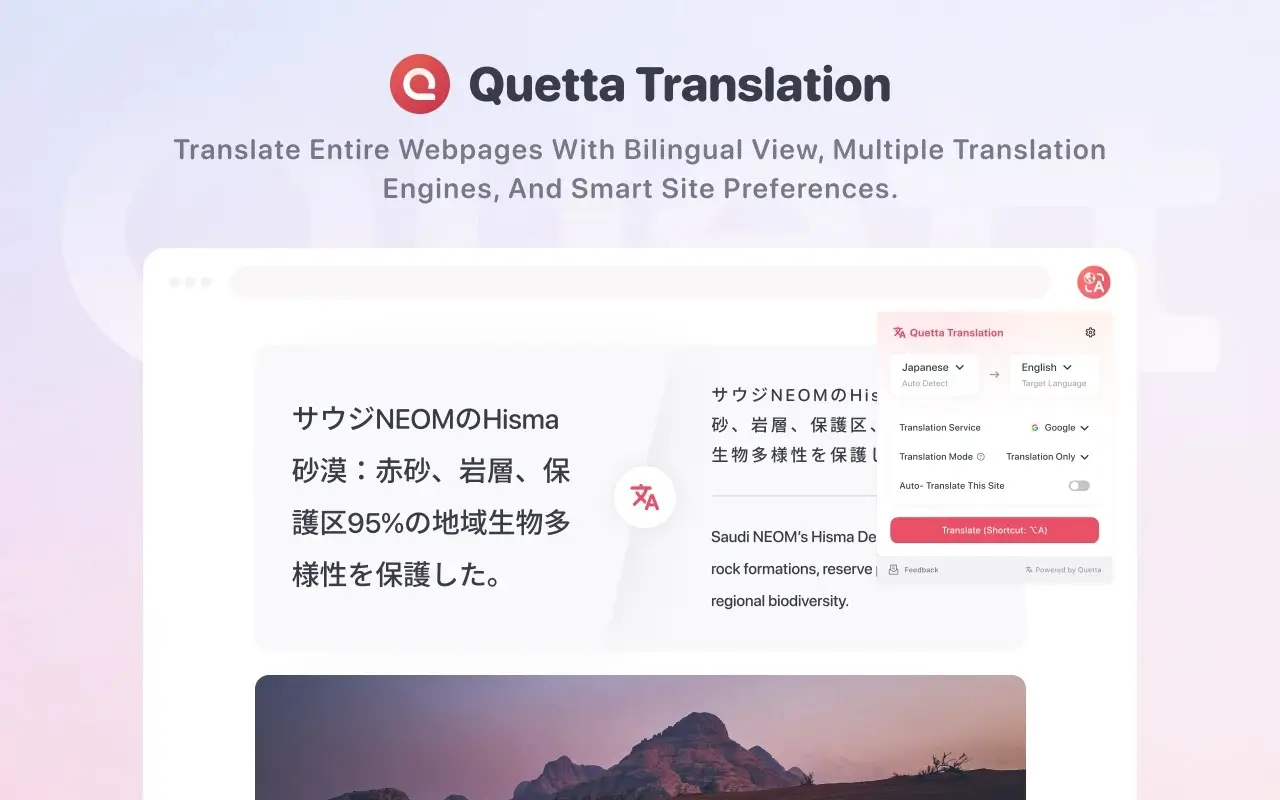
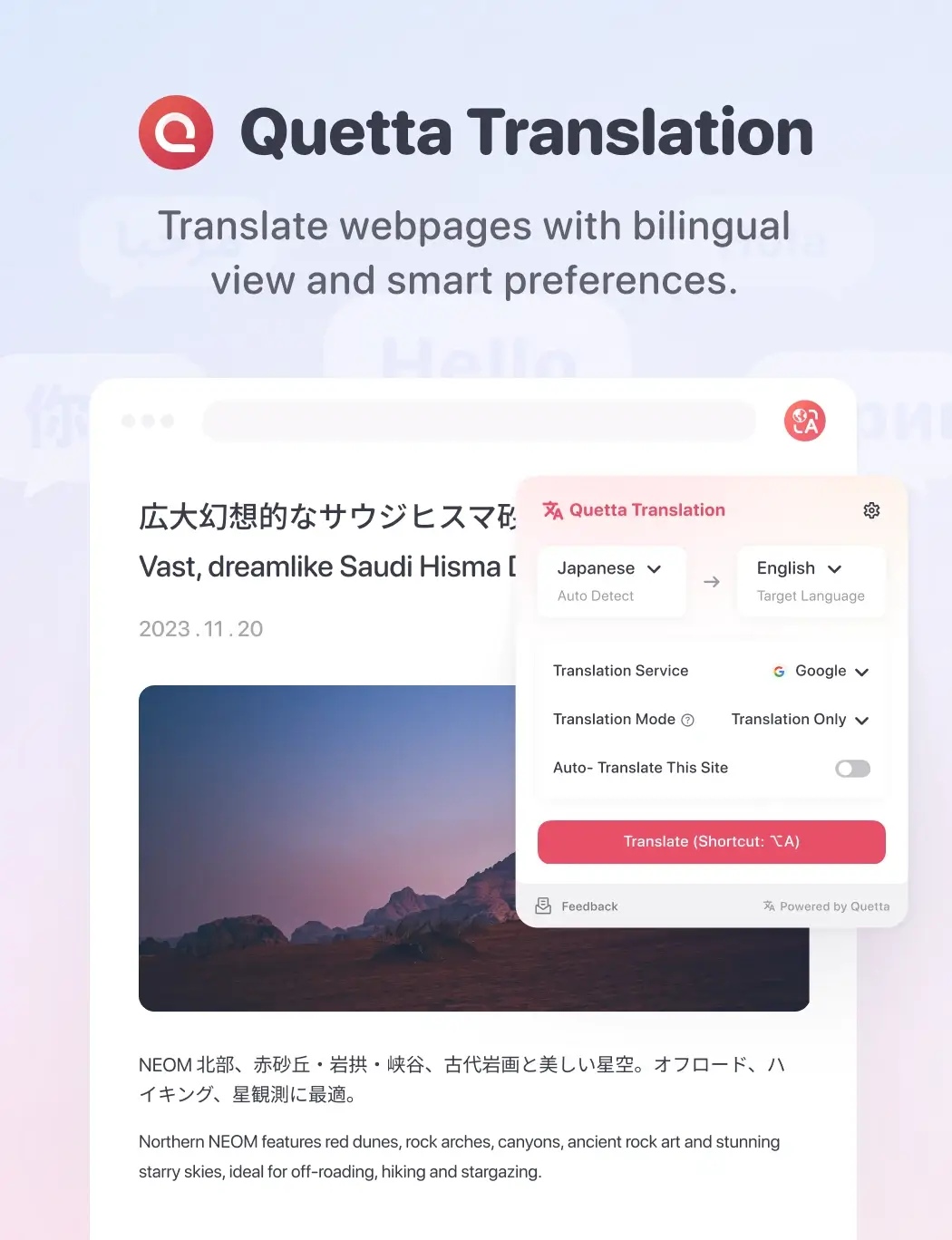
Translate entire webpages with one click. Compare the original and translation, switch to a clean translated-only view, or automatically translate websites you visit regularly.

One click · Multiple translation engines · Bilingual reading · Automatic site translation
Works with Chrome and Chromium-based browsers · Supports 100+ languages · Google, Microsoft, and built-in translation engines · Free to install
Translate entire webpages with one click
Instantly translate the current webpage without copying, pasting, or switching tabs. Quetta automatically detects the source language and applies your preferred target language.
Read the translation your way
Use bilingual mode to compare the original text with its translation and preserve context. When you only need the meaning, switch to translation-only mode for a cleaner reading experience.
Choose the translation engine that works for you
Switch between Google, Microsoft, and Quetta’s built-in translation engine based on the language, website, or content you are reading.
Automatically translate the sites you return to
Turn on Always Translate for individual websites. Quetta remembers your preference and translates those sites automatically whenever you visit again.
Use cases: Built for the multilingual web
International news
Follow stories and perspectives published in other languages.
Technical documentation
Understand guides, references, and developer resources without interrupting your workflow.
Research and education
Read articles, learning materials, and research sources while preserving the original context.
Language learning
Compare the source and translation as you browse.
International work
Review multilingual websites and content shared by global teams.
How to translate a webpage with Quetta
Choose your default target language, interface language, preferred translation mode, keyboard shortcuts, and Always Translate websites. Quetta automatically applies your preferences as you browse.
Add Quetta Translation to your browser.
Open a webpage written in another language.
Select your target language and click Translate.
Choose bilingual or translation-only mode.
Turn on Always Translate if you want Quetta to translate the website automatically next time.
Frequently asked questions
What is a webpage translator extension?

Can Quetta translate an entire webpage?
Can I view the original and translated text together?
Can Quetta automatically translate a website?
Which translation engines does Quetta support?
Is Quetta useful for language learning?
View all FAQs