Quetta for macOS · Beta
Meet the desktop version of Quetta’s video-first browser. Quetta for Mac combines AI-powered ad blocking, privacy protection, and a built-in video downloader in one clean browsing experience.
Get Beta for macOS

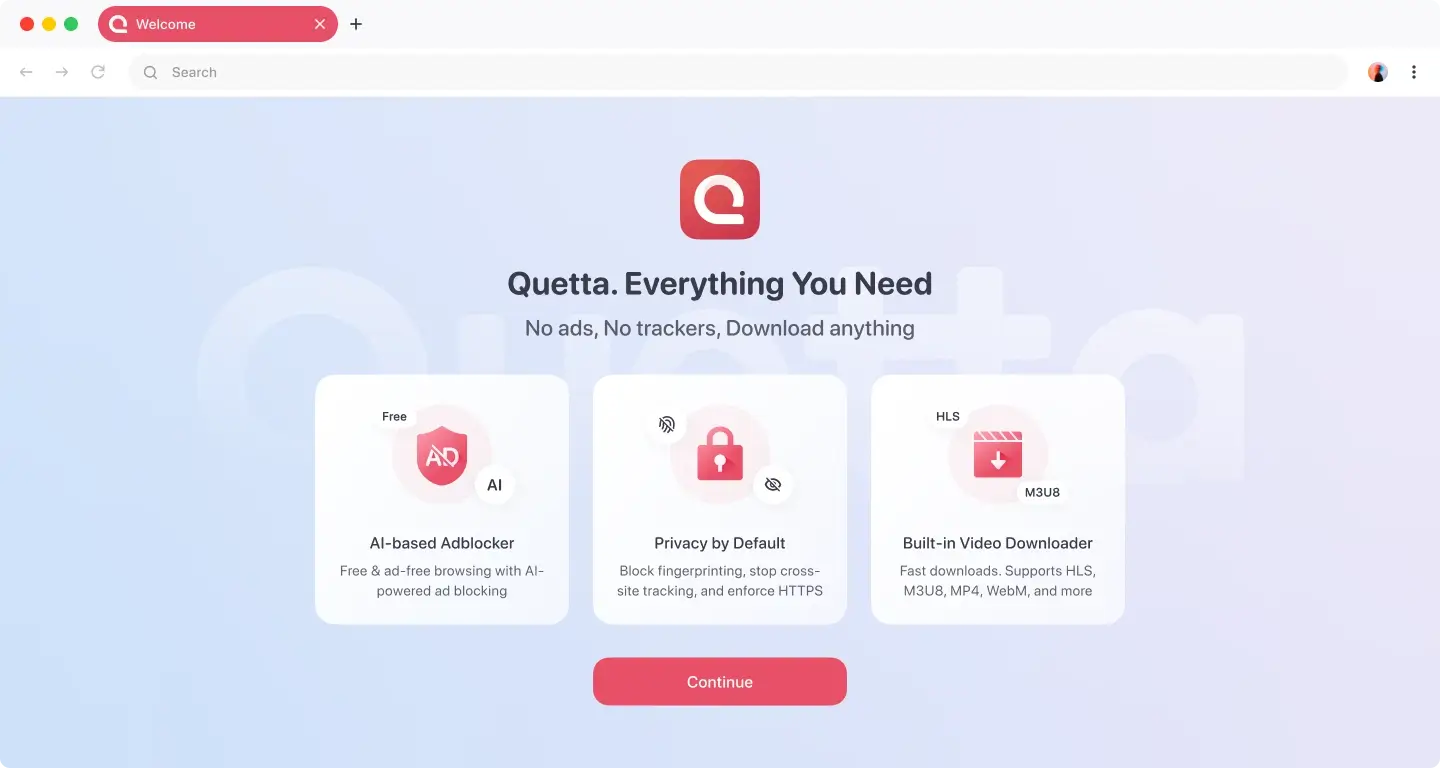
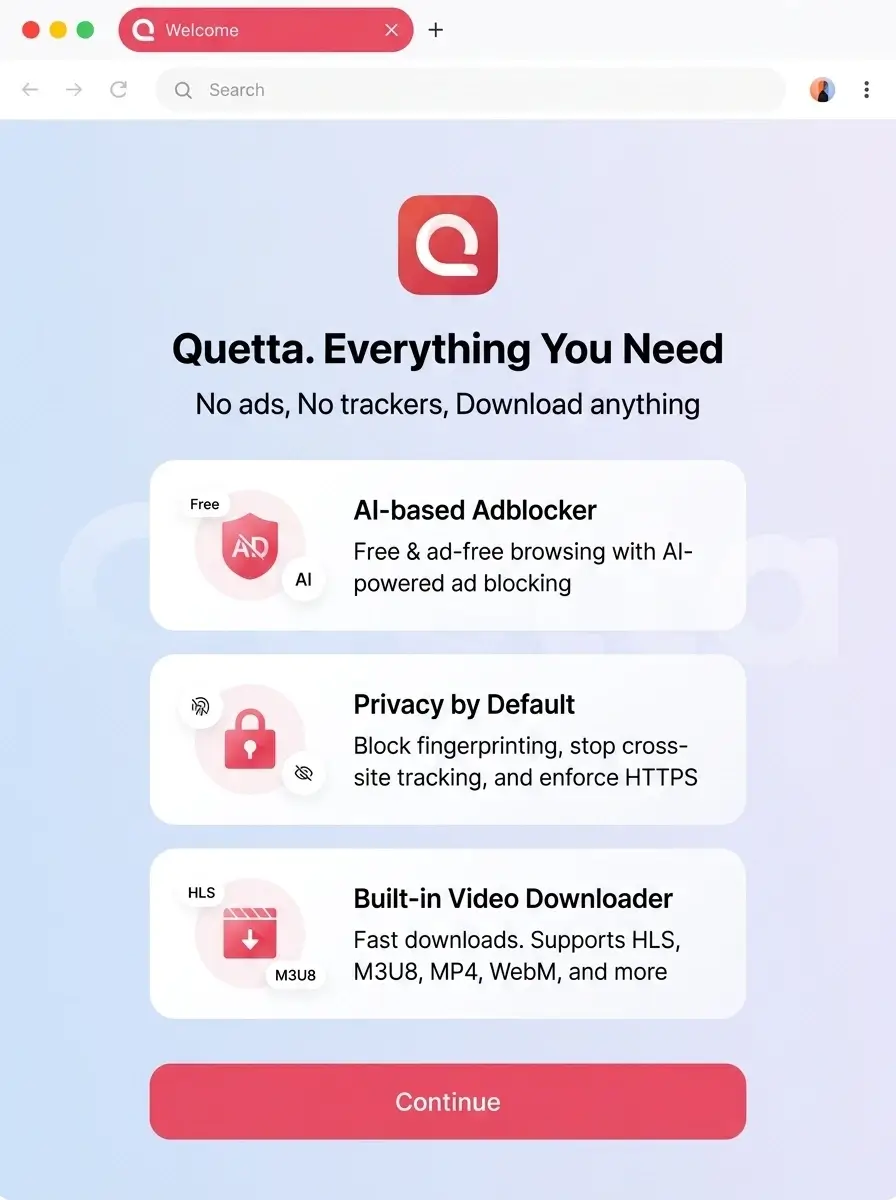
Quetta brings essential browsing, privacy, and video tools together so you can spend less time managing separate extensions and more time enjoying the web. Core protections are ready from the start, while simple controls let you adjust the experience when a website needs different settings.

Browse with fewer intrusive ads, pop-ups, and distracting page elements. Quetta’s built-in ad blocker uses intelligent detection together with filtering rules to identify supported advertising and tracking patterns as pages load.
Quetta includes privacy controls designed to limit unwanted tracking while you browse. It can block supported fingerprinting scripts, reduce cross-site tracking, and prefer secure HTTPS connections when available.
Save supported video files and streams without copying links into a separate downloader. When Quetta detects compatible media on a webpage, you can review the available formats or qualities and download the option you want.
Your feedback helps us build a better desktop browser.
Is Quetta Browser available for Mac?

Is Quetta for Mac a complete browser or an extension?
Can Quetta download every online video?
Does Quetta block every ad?
How do I send feedback about the Mac beta?
Why is Quetta for Mac still in beta?