Download Videos and Live Streams in Your Desktop Browser
Quetta Video Downloader is a free desktop browser extension that automatically detects downloadable videos and supported live streams. Download MP4, WebM, and HLS/M3U8 media, choose an available resolution, and save it directly to your computer.



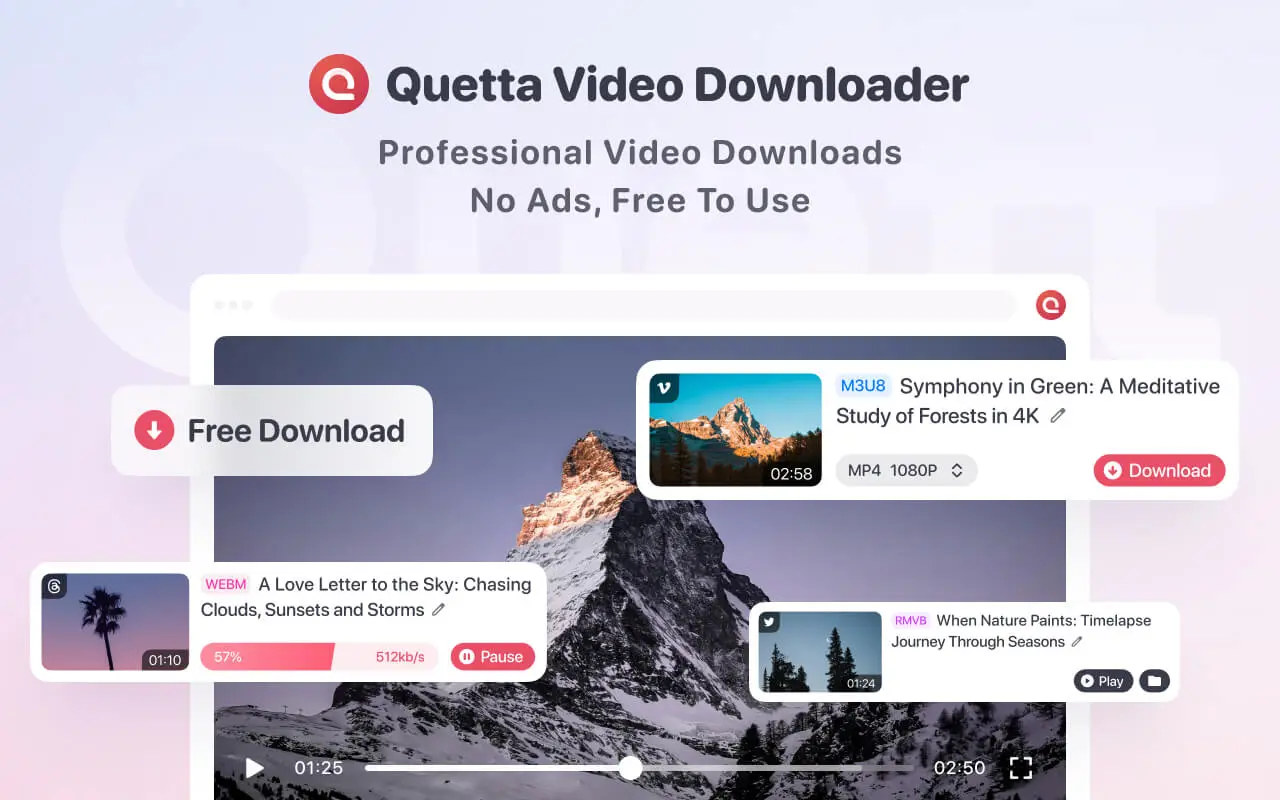

A powerful video downloader that stays in your browser
Quetta adds video-download controls directly to your desktop browser. It detects available video files and supported streams, shows the formats and resolutions provided by the source, and lets you save them without copying links into a third-party downloader website.
Automatic video detection
Open a supported webpage and Quetta automatically looks for available video files and streams. There is no need to copy and paste the page URL into a separate downloader.
One-click downloads
Select a detected video, choose an available format and resolution, and start the download directly from the extension.
MP4 and WebM formats
Download available video files in popular formats such as MP4 and WebM. The formats shown depend on what the source website provides.
HLS and M3U8 support
Quetta can detect supported HLS/M3U8 streams, download their media segments, and merge them into a single playable video file.
SD, HD, and up to 4K
Quetta automatically finds the resolutions offered by the source. Choose SD, HD, or up to 4K when that quality is available.
Simultaneous download control
Control how many downloads can run at the same time to balance download speed, bandwidth use, and computer performance.
Download videos for the way you use the web
A browser video downloader is useful when a permitted video is already open in your browser and you want a local copy for offline viewing, study, teaching, creative work, personal backup, or saving a supported live broadcast.
Offline viewing
Save permitted videos before a flight, commute, or low-connectivity trip so playback does not depend on a stable internet connection.
Study and research
Keep authorized lectures, demonstrations, references, and research material available while taking notes or working offline.
Teaching and presentations
Prepare approved video clips before a lesson, workshop, or presentation to reduce buffering and connection problems.
Creative reference
Save media you own or have permission to use for editing references, mood boards, and production planning.
Live broadcasts
Save supported live-streaming video while it is available, subject to the website, stream format, browser, and access restrictions.
Download video files, HLS streams, and live video
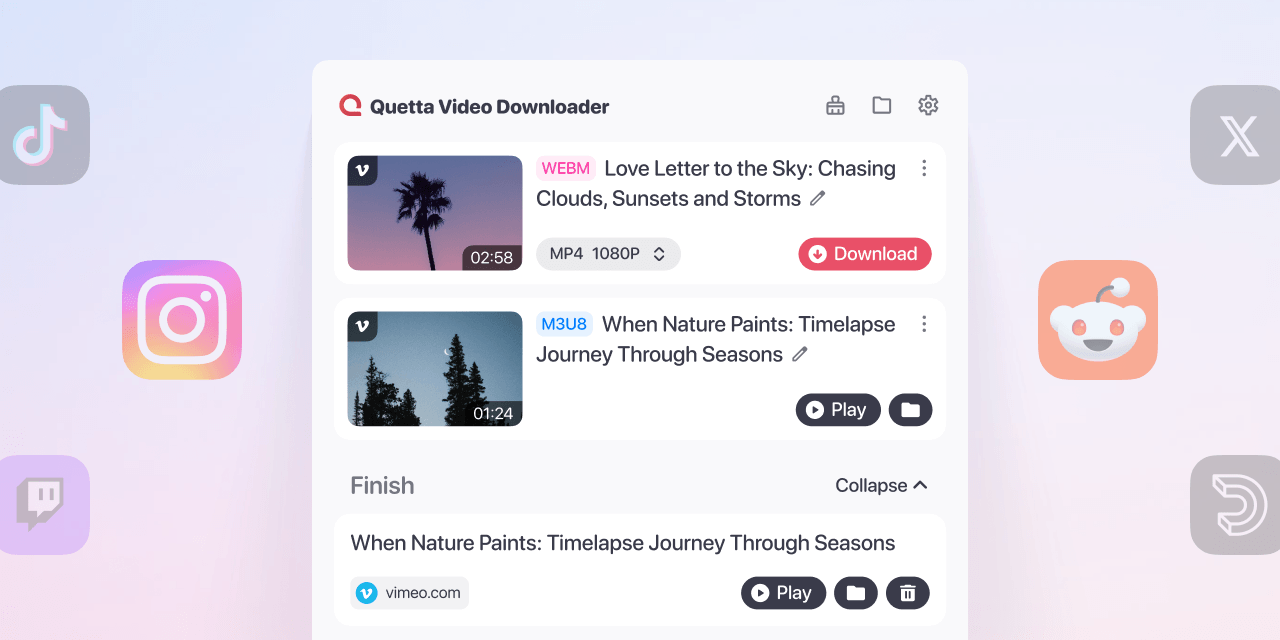
Quetta supports regular video files and compatible streaming formats. It can detect available MP4 and WebM files, process supported HLS/M3U8 media, and download supported live-streaming video while the stream is available.
Video & Media
What Quetta does
MP4
Downloads an available MP4 file directly
WebM
Downloads an available WebM file directly
HLS/M3U8
Downloads supported media segments and merges them
Live streaming video
Captures supported live-stream media while available
SD and HD
Shows resolutions supplied by the source
Up to 4K
Available only when the source provides downloadable 4K
Quetta does not convert a low-resolution source into 4K. It can only display and download the resolutions made available by the source.
Choose the right browser for Quetta
Quetta works in compatible desktop versions of Chrome, Microsoft Edge, and Firefox. Core video, HLS/M3U8, and supported live-stream downloads are available across these browsers, while YouTube downloading is currently limited to Edge and Firefox.

Download videos and live streams in Chrome
Use Quetta in Chrome to detect and download supported video files, HLS/M3U8 streams, and live-streaming video. Choose available formats and resolutions up to 4K when provided by the source. YouTube downloads are not currently supported in Chrome.

Download videos and YouTube content in Firefox
The Quetta extension for Firefox supports regular video downloads, compatible live streams, HLS/M3U8 media, and supported YouTube downloads.

Download videos and YouTube content in Edge
The Quetta extension for Microsoft Edge supports regular video downloads, compatible live streams, HLS/M3U8 media, and supported YouTube downloads.
How to download a video on PC with Quetta
Install Quetta in a supported desktop browser, open a supported video page, select a detected video, choose an available format and resolution, and save the file through your browser’s normal download process.
Install the Extension
Open Any Video Page
Visit the page containing the video you own or have permission to download. On some websites, you may need to start playback before the video is detected.
3. Click and Download
Start the download and find the completed file in your browser’s Downloads list or configured download folder.
Quetta can detect and download supported live-streaming video while the stream is available. For compatible HLS/M3U8 streams, the extension downloads the media segments and merges them into a playable video file.
Open the live stream
Open the supported live broadcast in Quetta’s compatible desktop browser extension and start playback if required for detection.
Let Quetta detect the stream
Open the extension to view available live-stream or HLS/M3U8 media detected on the page.
Select the available stream
Choose the available stream and resolution. Options depend on the website and the formats supplied by the live broadcast.
Download the live video
Start the download while the stream is available. For supported HLS media, Quetta downloads and merges the captured segments into a video file.
Frequently asked questions
Can Quetta download live-streaming video?

How does Quetta download an HLS live stream?
Can Quetta download YouTube videos?
Why does YouTube downloading differ by browser?
Can Quetta download a live stream after it has ended?
Can Quetta download DRM-protected live streams?
View all FAQs