Explore Quetta Browser news, product updates, and practical guides to video downloading, ad blocking, Android extensions, privacy, and mobile browsing.


HLS vs M3U8: What They Mean for Streaming Video
Learn how HLS, M3U8, MP4 and WebM differ, what an M3U8 playlist contains, and why some streaming videos cannot be detected or saved.

How Email Aliases Help Manage Spam Exposure
Learn how email aliases can keep website mail away from your regular address, what they cannot stop, and how to use a masked address safely.

Email Alias vs Disposable Email Address: What’s the Difference?
Compare email aliases, masked addresses, and disposable email inboxes by duration, delivery, privacy, recovery, and the accounts each option fits.

What Is an Email Alias and How Does It Work
Learn what an email alias is, how aliases and email masks work, their benefits and limits, and how they differ from forwarding and disposable email.
How to Block Ads on Android Phone in 2026
Block ads on Android by matching the method to the problem: browser ads, pop-ups, notifications or in-app ads. Follow a practical setup and test it.

What Is the Best Ad Blocker for Android?
Choose an Android ad blocker by coverage, control and setup. Compare built-in browsers, extensions, DNS filtering and standalone apps for your needs.

A Practical Guide to Browser Privacy
Learn how browser privacy works across cookies, trackers, fingerprinting, IP addresses, accounts and private mode, and which controls reduce each risk.

DNS over HTTPS: What It Protects and What It Doesn't
Understand DNS over HTTPS, resolver privacy, DNS over TLS and Android Private DNS. Learn what encrypted DNS changes and what remains visible.

How Do Ad Blockers Work? Filters, DNS and Page Cleanup
Learn how ad blockers filter requests, hide page elements and use DNS. Understand blank ad spaces, video ads, filter lists and common limitations.
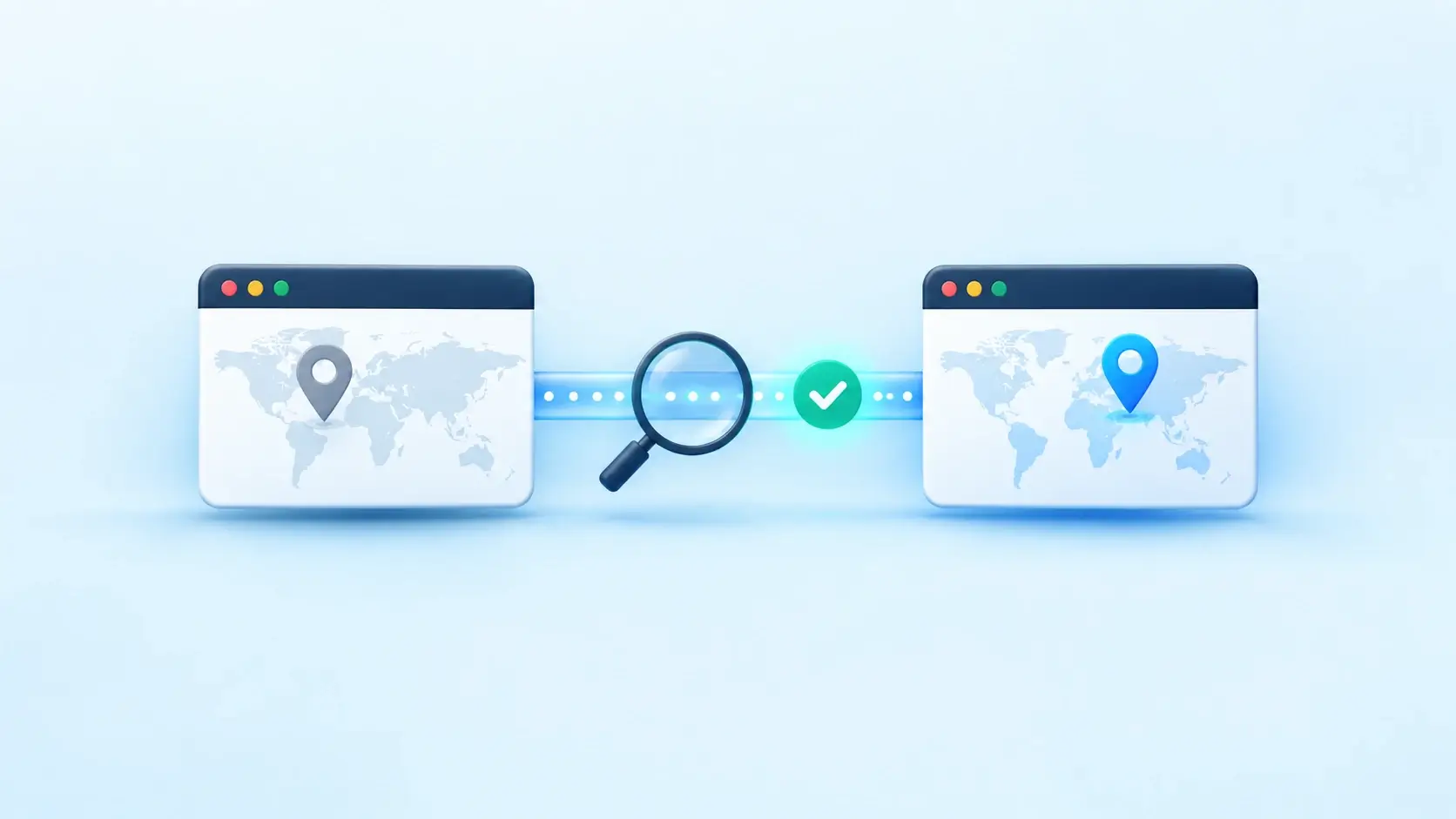
How to Check If Your VPN Extension Is Working
Check a VPN extension’s public IP, website access, private-tab behavior and reconnection. Understand what your results prove and when to investigate further.
Stay up to date with latest features
Check out our changelog to learn about Quetta’s new features and highlights.
See what’s new