Download Quetta Browser
for Android
Download Quetta Browser for Android from Google Play or get the official APK. Browse with ad blocking, privacy controls, video tools, and compatible extensions.


Why use Quetta on Android?
Explore the Android features that help you customize browsing, reduce interruptions, manage privacy settings, and save supported media.
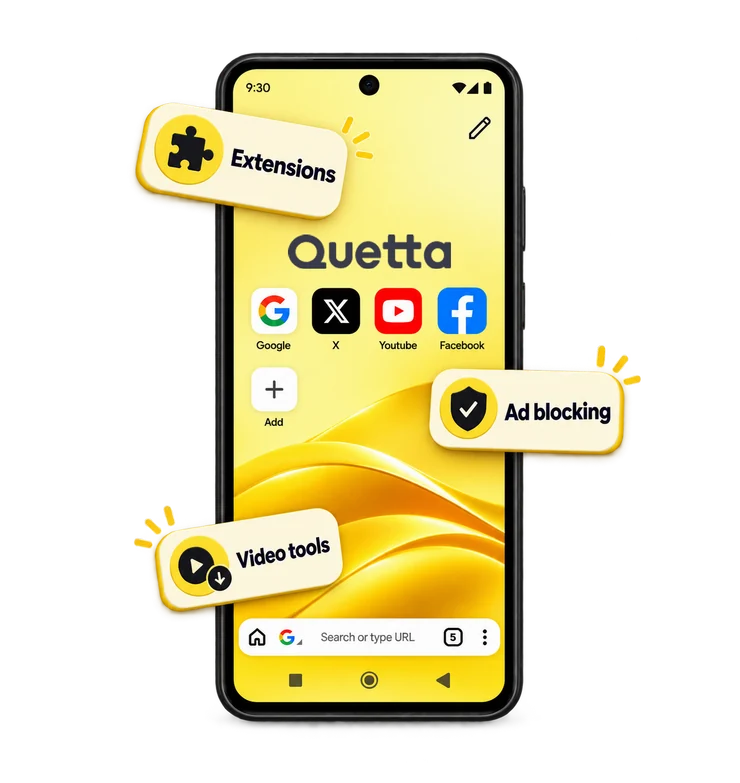
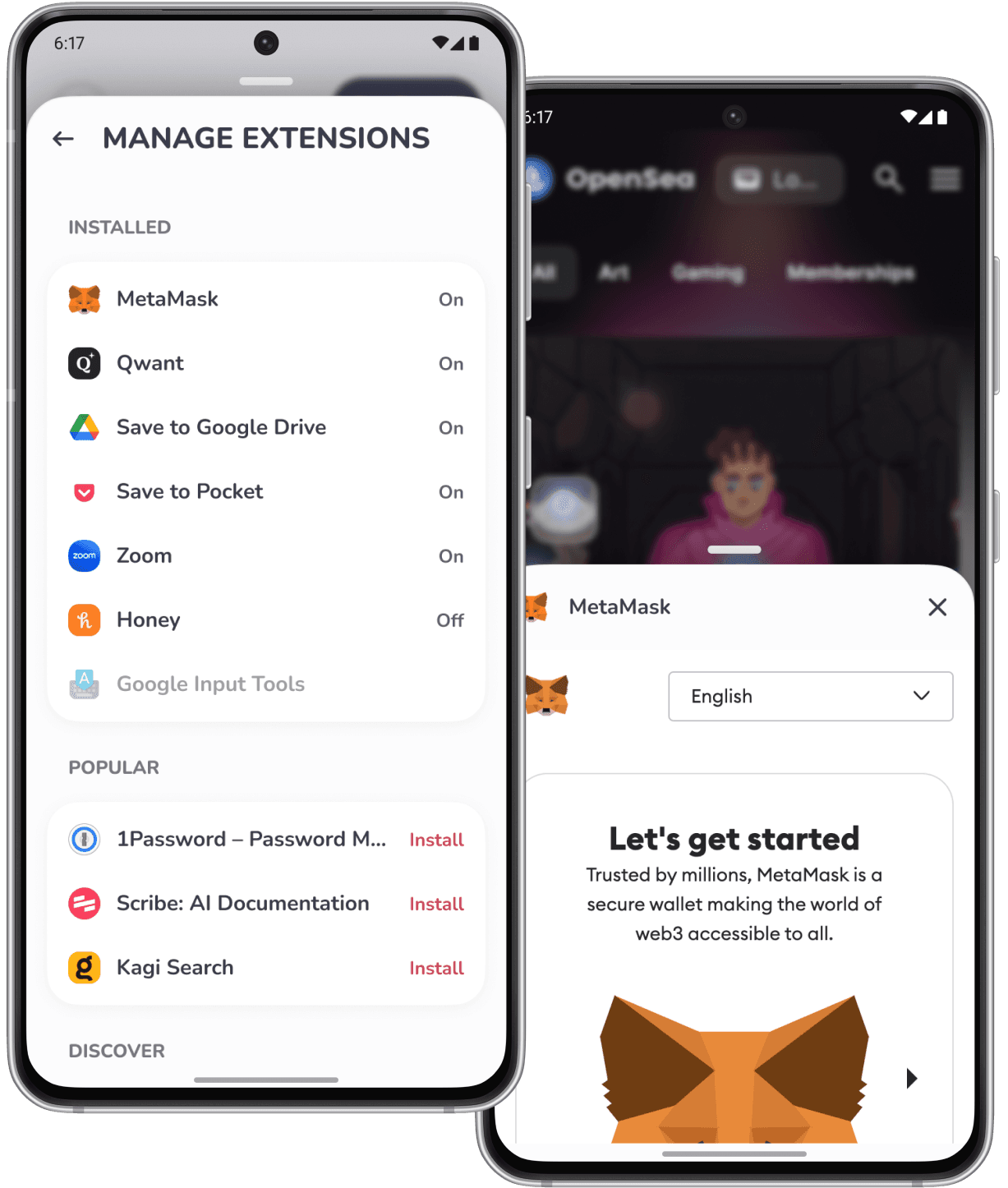
Use compatible browser extensions
Quetta supports many extensions from the Chrome Web Store and Microsoft Edge Add-ons on Android. Compatibility can vary because some extensions depend on desktop-only interfaces, keyboard shortcuts, background behavior, or browser APIs.

Block intrusive ads and trackers
Built-in blocking helps reduce matching ad, pop-up, and tracking requests while you browse. Results can vary by website, filter coverage, and page changes, and protection can be adjusted when a site does not work as expected.
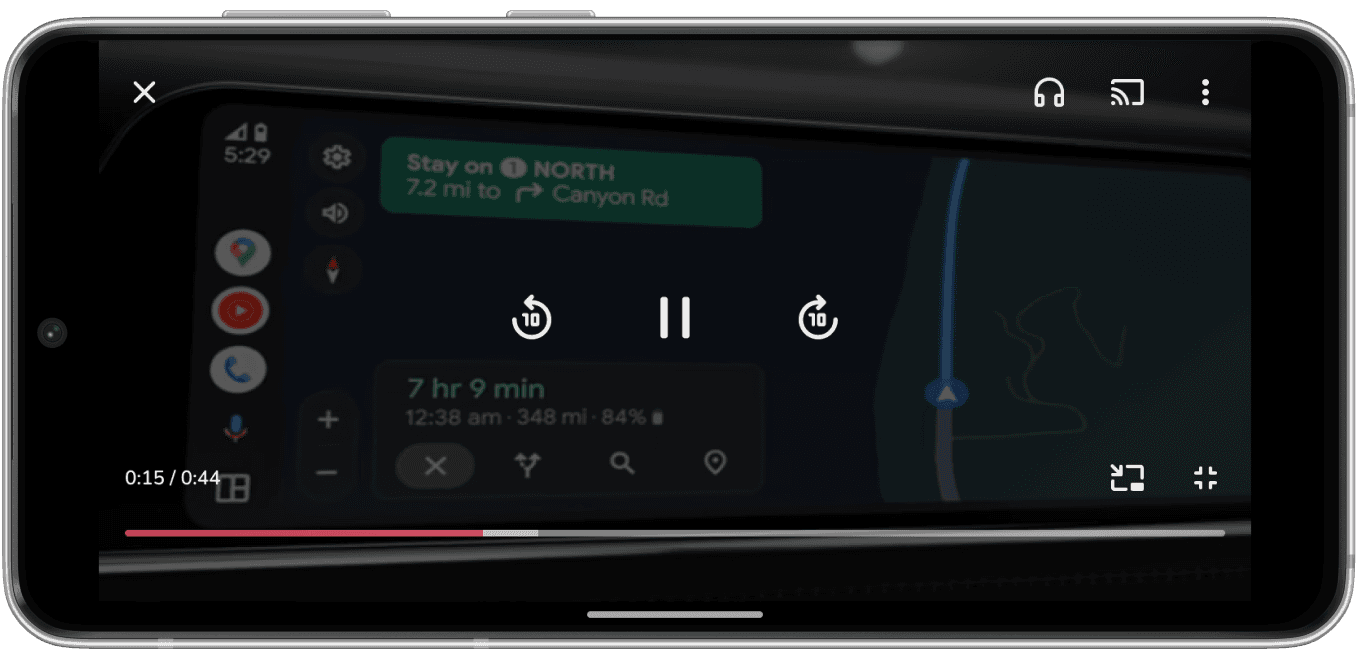
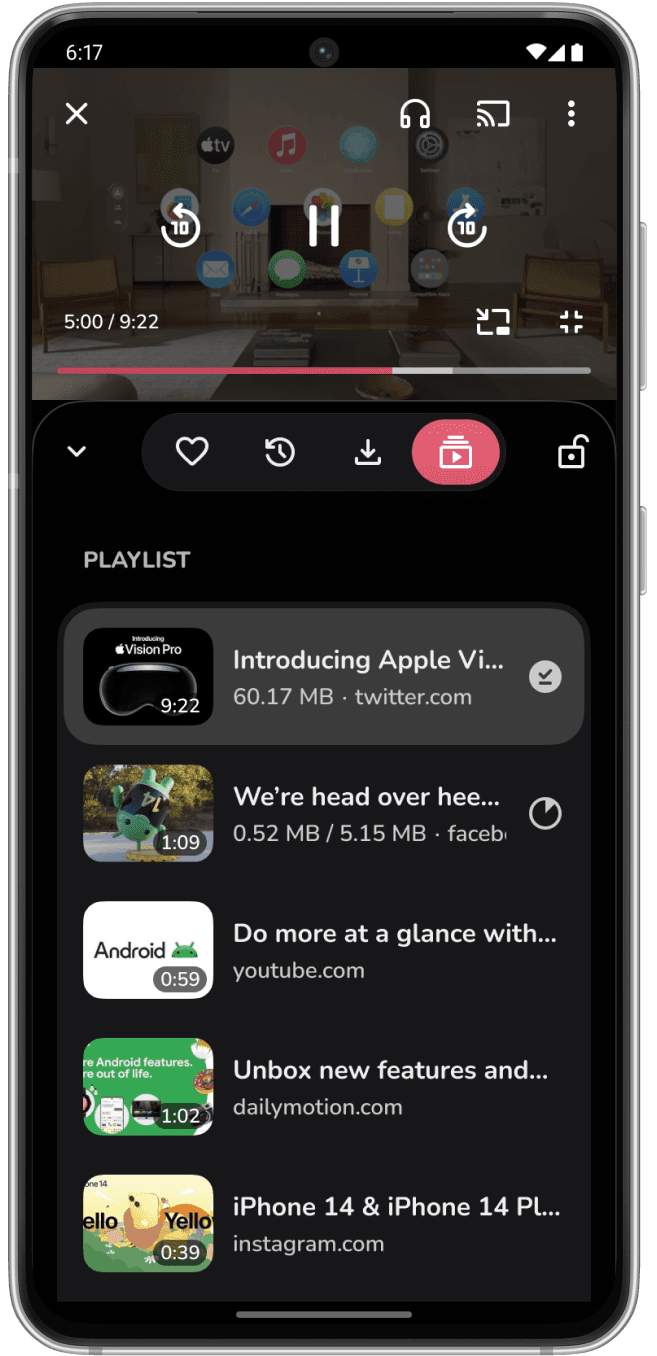
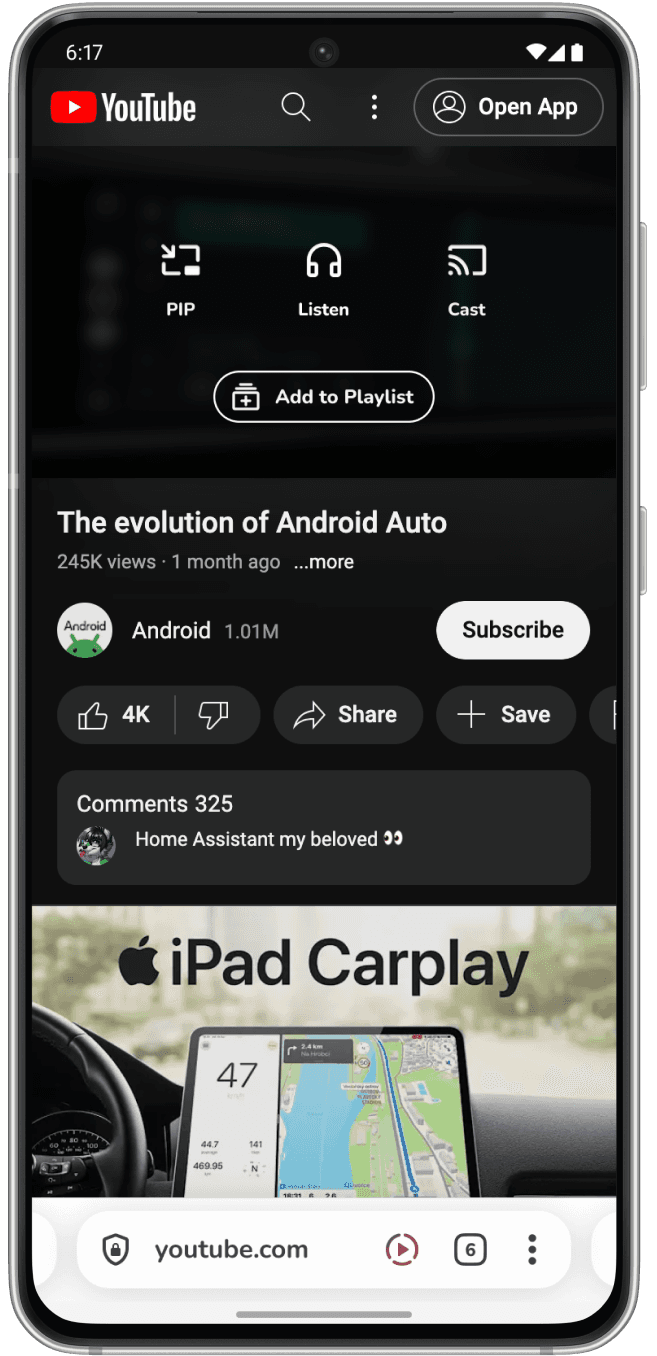
Save supported videos for offline viewing
When Quetta detects compatible media, you can save supported files or streams for offline viewing. Availability depends on the source, website implementation, access controls, local law, and the current Quetta version.
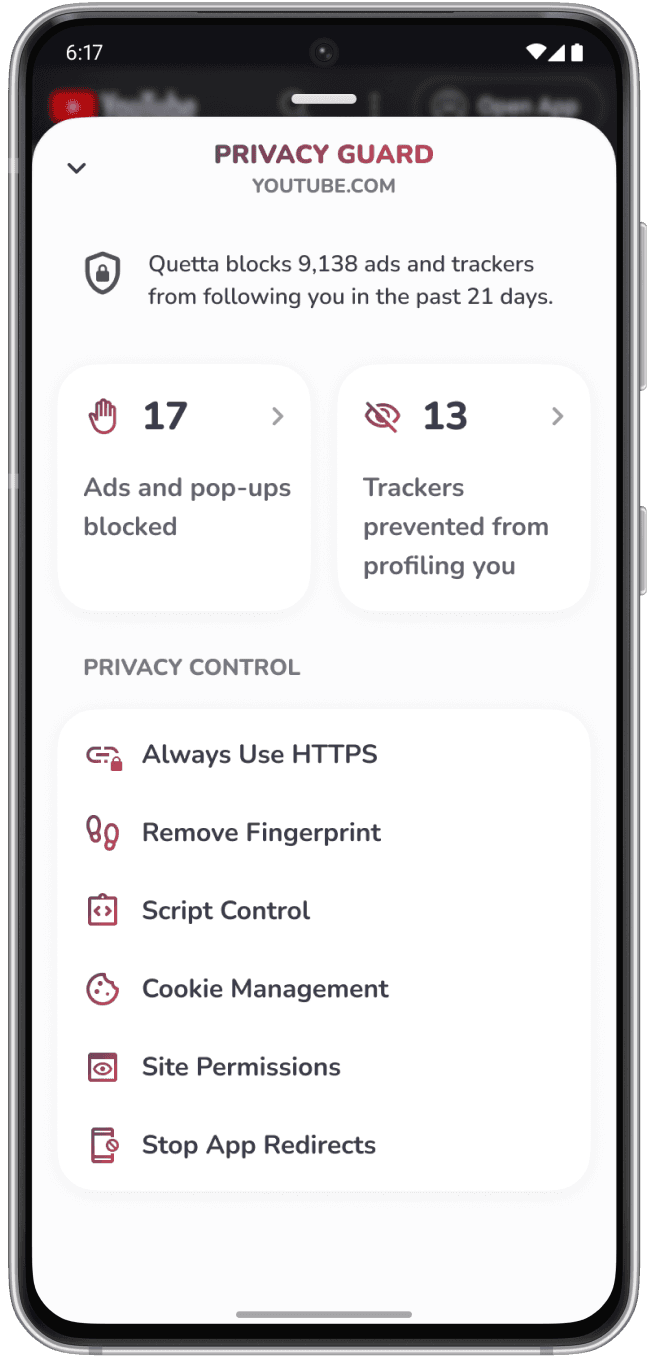
Control privacy settings
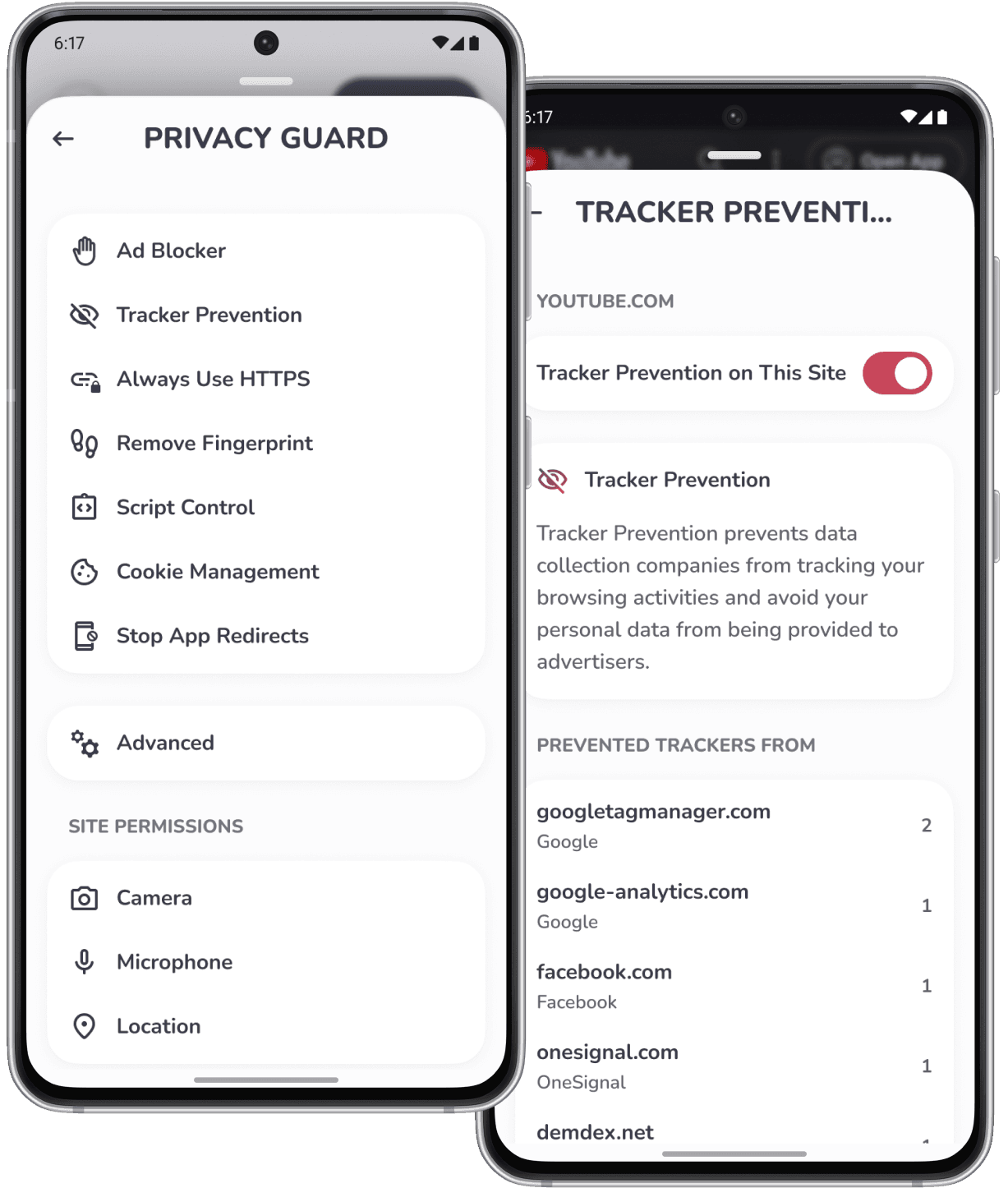
Quetta includes controls for tracker prevention, fingerprinting protection, site permissions, cookies, scripts, and browsing data. Available controls may vary by version and settings.
How to install the Quetta APK on Android
Download the APK only from the official Quetta Android page.
Compare the displayed version, package name, file size, and SHA-256 value with the downloaded file.
If Android requests permission to install unknown apps, grant it only to the browser or file manager used for this installation.
Open the APK and follow Android’s installation prompts.
Disable the temporary “install unknown apps” permission after installation if it is no longer needed.
Keep Quetta updated through Google Play or Quetta’s official APK release channel.
Is Quetta Browser available for Android?

Where can I download the official Quetta Browser?
Does Quetta provide an official Android APK?
Can Quetta use Chrome extensions on Android?
Does Quetta have a built-in ad blocker?
Can Quetta download videos on Android?
Is Quetta Browser safe?