Can Websites Track You in Incognito Mode?
Incognito mode clears local browsing data, but it does not make you invisible. Learn how websites can still recognize or track a private browsing session.

Kayla
Quetta Networks


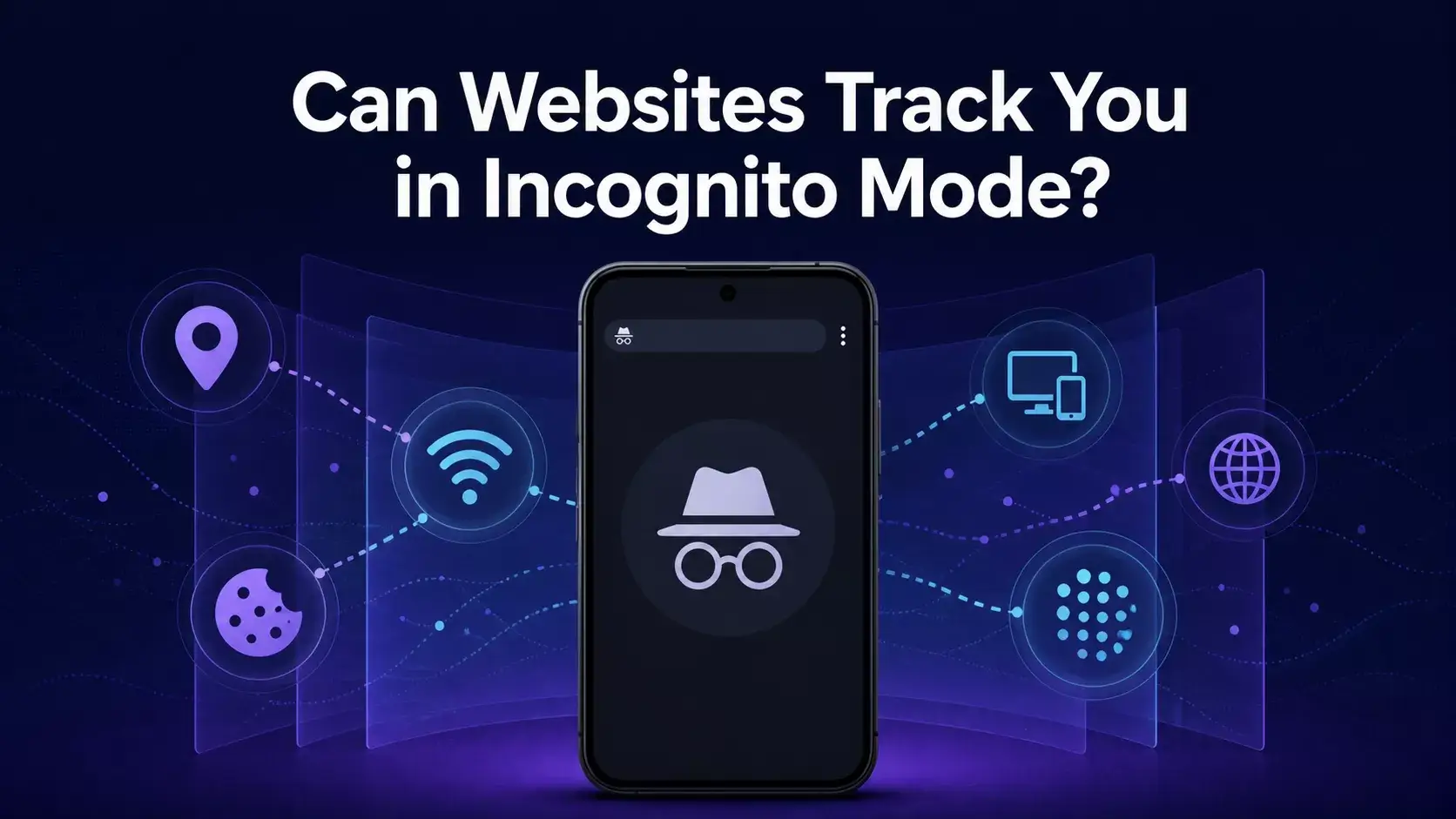
Yes. Incognito or private browsing limits what your browser keeps on your device after the session, but it does not make you invisible to websites. A site may still see your IP address, recognize an account you sign in to, collect browser and device signals, and observe what you do during the visit.
This guide explains what incognito mode actually changes, why a website may still recognize you, and which additional privacy controls can reduce tracking.
The short answer: incognito protects local privacy, not anonymity
Incognito mode mainly separates a temporary browsing session from your normal one. Chrome says that it removes the session’s site data and browsing record after all Incognito windows close, but websites, employers, schools and internet service providers may still observe activity during the session.
That makes private browsing useful when you want to:
avoid leaving history on a shared device;
start a temporary session without your normal cookies;
sign in to a second account;
prevent a later user of the device from seeing the session in browser history.
It is not designed to hide your network address, disguise your device or prevent every form of website tracking.
Source: Google Chrome Help — Browse in Incognito mode.
How can a website recognize you in incognito mode?
1. Your IP address is still visible
Websites need an IP address to send content back to your device. Incognito mode does not replace that address. A site may use it as one signal for approximate location, network identification, abuse prevention or session linking.
An IP address alone does not always identify one person. Many people can share an address, and addresses can change. However, it becomes more useful when combined with account, behavior and device signals.
2. Signing in identifies the session
If you sign in to an account, the website no longer needs to guess who is browsing. Actions performed while signed in can be associated with that account according to the service’s policies.
Incognito mode does not create an anonymous version of an authenticated account.
3. Websites can create temporary cookies during the session
Private browsing does not mean that no cookies exist while a page is open. Websites may need temporary site data for navigation, authentication, shopping carts and preferences. Chrome removes Incognito site data when the private session ends, but a site can still use that data while the session is active.
For Android cookie controls and their effect on site behavior, see How to Block Third-Party Cookies on Android.
4. Browser fingerprinting does not depend on a saved cookie
Browser fingerprinting combines signals such as screen dimensions, language, time zone, platform characteristics, graphics behavior and other browser-exposed properties. A sufficiently distinctive combination may help a site recognize that two sessions probably came from the same browser or device.
Incognito mode can reset ordinary storage, but it does not automatically make all devices look identical. Learn how these signals are assembled in What Is Browser Fingerprinting?.
5. A site can use first-party identifiers and links
A website may associate activity with information contained in a link, a referral parameter, a temporary session identifier or an action taken within the visit. These mechanisms do not require a long-lived third-party cookie.
6. Behavior may provide an additional signal
Timing, navigation patterns and repeated actions can sometimes help a service connect activity, particularly for fraud prevention. Behavioral similarity is not proof that two visitors are the same person, but it can contribute to a broader risk score.
Does closing the incognito window reset everything?
Closing every private window normally ends that browser session and removes its temporary local site data. It does not delete information that a website already received, actions saved to a signed-in account, files you downloaded or records held by a network provider.
If a website appears to remember you after a new private session starts, possible explanations include:
you signed in again;
the same network address and device signals were observed;
a unique link or account recovery flow identified the visit;
another browser or app passed the site contextual information;
the site inferred a match rather than retrieving an old Incognito cookie.
Incognito mode, cookie blocking, and fingerprinting protection solve different problems
Incognito mode limits local history and storage persistence after the session.
Third-party cookie blocking restricts a common form of cross-site storage and recognition.
Tracking prevention can block or limit known tracking requests.
Fingerprinting protection reduces supported attempts to identify a browser through device and browser signals.
A VPN changes the network address visible to a site, but does not automatically stop cookies, account recognition, or browser fingerprinting. If you use a browser VPN extension, also review what its permissions and privacy policy mean; changing the connection address does not remove the need to trust the extension provider.
No single control provides complete anonymity. Effective privacy comes from understanding which party you want protection from and combining compatible controls.
How Quetta can add protection beyond a private session
Quetta’s Privacy Guard brings several privacy controls into the browsing experience, including tracking prevention, fingerprinting protection and cookie management. Cookie Management lets you choose Don’t block any cookies, Block third-party cookies or Block all cookies globally or for a specific site.
These controls address different tracking methods. Blocking third-party cookies does not by itself prevent browser fingerprinting, while fingerprinting protection does not replace account, network or cookie controls.
See Privacy Guard for Quetta’s privacy features and Browser Fingerprinting Protection on Android for the dedicated fingerprinting-protection solution.
Practical steps for a more private session
Avoid signing in when you do not want activity associated with an account.
Block third-party cookies where compatible with the sites you use.
Enable tracking and fingerprinting protections supported by your browser.
Review site permissions for location, camera, microphone and notifications.
Test important sign-in, payment and embedded-content workflows after tightening controls.
Treat downloaded files and saved bookmarks as persistent device data.
Frequently asked questions
Can a website see my normal cookies in incognito mode?
An Incognito session is normally separated from the cookies in your regular browsing session. However, websites can create temporary site data inside the Incognito session, and signing in can identify you directly.
Does incognito mode hide my IP address?
No. Incognito mode does not replace or conceal the network address used to connect to a website.
Can browser fingerprinting work without cookies?
Yes. Fingerprinting can use a combination of browser and device signals without relying on a stored cookie. Its reliability varies by implementation and by how distinctive the available signals are.
Is incognito mode useless for privacy?
No. It is useful for reducing what remains on the device and separating a temporary session. The mistake is treating local privacy as complete online anonymity.
Can Quetta guarantee that no website will recognize me?
No browser can guarantee that. Websites may use accounts, network information, browser signals, and other techniques. Quetta provides controls intended to reduce supported tracking methods, but privacy protection has practical and compatibility limits.
The bottom line
Incognito mode is a local privacy feature, not an invisibility switch. It can prevent a later user of the device from seeing the session in browser history, but websites may still recognize or observe the visit through accounts, IP addresses, temporary storage, links, and browser fingerprinting. Use it as one layer alongside cookie, tracking, permission, and fingerprinting controls.