6 Best Kiwi Browser Alternatives for Android in 2026
Compare the best Kiwi Browser alternatives for Android, including options for extensions, privacy, ad blocking, video tools, and everyday browsing.

Kayla
Quetta Networks


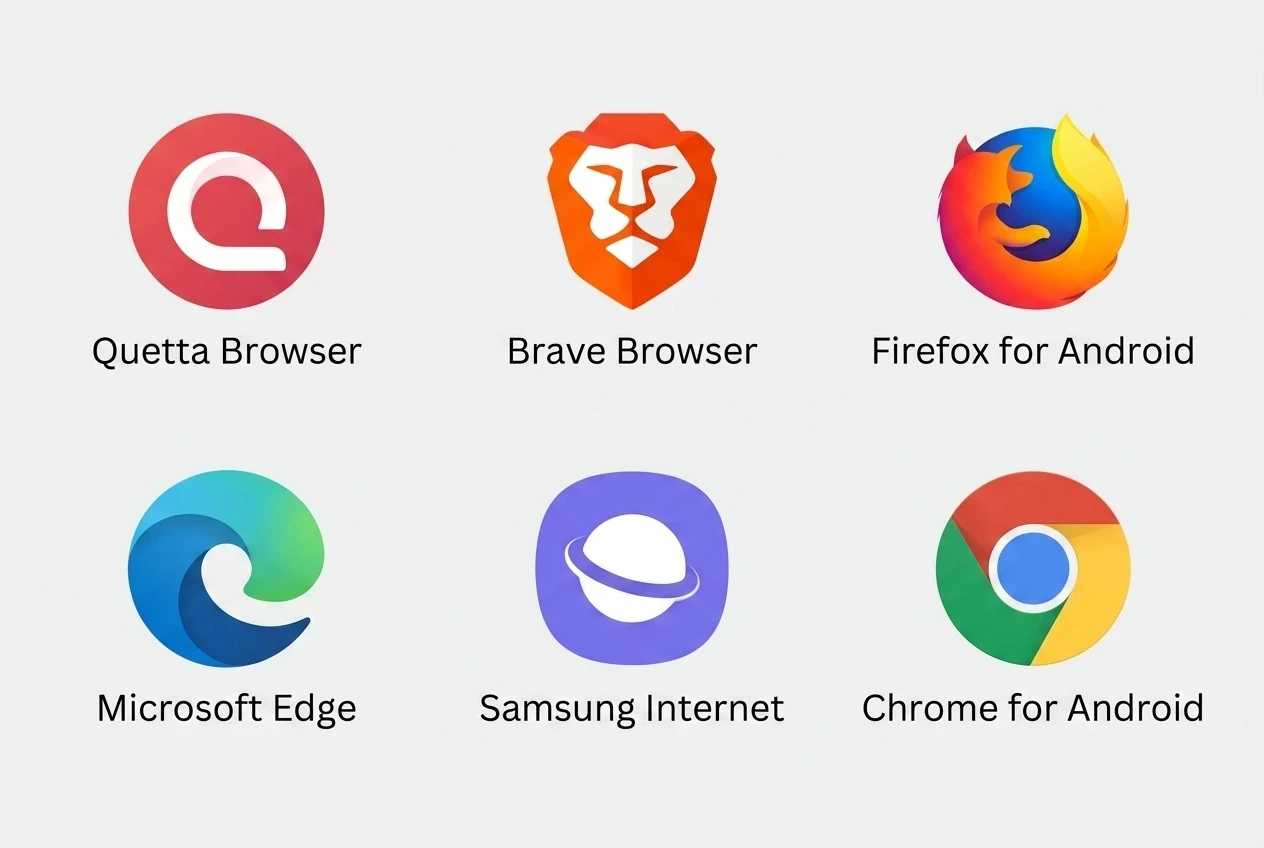
The right Kiwi Browser alternative depends on what you need to keep. Quetta is an option for Chromium-style extensions and built-in video tools; Firefox offers Android add-ons through Mozilla; Brave focuses on built-in blocking. Edge, Samsung Internet and Chrome may fit better if your priority is an existing account or device workflow.
Quetta publishes this comparison. The recommendations below are based on documented features and different user needs, rather than a speed benchmark or a claim that one browser is best for everyone.
Why consider switching from Kiwi?
Kiwi's official repository states that the browser is archived and is no longer maintained after January 2025. An existing installation may still open websites, but continued operation is not the same as ongoing maintenance. See the Kiwi developer's announcement.
Before choosing a replacement, list the extensions and browser functions you actually use. A browser that installs an extension may still be unable to run a desktop-only popup, background task, or companion application.
Kiwi alternatives at a glance
Browser | Consider it when you need | Check before switching |
|---|---|---|
Quetta | Android extension access alongside built-in blocking and video tools | Whether your specific extensions and media sources work |
Firefox | An Android browser with Mozilla add-ons | Whether each essential Chrome extension has a Firefox equivalent |
Brave | Built-in ad and tracker blocking | Whether built-in controls cover the tasks you previously used extensions for |
Microsoft Edge | A browser connected to your Microsoft workflow | Which extensions your Android release actually offers |
Samsung Internet | A browser designed around Galaxy browsing | Its available add-ons and your required account features |
Chrome | Familiar Google-account browsing | Whether you can use mobile websites or Android apps instead of desktop extensions |
1. Quetta: for extensions and video tools in one browser
Quetta combines Android extension support with built-in ad blocking, privacy controls, and tools for supported web videos. Its Android product page describes access to compatible extensions from the Chrome Web Store and Microsoft Edge Add-ons.
This makes Quetta worth considering if you use Kiwi for more than one task: for example, a translation extension, a reading tool, and browsing with fewer advertising interruptions.
Start with your most important extension. Install it from the verified publisher, open a normal webpage, and complete its main action. Check that its interface fits the screen and that its settings remain available after reopening the browser. Adding every old extension at once makes problems harder to isolate.
For the installation workflow, follow how to use browser extensions on Android.
2. Firefox: for Mozilla's Android add-on ecosystem
Firefox is a useful alternative when the extensions you need are available as Firefox add-ons. Mozilla documents installation through its Android add-on collection and the browser's extension manager. See Mozilla's Android extension instructions.
The main switching question is availability: find the Firefox version of each essential tool before you move your daily browsing. A familiar extension name does not guarantee identical features across browser versions.
3. Brave: for built-in blocking
Brave is worth comparing if you mainly used Kiwi to reduce ads and tracking. Brave Shields provides built-in protections and controls for individual websites.
Choose based on the outcome you want. If built-in controls already cover your browsing needs, you may not need to recreate your old extension setup. If a particular extension is essential, check that requirement separately rather than assuming a browser's privacy features replace it.
4. Microsoft Edge: for a Microsoft account workflow
Edge may fit users who already use Microsoft's browser on another device and want access to their associated browsing workflow on Android. Start with the official Edge mobile product.
For extension-dependent tasks, inspect the options in the exact Android release you intend to use. Desktop Edge support, Android stable support, and experimental builds should not be treated as interchangeable. Do not choose a development build solely because an old tutorial uses it.
5. Samsung Internet: for Galaxy users
Samsung Internet is an option for users who prefer Samsung's browsing interface and available add-ons. Samsung's browser support guide explains its mobile features and settings.
Check the specific functions that matter to you, such as content blocking and saved-page access. An add-on available in one browser's ecosystem is not automatically available in another.
6. Chrome: when desktop extensions are no longer essential
Chrome can be a practical choice if your remaining needs are ordinary browsing and a Google-account workflow. It is less suitable as a direct replacement for a Kiwi setup built around desktop extensions.
Before deciding, see whether Chrome on Android supports extensions. You may be able to complete a task with an Android app or mobile website, but that is a different workflow from running the original extension.
What to check before removing Kiwi
Write down the names and publishers of your essential extensions.
Confirm that important bookmarks are backed up or accessible elsewhere.
Check the replacement's supported import options; do not assume passwords, sessions, and extension settings transfer together.
Test sign-in, downloads, and your most important extension in the new browser.
Change your default browser only when the essential tasks work.
If you cannot locate a saved page, first find and organize your Android bookmarks before attempting a transfer.
Keep access to your old data until you have verified the replacement. An imported bookmark does not transfer a website session, and installing the same extension does not necessarily restore its settings.
Frequently asked questions
Which alternative is closest to Kiwi for extensions?
Quetta is worth evaluating for Chromium-style extension access. Firefox is another option when the tools you need have Android-compatible Mozilla versions. Choose using your actual extension list, not only the number of extensions a browser advertises.
Do I need another Chromium browser?
Only if your workflow depends on a Chromium-specific extension or behavior. For ordinary browsing, a different browser engine may still meet your needs.
Can I move all my Kiwi data automatically?
Do not assume so. Bookmarks, passwords, open tabs, website sessions and extension settings are separate types of data. Check the import options in both browsers and confirm the result before deleting anything.
If Quetta matches your extension and video workflow, get Quetta for Android and test your essential tasks first.

