720p vs 1080p vs 4K: Choosing Video Quality and File Size
Understand how resolution, bitrate, codec, frame rate, duration, and audio affect downloaded video size. Choose 720p, 1080p, or 4K based on screen, storage, and use case.

Kayla
Quetta Networks


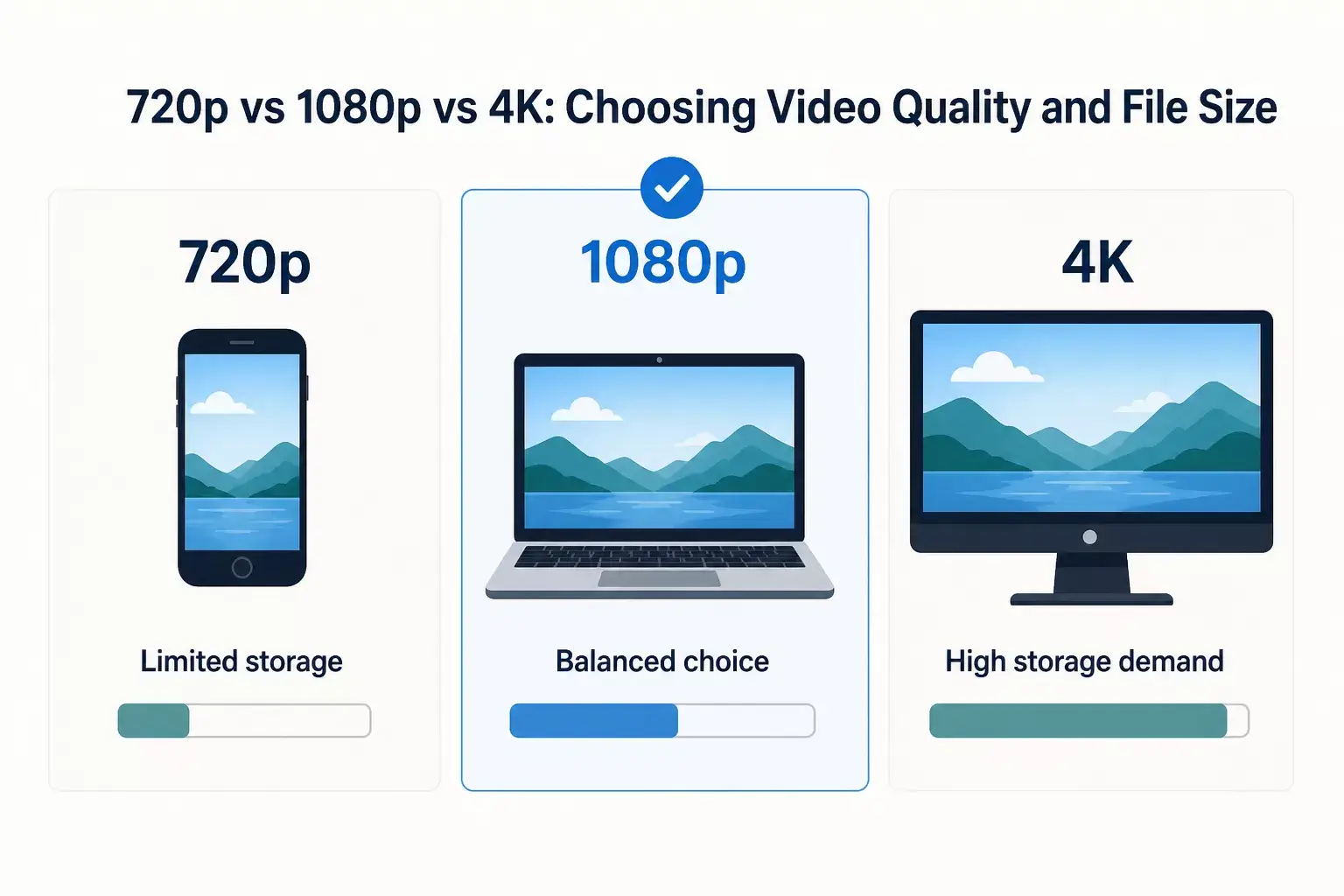
Choose 720p for smaller screens and limited storage, 1080p for a balanced laptop or desktop experience, and 4K only when the source provides it and the extra detail matters on your display. Resolution alone cannot predict file size; duration, bitrate, codec, frame rate, audio, and scene complexity also matter.
The largest download is not automatically the best choice. A high-resolution file can consume more storage, take longer to download, and offer little visible improvement on a small screen.
YouTube’s own Premium documentation warns that higher-quality offline videos can use more data, take longer to appear, and require more storage. See YouTube’s official offline guide.
Resolution is only one part of file size
Factor | What it changes | Typical effect on size |
|---|---|---|
Resolution | Number of pixels per frame | More pixels often require more data |
Bitrate | Data allocated per second | Higher bitrate usually increases size |
Duration | Number of seconds encoded | Longer video usually means a larger file |
Frame rate | Frames encoded per second | More frames can require more data |
Codec | Compression method | Newer efficient codecs may reduce data for comparable quality |
Scene complexity | Motion and visual detail | Fast, detailed scenes are harder to compress |
Audio | Codec, bitrate, and track count | Adds to total size |
MDN’s codec guide explains the core tradeoff: settings that preserve more of the source typically produce more data, while stronger compression can reduce size at the cost of quality. See the MDN web video codec guide.
When 720p is enough
720p is often appropriate for:
Phone-sized offline viewing.
Lectures where slides and text remain readable.
Travel with limited storage or bandwidth.
Quick reference clips.
Older devices with modest playback performance.
Do not interpret “enough” as universally low quality. On a small screen at a normal viewing distance, the difference between 720p and a larger file may be less meaningful than the storage saved.
When 1080p is the balanced choice
1080p is often the best general-purpose choice when available. It suits laptops, desktop monitors, classroom displays, and many televisions without the storage demands of 4K.
Choose it when:
Text or fine visual detail matters.
You plan to watch on a laptop or larger display.
Storage is available but not unlimited.
The source offers a combined video-and-audio option at 1080p.
Some sources separate higher-resolution video and audio. Confirm that the selected resource includes sound or that a compatible audio option is also available.
When 4K is worth the storage
4K can be useful for:
Large 4K displays.
Your own footage that requires close visual inspection.
Authorized creative reference with fine detail.
Cropping or analysis when the source genuinely provides 4K.
It is less useful when:
Watching on a small phone.
The source was uploaded at a lower quality.
The device struggles to decode the codec.
Storage or network capacity is limited.
You need compatibility more than maximum resolution.
Quetta can only display compatible resolutions exposed by the source. It does not upscale lower-resolution media into 4K.
A practical size estimate
When bitrate is known, an approximate calculation is:
File size in bytes ≈ bitrate in bits per second × duration in seconds ÷ 8
Add video and audio bitrates together for a closer estimate. This remains an approximation because variable bitrate, container overhead, segmented delivery, and the final file structure can affect the result.
Do not publish a universal table claiming that “10 minutes of 1080p always equals X MB.” The same resolution can produce very different sizes.
Build an original Quetta test table
For stronger E-E-A-T and AI citations, this article should include an original controlled test before publication.
Use one Quetta-owned video and record:
Test field | Required value |
|---|---|
Video owner | Quetta Networks |
Duration | Record exact duration |
Visual content | Describe motion and detail |
Quetta version | Record tested version |
Test date | Record date |
Device/platform | Windows, macOS, or Android |
Detected option | Container, codec if known, resolution, frame rate |
File size | Measure completed local file |
Audio included | Yes/No and format if known |
Do not compare different videos and attribute the size difference only to resolution. Keep the source, duration, and test conditions consistent.
Choose quality by use case
Use case | Starting choice | Why |
|---|---|---|
Phone commute | 720p | Lower storage and data use |
Laptop viewing | 1080p | Balanced detail and size |
Classroom projector | 1080p | Usually sufficient for presentations |
Large 4K display | 4K when truly available | Makes use of the display resolution |
Speech-first lecture | Lower video quality or supported audio | Visual detail may be secondary |
Editing your own content | Best compatible source option | Preserves more detail for authorized work |
To download an available option, follow the device guide for Windows, Mac, or Android. For format selection, compare MP4 and WebM.
Frequently asked questions
Is 1080p always twice the size of 720p?
No. File size depends on bitrate, codec, duration, frame rate, audio, and the content itself. Resolution is not a direct size multiplier.
Why is a 4K option not shown?
The source may not expose a compatible 4K download, even when high-quality playback is available. Quetta cannot create a missing 4K resource.
Does a larger file always look better?
No. A larger file may contain a less efficient codec, more audio data, a higher frame rate, or simply more bitrate. Evaluate visible quality and compatibility.
Can I reduce file size by renaming the format?
No. Renaming a file does not re-encode it. Real size reduction requires compression or conversion, which can affect quality.