Does Chrome for Android Support Extensions?
Chrome for Android does not run desktop Chrome extensions directly. Learn what Add to Desktop means and which Android browser options support extensions.

Kayla
Quetta Networks


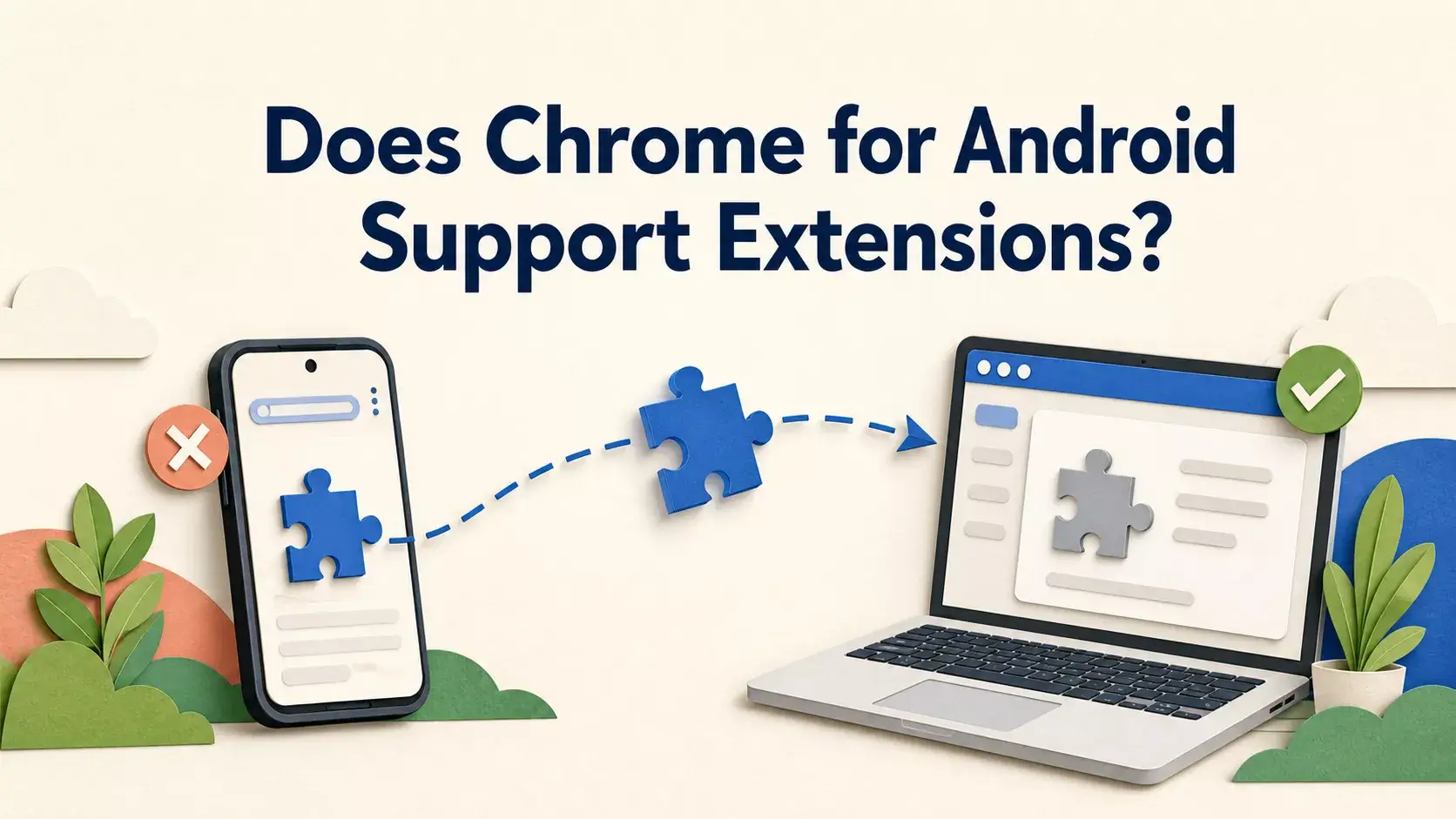
No. The standard Chrome app for Android does not install and run desktop Chrome extensions inside the mobile browser. When Google shows Add to Desktop on a phone, it sends the extension to a signed-in desktop Chrome installation; it does not activate the extension in Chrome for Android.
This article is specifically about Chrome Android compatibility. For general installation instructions across supported mobile browsers, see How to Use Browser Extensions on Android.
What does “Add to Desktop” mean on an Android phone?
Google’s extension instructions say that a phone user can select Add to Desktop. The extension is then queued for Chrome on a computer using the same Google Account. The next time desktop Chrome opens, it asks the user to enable the extension and approve its permissions.
The phone is acting as a remote installer for the desktop browser. It is not installing the extension into Chrome Android.
Source: Google Chrome Help — Install and manage extensions.
Why doesn’t Chrome Android run desktop extensions?
Desktop extensions expect browser interfaces, permissions, and background behavior that are not exposed in the standard Chrome Android app. Mobile browsers also have tighter constraints around screen space, background activity, battery use, and interaction design.
Chromium is the open-source browser engine and project foundation used by many browsers. A browser being Chromium-based does not automatically mean that it supports the Chrome Web Store or every desktop extension API. Extension support is a product decision made by each browser.
What are the realistic options on Android?
Use a browser that explicitly supports extensions
Some Android browsers provide their own mobile extension experience or expose compatibility with extension stores. Support can vary by extension because a desktop add-on may depend on APIs or interfaces that are unavailable on mobile.
Quetta supports browser extensions on Android through supported extension sources and provides controls for installing and managing them. Compatibility should still be checked per extension, especially when an add-on expects a desktop-only layout or API.
See Quetta Extensions for the current supported sources and product behavior.
Use the browser’s built-in feature
If the goal is ad blocking, translation, password management, or privacy protection, a built-in browser feature may be simpler than finding a compatible extension. Built-in tools do not require a separate extension installation, though their options may differ from a specialist add-on.
Use a desktop browser when the extension is desktop-dependent
Developer tools, complex productivity interfaces, and extensions that rely on desktop window behavior may work best on Windows or macOS. Sending an extension from a phone with Add to Desktop is appropriate for this use case.
How to evaluate an Android browser with extension support
Before switching browsers, check:
Extension source: Does the browser support the store or package you need?
API compatibility: Does the extension depend on a desktop-only browser API?
Interface usability: Can its popup, settings and controls fit a phone screen?
Permissions: Does it request access to every site, browsing data or downloads?
Updates: Will the browser and extension receive reliable updates?
Fallback: Does the browser offer a built-in feature if the extension fails?
Is installing a CRX or ZIP file the same as store support?
No. A browser may support packaged extensions without reproducing every Chrome Web Store workflow. Manual packages also require greater care: verify the publisher, source, requested permissions, and update process before installation.
Avoid downloading extension packages from pages that hide the publisher, force unrelated downloads or ask you to disable security controls.
What about extensions in Incognito mode?
Desktop Chrome does not allow extensions in Incognito automatically; users must permit compatible extensions individually. This is separate from Chrome Android, where the main limitation is that the mobile app does not run the desktop extension in the first place.
Private browsing also does not make a user invisible to websites. For that question, see Can Websites Track You in Incognito Mode?.
Frequently asked questions
Can I open the Chrome Web Store on Android?
You may be able to view extension listings, but viewing a listing does not mean the extension can run inside Chrome Android.
Why does Chrome Android say “Add to Desktop”?
It lets a signed-in phone user queue an extension for a desktop Chrome browser. The extension is enabled on the computer, not on the Android phone.
Can every Chromium Android browser use Chrome extensions?
No. Sharing the Chromium engine does not guarantee store access or extension API compatibility. Check the individual browser’s documentation and test the specific extension.
Does Quetta support every desktop Chrome extension?
No browser should promise universal mobile compatibility. Quetta supports Android extensions through its supported sources, but an extension can still depend on unavailable desktop APIs or an interface that does not adapt well to mobile.
Should I install an extension from an unknown APK or download page?
No. Use a trusted store or a publisher-controlled source, review permissions and avoid packages with unclear ownership or update behavior.
The bottom line
Chrome for Android does not run desktop Chrome extensions. Add to Desktop sends an extension to a computer; it is not a mobile installation. If you need extensions on Android, choose a browser that explicitly supports them, confirm compatibility for the individual add-on, and prefer trusted sources.