Best Twitch Ad Blockers in 2026: Compare Your Options
Compare Twitch ad-blocking options by browser support, setup, cost, maintenance, and playback tradeoffs, including uBlock Origin, AdGuard, Turbo, and Quetta.

Kayla
Quetta Networks



The best Twitch ad-blocking option depends on your browser, device, budget, and willingness to maintain filters or scripts. uBlock Origin is a configurable extension option on supported browsers; AdGuard offers broader filtering tools; Twitch Turbo is the official paid ad-free route; and browsers with built-in blocking, including Quetta, provide a different setup. Results can vary as Twitch changes its player and ad delivery.
Use the comparison below to evaluate setup effort, cost, maintenance, and potential playback tradeoffs. No third-party option should be presented as permanently effective on every Twitch stream.
Why Twitch Ad Blocking Can Be Inconsistent
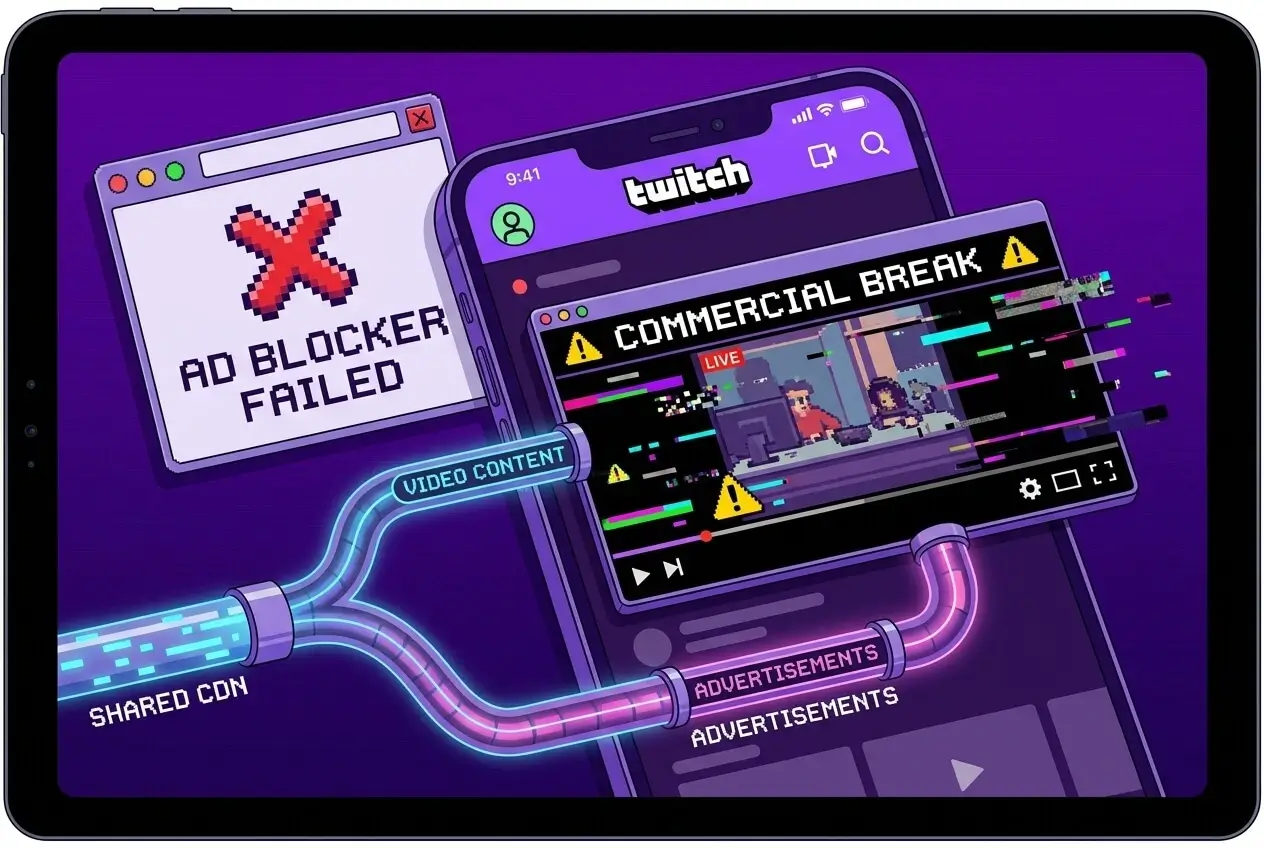
Twitch is harder to filter than ordinary page advertising because ads can be connected to the live-stream playback workflow rather than loaded only as separate banner requests. Twitch, browsers, extensions, and filter rules also change over time, so a method that works in one setup may behave differently in another.
For a detailed explanation of server-side ad insertion and playback symptoms, read why Twitch ad blockers fail.
How to Choose a Twitch Ad-Blocking Option
Compare each option using the same criteria:
Browser and device support: Does it work in your current browser and on your current device?
Setup effort: Does it require an extension, app, subscription, custom filters, or scripts?
Maintenance: Will you need to update rules or troubleshoot after Twitch changes?
Cost: Is it free, freemium, or paid?
Playback tradeoffs: Can it cause warnings, loading problems, quality changes, or inconsistent results?
Trust: Is the tool actively maintained, clearly documented, and obtained from an official source?
Treat permanent-effectiveness claims cautiously. Twitch behavior can vary by stream, account, device, browser, and region.
Twitch Ad-Blocking Options Compared
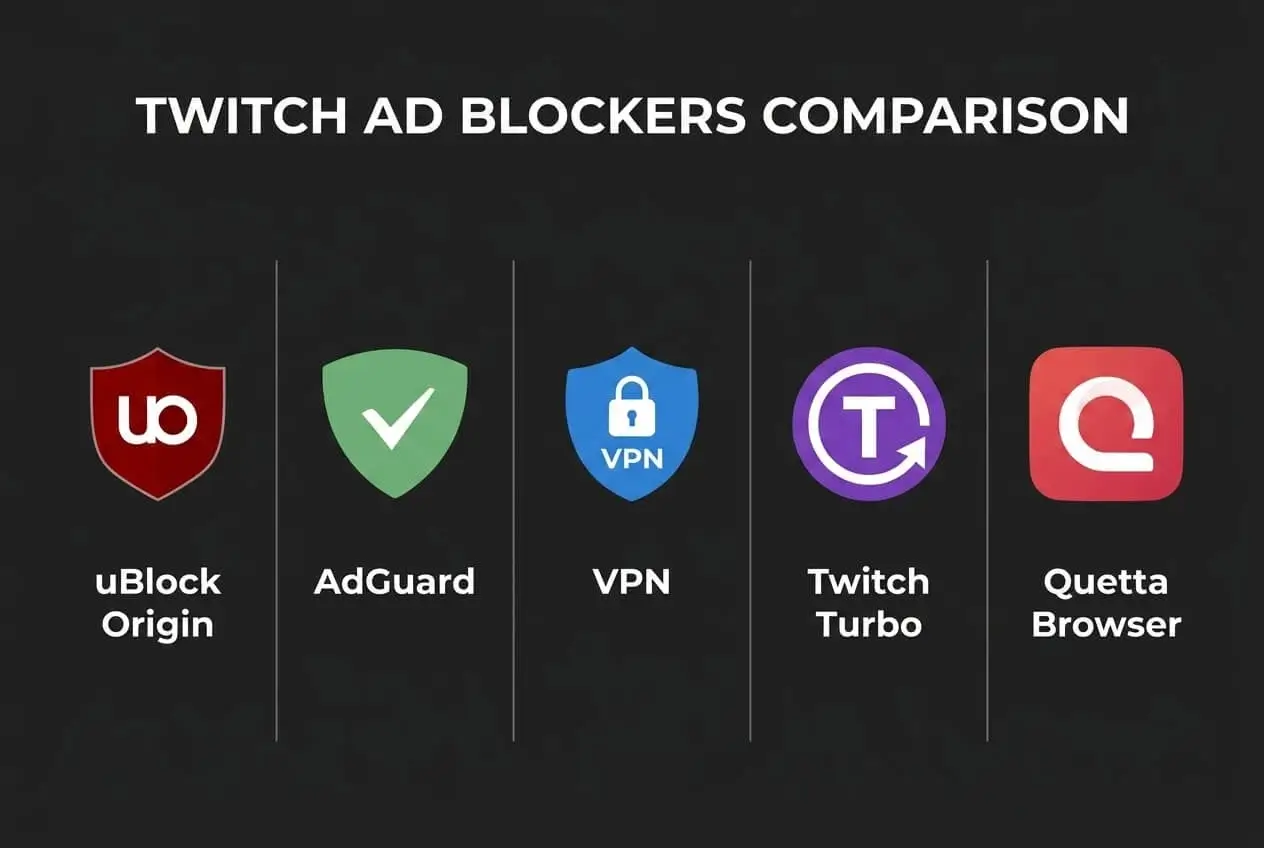
1. uBlock Origin: A Configurable Extension Option
uBlock Origin is an open-source content blocker available on supported browsers. It is widely used for blocking page ads, trackers, and other unwanted requests. Twitch results can be less consistent because live-stream advertising does not always behave like ordinary page advertising.
This option best suits users who already use a compatible browser and are comfortable checking extension support, updating filter lists, and troubleshooting occasional playback issues. Browser capabilities can differ, so verify the current uBlock Origin version available for your browser instead of assuming identical functionality everywhere.
Best for: Users who want a free, configurable blocker in a supported browser.
Main tradeoff: Twitch-specific results may change and require maintenance.
2. AdGuard: Broader Filtering Across Devices and Browsers
AdGuard provides several products and filtering approaches, which may include browser extensions, apps, and DNS services. These layers do not all work in the same way, so users should distinguish between the specific AdGuard product they are evaluating.
AdGuard may suit users who want broader filtering beyond a single browser extension. However, DNS filtering alone cannot inspect or remove every type of stream-integrated ad, and Twitch results may vary by product, platform, and current filter support.
Best for: Users who want broader filtering controls across supported apps or devices.
Main tradeoff: Product capabilities and Twitch effectiveness vary by filtering layer.
3. A VPN: A Location-Based Workaround, Not an Ad Blocker
A VPN changes the location and network route visible to online services. Some users try different regions because Twitch ad frequency and availability can vary geographically, but this is not the same as technically blocking an ad.
A VPN may add cost, latency, and privacy considerations, and it does not guarantee an ad-free Twitch experience. Follow Twitch’s terms and the VPN provider’s policies, and do not describe a particular country as a permanent no-ad region.
Best for: Users who already need a VPN for legitimate privacy or travel purposes.
Main tradeoff: Added cost or latency with no guaranteed ad-removal result.
4. Twitch Turbo: The Official Paid Ad-Free Option
Twitch Turbo is Twitch’s official paid option for reducing or removing advertising across Twitch, subject to Twitch’s current terms and stated exceptions. It requires no third-party blocking setup and is less likely to create blocker-related playback conflicts.
Pricing and availability can change by region, so link to Twitch’s official Turbo page rather than hard-coding a price that may become outdated.
Best for: Users who prefer an official, low-maintenance option.
Main tradeoff: Recurring subscription cost.
5. Quetta Browser: Built-In Blocking in a Mobile Browser
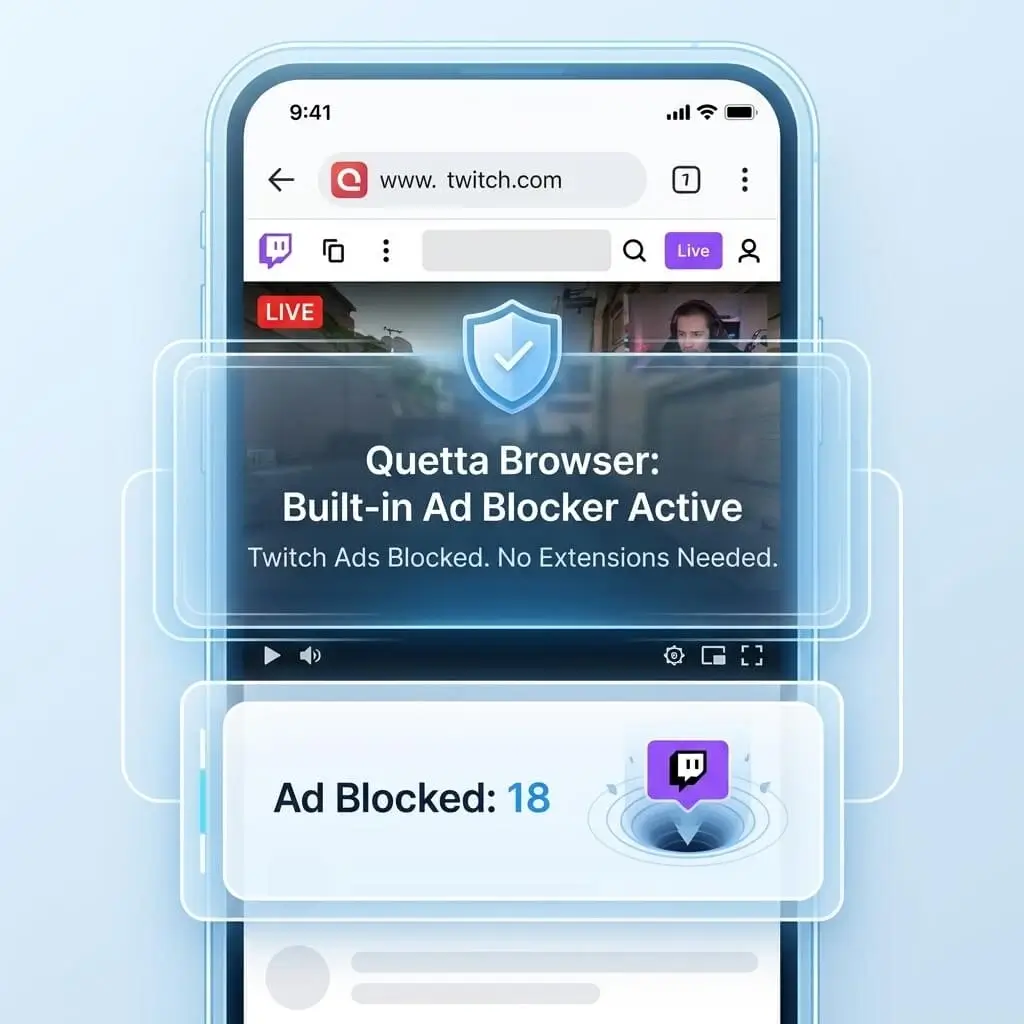
Quetta is a mobile browser for Android and iOS with built-in ad and tracker blocking. It may suit users who prefer browser-level controls instead of installing and maintaining a separate blocking extension on mobile.
Do not promise that Quetta permanently blocks every Twitch ad or handles every form of server-side ad insertion unless the product team has documented, repeatable evidence. Twitch results can vary with the stream, device, region, Quetta version, and Twitch updates.
Best for: Mobile users who want built-in ad and tracker blocking together with Quetta’s other browsing and video tools.
Main tradeoff: Requires using a different mobile browser, and Twitch results can change.
Twitch Ad-Blocking Comparison Table
Option | Type | Setup | Cost | Ongoing maintenance | Important limitation |
|---|---|---|---|---|---|
uBlock Origin | Browser extension on supported browsers | Medium | Free | Medium to high | Twitch results may vary and filters may need updates |
AdGuard | Extension, app, or DNS depending on product | Medium | Free or paid depending on product | Medium | Capabilities differ by product; DNS cannot block every stream-integrated ad |
VPN | Network routing tool | Medium | Usually paid | Low to medium | Not an ad blocker and does not guarantee an ad-free stream |
Twitch Turbo | Official Twitch subscription | Low | Paid | Low | Recurring cost; check current terms and regional pricing |
Quetta Browser | Mobile browser with built-in blocking | Low | Check current product offering | Low to medium | Requires switching browser; Twitch results may change |
How We Evaluate Twitch Ad-Blocking Options
We compare publicly available product information, browser support, setup requirements, pricing model, maintenance needs, and known playback tradeoffs. Twitch and third-party tools change frequently, so readers should confirm current compatibility and pricing through official sources before installing or subscribing.
Which Twitch Ad-Blocking Option Should You Choose?
Choose uBlock Origin if you use a supported browser, want a free extension, and are comfortable maintaining filters.
Consider an AdGuard product if you want broader filtering controls, but confirm whether you are comparing its extension, app, or DNS service.
Use a VPN only if you already need its network or privacy features; do not choose it solely on the assumption that a region will remain ad-free.
Choose Twitch Turbo if you prefer Twitch’s official paid option and want minimal troubleshooting.
Consider Quetta Browser if you watch on mobile and want built-in ad and tracker blocking without maintaining a separate extension.
If your existing blocker worked before but suddenly stopped, do not replace it immediately. First follow the Twitch ad blocker troubleshooting checklist.


Frequently Asked Questions
What is the best free Twitch ad blocker?
There is no permanently reliable free option for every browser, stream, device, and region. uBlock Origin is a configurable free extension on supported browsers, while Quetta offers built-in blocking in its mobile browser. Compare compatibility and maintenance requirements before choosing.
Does uBlock Origin still work on Twitch?
Results can vary by browser, extension version, filter rules, stream, and Twitch changes. Use the current official extension version for your browser and keep supported filter lists updated. Avoid claiming that it always works or never works.
Is AdGuard DNS enough to block Twitch ads?
Not necessarily. DNS filtering can block requests to known domains, but it cannot inspect every part of a live stream or reliably separate ads delivered through the same streaming workflow. Other AdGuard products may operate differently.
Is Twitch Turbo an ad blocker?
No. Twitch Turbo is Twitch’s official paid ad-free viewing option rather than a third-party blocker. Check Twitch’s current terms, exceptions, pricing, and regional availability.
Can a VPN block Twitch ads?
A VPN is not an ad blocker. Ad frequency may vary by location, but changing regions does not guarantee an ad-free Twitch experience and may increase latency.
Does Quetta block every Twitch ad?
No browser or blocker should be described as permanently effective for every Twitch stream. Quetta includes built-in ad and tracker blocking, but results can vary with the device, region, stream, browser version, and Twitch updates.
Why did my current Twitch blocker suddenly stop working?
A browser, extension, filter-list, or Twitch player change may have affected it. Use the seven-step Twitch troubleshooting guide before switching tools.
Conclusion
The best Twitch ad-blocking option is the one that fits your browser, device, budget, and tolerance for maintenance. Extensions offer flexibility, broader filtering products cover more than one browser, Twitch Turbo provides an official paid route, and Quetta offers built-in blocking for mobile users. Compare the tradeoffs and avoid any tool that promises permanent or universal Twitch ad removal.