Chrome Extensions on Android: Which Browsers Actually Support Them?
Learn which Android browsers support Chrome extensions, what works on mobile, what often breaks, and how to choose a browser with reliable extension compatibility.

Kayla
Quetta Networks


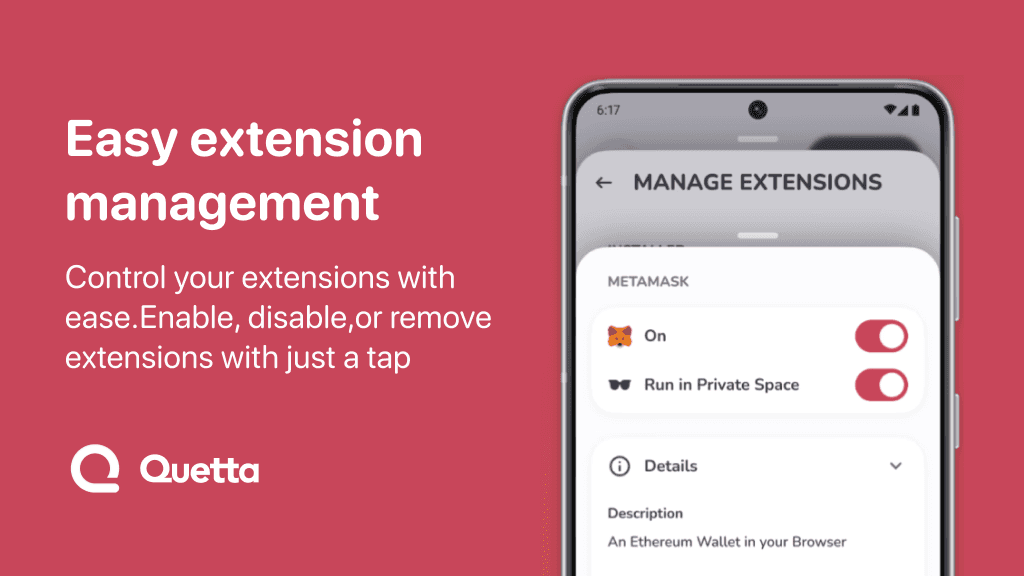
Some Android browsers can use Chrome-style extensions, but support varies by browser and by extension. Chrome for Android does not support Chrome extensions natively, while browsers such as Quetta and Kiwi are built to support many desktop-style extensions on mobile. Even then, not every extension works perfectly on a phone screen.
The important distinction is this: extension support means a browser can install or run extensions. Extension compatibility means a specific extension actually works well on Android, with a usable interface, stable behavior, and permissions that make sense on mobile.
This guide explains which Android browsers support Chrome extensions, what usually works, what often breaks, and how to choose the right browser if extensions matter to you.
If you want a broader ranked list, read our updated guide to the best Android browsers with extensions. This page focuses specifically on Chrome extension compatibility.
Quick Answer
Chrome for Android does not support Chrome extensions natively. To use Chrome-style extensions on Android, you need a browser that adds extension support, such as Quetta or Kiwi. These browsers may support many Chrome Web Store or Chromium-based extensions, but compatibility still depends on the extension's design, permissions, interface, and background behavior.
What Does "Chrome Extension Support on Android" Mean?
Chrome extension support on Android means a mobile browser can install and run browser add-ons built for Chromium-style extension systems. This does not mean every desktop Chrome extension will behave exactly the same way on Android.
On desktop, extensions can assume:
Larger screens
Mouse and keyboard input
Persistent background behavior
Desktop browser menus
More stable multi-window workflows
On Android, extensions have to deal with:
Smaller screens
Touch-first interaction
Mobile memory limits
Android permission behavior
Browser-specific compatibility choices
Pages that render differently on mobile
That is why the best question is not only "Does this browser support extensions?" The better question is: which extensions work well enough on mobile to be useful?
Chrome Extension Compatibility Routes on Android
This table compares extension routes and compatibility limits rather than ranking complete browsers. For feature-by-feature recommendations, see the 2026 Android extension browser comparison.
Browser | Mobile extension model | Chrome Web Store route | Compatibility note |
|---|---|---|---|
Quetta Browser | Chromium-style extension support | Supports many Chromium-style extensions | Desktop-designed interfaces and APIs can still cause mobile limitations |
Kiwi Browser | Historically supported Chrome extensions | Verify the current build and distribution source | Compatibility and long-term availability can vary |
Firefox for Android | Mozilla's Android add-on model | No full Chrome Web Store support | Chrome extensions require a Firefox equivalent |
Microsoft Edge for Android | Limited mobile extension experience | No full desktop-style Chrome extension support | Desktop Edge add-ons should not be assumed to work on Android |
Chrome for Android | No native extension support | No | Does not install Chrome extensions locally on mobile |
Samsung Internet | Limited add-on ecosystem | No full Chrome Web Store support | Not designed for desktop Chrome extensions |
Extension Support vs Extension Compatibility
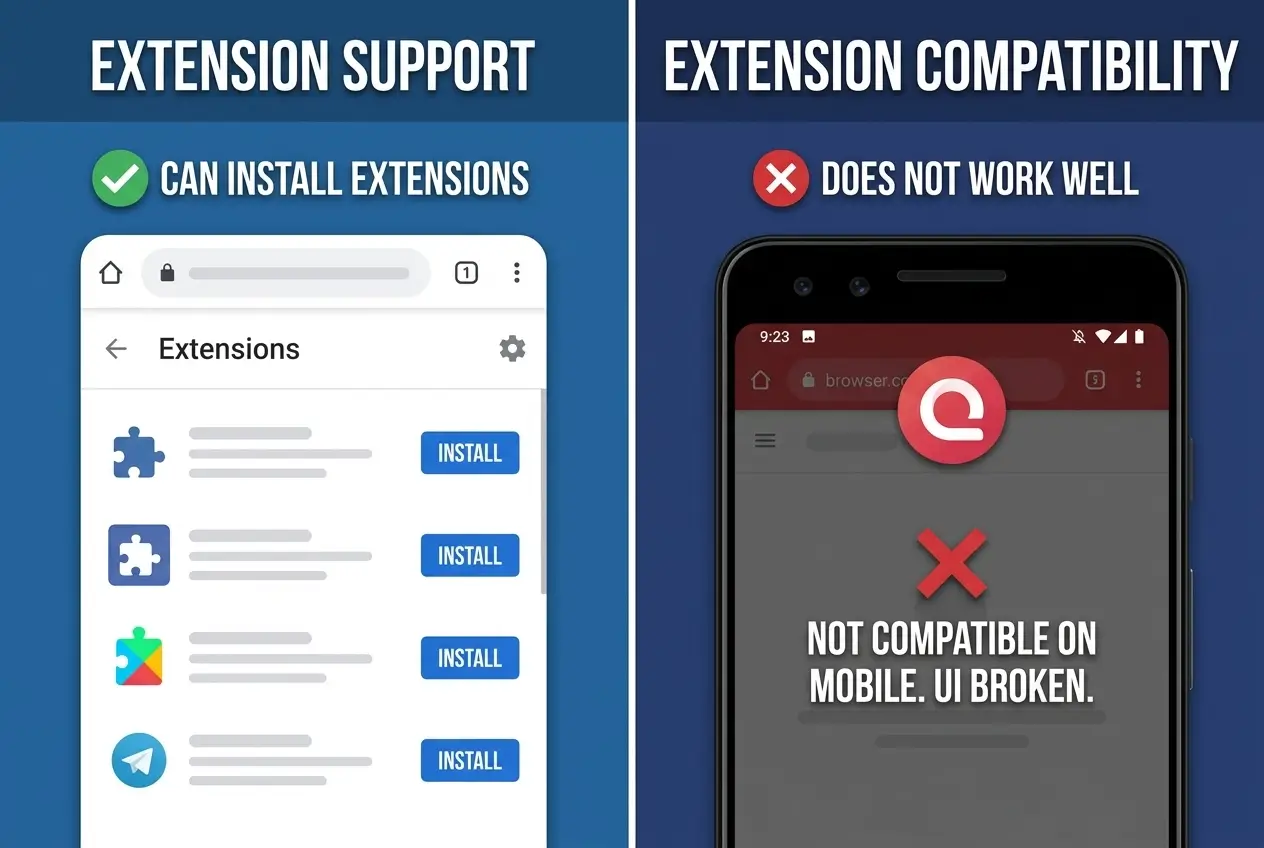
Extension support and extension compatibility are not the same thing.
Extension support answers whether the browser can install and run extensions at all. Extension compatibility answers whether a specific extension works well on Android after installation.
For example, a browser may technically support extensions, but an extension can still feel broken if:
Its pop-up is too wide for a phone screen
It expects desktop right-click behavior
It relies on background processes that mobile browsers restrict
Its buttons are hard to tap
It modifies desktop web pages but not mobile versions
It asks for permissions that do not make sense for mobile browsing
When evaluating an Android browser with extension support, look for both installation support and real mobile usability.
What Usually Works Well on Android
Some extension categories are more likely to work well on mobile because they do not depend heavily on complex desktop interfaces.
Privacy and Tracker Blocking Extensions
Privacy extensions often work well when they filter scripts, trackers, cookies, or requests in the background. They can be useful for users who want more control over web tracking.
Still, check whether the browser already has built-in privacy protection. If your browser already blocks trackers, you may not need several overlapping privacy extensions.
VPN Extensions
Quetta supports most Chrome Web Store VPN extensions on Android. These extensions add a provider-managed browser connection, with the provider setting account requirements, locations and plan limits.
Urban VPN Proxy and Proton VPN are examples used in Quetta, not a complete list of available options. For the differences between browser routes and traffic coverage, read our Android VPN extension guide.
Password Managers
Password manager extensions can be useful if they support mobile browser flows cleanly. However, many Android users may prefer the password manager's official Android app or system autofill because it is designed for mobile.
Reading, Translation, and Productivity Extensions
Reading tools, translation helpers, note-taking tools, and productivity extensions can work well if their interface is simple and touch-friendly.
Before relying on one, test it on the mobile sites you actually use. Some extensions work on desktop versions of pages but behave differently on mobile layouts.
Lightweight Utility Extensions
Simple utilities often work better than complex desktop tools. Examples include small page tools, text helpers, quick actions, and extensions that do not require large popups or advanced desktop menus.
What Often Breaks on Mobile
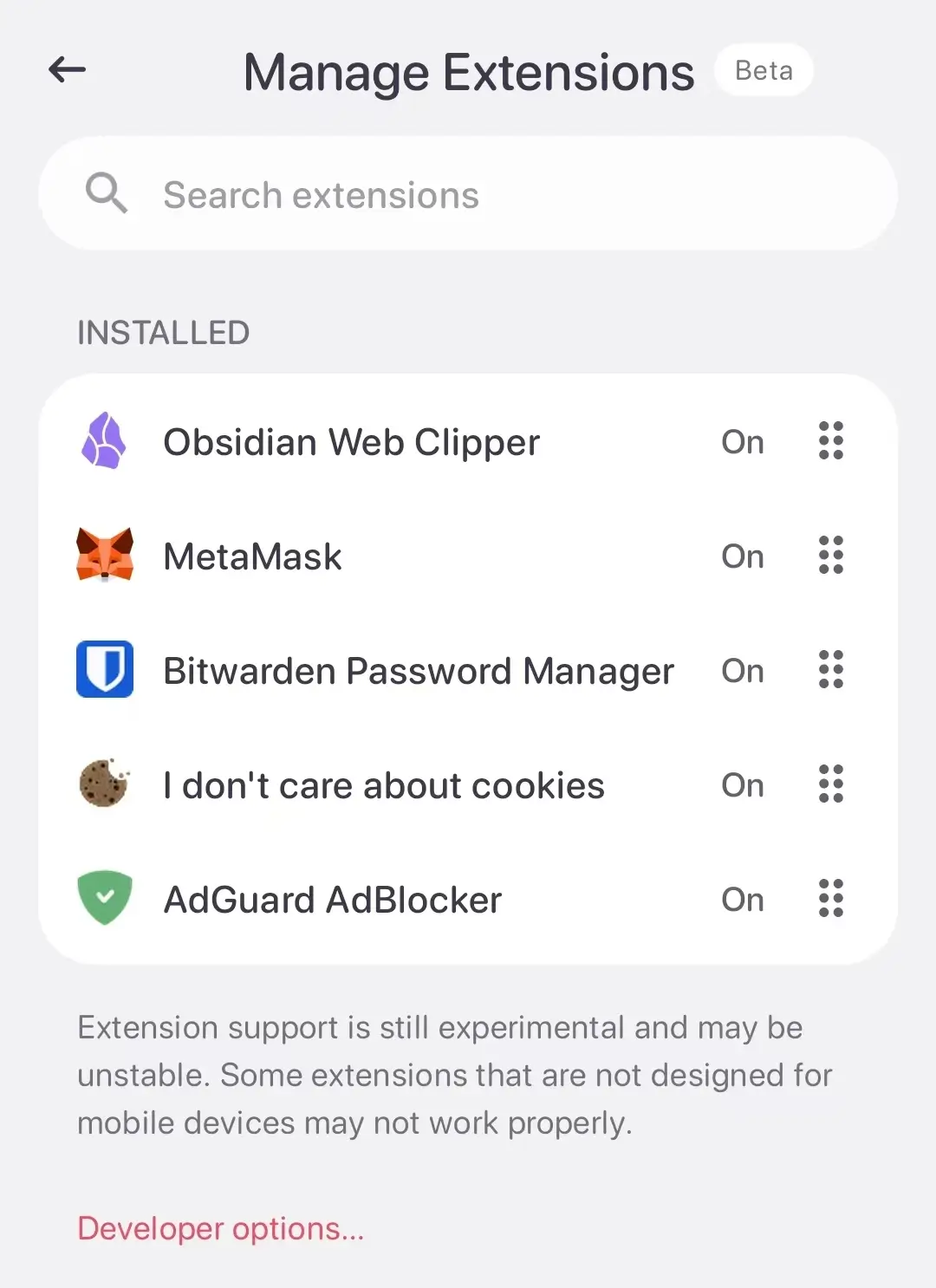
Some Chrome extensions are built with desktop assumptions. Those are more likely to fail or feel awkward on Android.
Common problem areas include:
Extensions with large pop-up windows
Extensions that need keyboard shortcuts
Extensions built around right-click menus
Extensions that require multiple browser windows
Extensions that depend on persistent background activity
Extensions designed for desktop versions of websites
Extensions with complex dashboards or developer tools
If an extension does not work well on Android, it does not always mean the browser is broken. Often, the extension itself was never designed for mobile.
Why Chrome for Android Does Not Support Extensions
Chrome for Android does not support Chrome extensions natively. That means you cannot install Chrome Web Store extensions directly into Chrome on an Android phone the way you can on desktop Chrome.
If extension support is important to your mobile workflow, you need a browser that specifically adds extension support on Android. This is why users search for alternatives such as Quetta, Kiwi, Firefox add-ons, or other mobile browsers with extension support.
Why Quetta Is a Good Option for Android Extension Users
Quetta is a good option if you want extension support as part of a broader mobile browser workflow. It combines mobile extension support with built-in ad blocking, privacy protection, video tools, and a cleaner browsing experience.
Quetta is especially useful if you want:
Chrome-style extensions on Android
Built-in ad blocking without relying only on extensions
Privacy protection for everyday browsing
Video-focused browsing tools
A browser designed for mobile power users
Quetta is not claiming that every desktop extension will work perfectly on Android. A better expectation is realistic: Quetta gives you extension support on mobile, while each extension still needs to be tested for compatibility.
Need Help Choosing a Complete Android Extension Browser?
This page focuses on whether individual Chrome extensions can work on Android. To compare complete browsers by extension source, built-in features, privacy tools, maintenance, and use case, read Best Android Browsers With Extensions in 2026.
How to Test Extension Compatibility on Android
Before relying on any Chrome extension on Android, test it with a simple checklist.
Install the extension from a trusted source.
Open the extension on a normal mobile web page.
Check whether the popup fits your screen.
Test the main feature on at least two websites.
Check whether buttons and menus are easy to tap.
Review the extension permissions.
Disable it if it slows down browsing or breaks pages.
This is especially important for extensions that request broad permissions such as reading or changing data on websites you visit. For browser-specific installation, permission management, removal, and troubleshooting steps, follow how to install and use browser extensions on Android.
Extension Safety Checklist
Use this checklist before installing any browser extension on Android:
Is the publisher recognizable?
Does the extension have recent updates?
Are the permissions reasonable for what it does?
Does it have a clear privacy policy?
Does it work on mobile pages, not only on desktop pages?
Does your browser already have this feature built in?
Can you easily disable or remove it?
If an extension asks for more access than it needs, choose a safer alternative or skip it.
Built-In Browser Features vs Extensions
Not every feature needs an extension. On Android, built-in browser features can be safer, faster, and more stable because they are designed for mobile from the start.
For example, Quetta already includes built-in tools for:
Ad blocking
Tracker protection
Video-focused browsing
Privacy protection
That means you may not need to install separate extensions for every browsing problem. Use extensions when they add something specific that your browser does not already handle.
FAQ
Can Android browsers use Chrome extensions?
Some Android browsers can use Chrome-style extensions, but Chrome for Android does not support Chrome extensions natively. To use Chrome extensions on Android, you need a browser that adds extension support, such as Quetta or Kiwi.
Which Android browsers support Chrome extensions?
Browsers such as Quetta and Kiwi support many Chrome-style extensions on Android. Firefox for Android supports a different add-on model, while Chrome for Android does not support Chrome extensions natively.
Do all Chrome extensions work on Android?
No. Even when a browser supports extensions, some desktop Chrome extensions may not work well on Android. Mobile compatibility depends on the extension's interface, permissions, background behavior, and whether it supports mobile web pages.
Why do some extensions break on Android?
Some extensions break on Android because they were designed for desktop browsers. They may rely on large popup windows, keyboard shortcuts, right-click menus, background processes, or desktop versions of websites.
Is extension support the same as extension compatibility?
No. Extension support means the browser can install or run extensions. Extension compatibility means a specific extension actually works well on Android after installation.
Is Quetta good for Chrome extensions on Android?
Quetta is a good option for Android users who want mobile extension support plus built-in ad blocking, privacy protection, and video browsing tools. Like any mobile browser, individual extension compatibility can vary. See the current details of Quetta Chrome extension support, including supported extension stores, management options, and Android-specific limitations.
Does Chrome for Android support extensions?
No. Chrome for Android does not support Chrome extensions natively. If you need extensions on Android, use a browser that specifically supports mobile extensions.
Should I use extensions or built-in browser features?
Use built-in browser features when they solve the problem well, especially for ad blocking, privacy, and video tools. Use extensions when you need a specific function your browser does not already provide.
Conclusion
Android browser extension support is not just about whether a browser can install extensions. The real question is whether the extensions you care about work well on a phone.
If you want a broad ranked comparison, start with the 2026 guide to the best Android browsers with extensions. If you want to understand compatibility, remember the key rule: support means a browser can run extensions, but compatibility depends on each extension's mobile design.
For users who want extension support alongside ad blocking, privacy tools, and video-focused browsing, Quetta is a strong option to test first.