Why Does YouTube Say I Have an Ad Blocker When I Don’t?
YouTube detecting an ad blocker you did not install? Check built-in privacy protection, DNS, VPN, network filters and cached site data.

Kayla
Quetta Networks


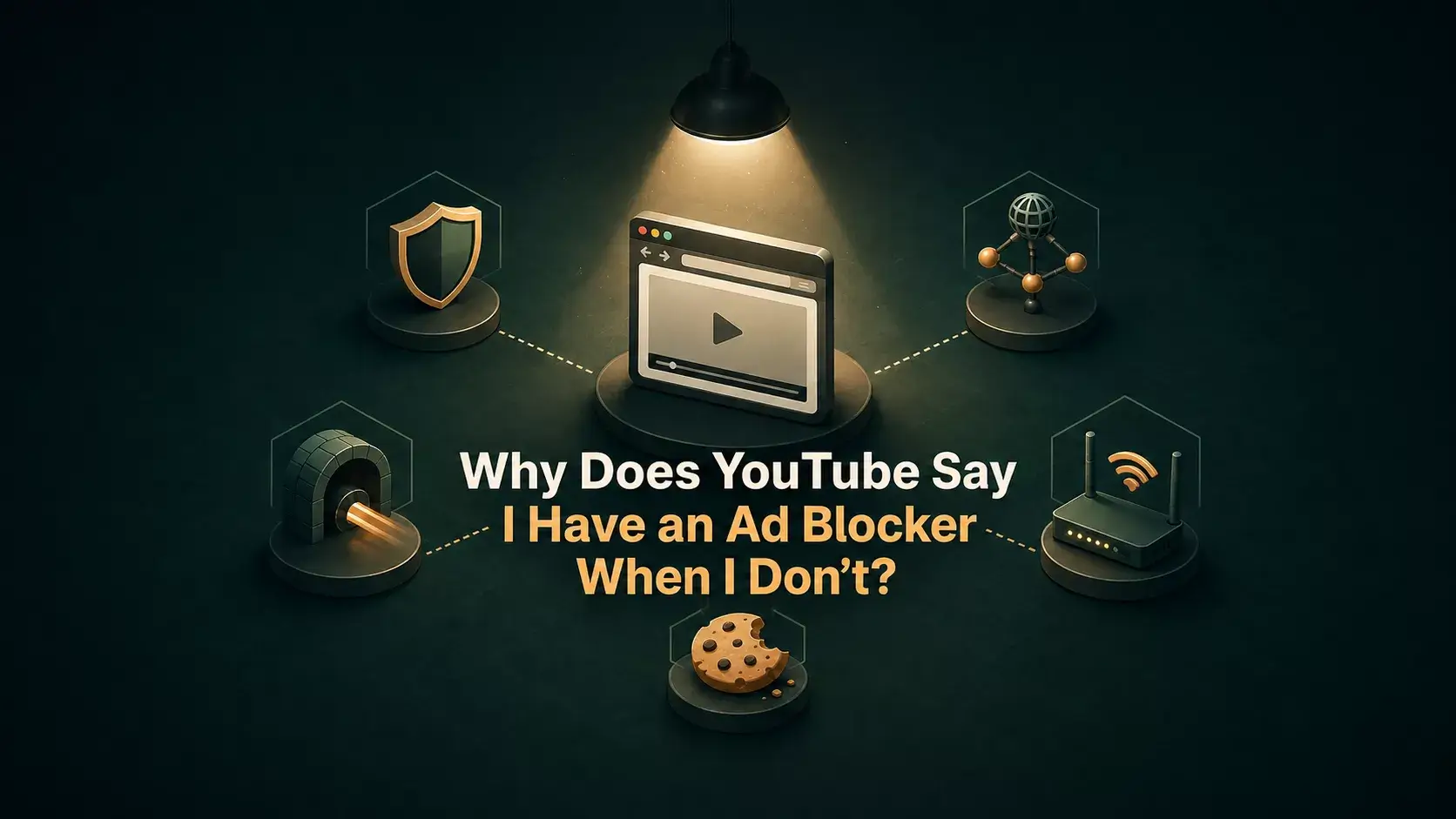
YouTube may show an ad-block warning even when you did not install an ad-block extension because your browser has built-in blocking, a DNS or VPN filters requests, your network applies content controls, or old site data preserves a previous detection state. Test one layer at a time to find the cause.
What can trigger a false positive?
Possible cause | Quick test |
|---|---|
Built-in browser privacy or ad blocking | Pause protection only for youtube.com and reload |
Privacy extension that is not named “ad blocker” | Test with extensions disabled or in a clean profile |
Filtering Private DNS | Temporarily return to automatic DNS, then test |
VPN with threat/ad blocking | Disable that VPN feature or briefly disconnect |
Router, workplace or school filtering | Test on a different trusted network |
Stale cookies or site data | Clear YouTube site data and sign in again |
More than one protection layer | Enable layers individually until the warning returns |
1. Check the browser’s built-in protection
Some browsers block ads, trackers or scripts without installing an extension. Open the site controls for youtube.com and look for Ad blocking, Tracking protection, Shields, Privacy Guard or similar wording.
Pause that protection for YouTube only, reload and test. If the warning disappears, you have identified the layer. You can then decide whether to leave a site exception or use another viewing option.
2. Review privacy extensions
Cookie blockers, anti-tracking tools, script controllers and security extensions can block the same requests as an ad blocker. Temporarily disable them one at a time. A private window is not always a clean test because some extensions are permitted there.
Do not remove everything at once; you would learn only that one of the tools caused the issue.
3. Test DNS, VPN and network filtering
A filtering DNS service can block advertising domains before the browser connects. Some VPNs also include threat protection or ad blocking. Pause the filtering feature, reload YouTube and restore it after the test.
If the message appears only on work, school or home Wi-Fi, a router or network administrator may be applying rules. Compare with a trusted mobile connection. Do not bypass an organization’s required security controls; ask its administrator instead.
4. Clear YouTube site data
Old cookies, local storage or a service worker may preserve a warning after settings change. Clear data for youtube.com, close the tab, reopen it and sign in again. This signs you out and may reset local preferences.
5. Update and simplify
Update the browser, restart it and test with one privacy layer. If the warning disappears, re-enable tools one at a time. Keep the smallest setup that meets your needs; duplicated blocking rarely improves reliability.
If you actually have a blocker and it stopped working
That is a different search intent. Follow the guide for an installed ad blocker that is not working on YouTube, which covers rule updates, allowlists, conflicts and playback symptoms.
If a site exception is the right solution, see how to temporarily disable blocking for one website without turning protection off everywhere.
Quetta-specific check
Quetta has built-in privacy and ad-blocking controls, so YouTube can react even though you did not install a separate extension. Use the site-level protection control for YouTube, reload and test. This is expected product behavior rather than proof of a hidden extension.
Frequently asked questions
Can a VPN make YouTube think I use an ad blocker?
Yes, if the VPN includes ad, tracker or threat-domain filtering. A VPN without those features is less likely to be the cause.
Can Private DNS trigger an ad-block warning?
It can if required advertising or measurement requests are blocked. Temporarily testing automatic DNS can help identify the cause.
Why does the warning remain after I disable protection?
Cached site data, another active filter or a network-level rule may remain. Clear YouTube site data and test each layer separately.
Should I disable all privacy protection permanently?
No. Start with a per-site exception and only change the layer that causes the problem. Keep global protection for other sites.