Is a Video Downloader Safe? A Practical Security Checklist
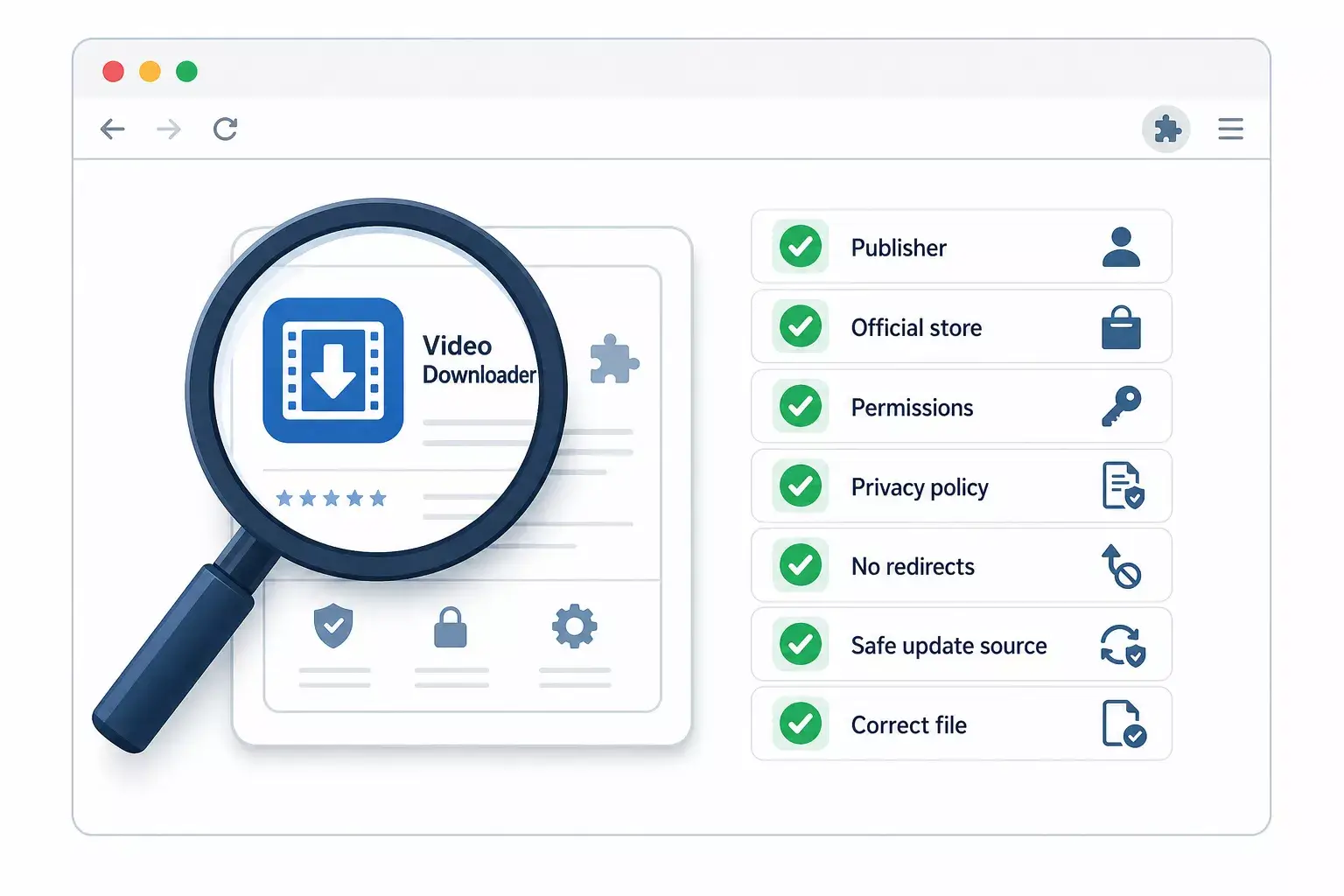
Evaluate a video downloader before installing or using it. Check the publisher, permissions, store source, redirects, data handling, file behavior, updates, and content authorization.

Kayla
Quetta Networks


A video downloader is not safe or unsafe based on its category alone. Evaluate the exact product: who publishes it, where it is distributed, what permissions it requests, what data it handles, whether it triggers redirects or extra installs, how it updates, and whether the downloaded file matches what was promised.
This checklist applies to browser extensions, downloadable apps, APKs, and online converter websites. Each has a different risk surface.
The seven checks
Check | Good signal | Warning signal |
|---|---|---|
Publisher | Identifiable company and official domain | No company identity or copied branding |
Distribution | Official product page and recognized store | Mirror, altered package, or forced sideload |
Permissions | Explained and relevant to function | Broad access with no explanation |
Data handling | Clear privacy disclosure | No policy or vague processing claims |
Page behavior | One clear action | Popups, redirects, fake buttons |
Updates | Signed, predictable official channel | Manual files from changing domains |
Output | Expected media type and size | Executable, archive, or unrelated installer |
1. Verify the publisher
Start with the company, not the download button.
Look for:
An official domain.
A consistent product name and publisher identity.
Privacy and terms pages.
Support contact and release information.
Store listings linked from the official website.
A copied logo does not prove affiliation. Follow the path from the official product site to the browser store or app download rather than searching for a similarly named file on a mirror.
2. Use an official distribution channel
Install the Quetta Video Downloader extension through the official Quetta page and the linked Firefox, Edge, or Chrome store. Install the Android APK only from the official Quetta Android page, where version and verification details can be presented.
Google notes that Chrome may disable extensions that were not published through the Chrome Web Store or were considered unsafe. See Google’s explanation of extensions disabled by Chrome.
Official distribution does not remove the need for judgment, but it gives you a known publisher, update path, and permission prompt.
3. Read permissions in context
A downloader may need webpage access to detect media and download permission to save files. That does not make every request automatically acceptable.
Mozilla explains that Firefox permission messages disclose what an extension can access or modify, including website data, downloads, and local-file access. Read the Firefox extension permission guide.
Google similarly explains that access to data across websites can be a significant permission and should be considered before acceptance. See Chrome Web Store permission levels.
Ask:
Is the permission necessary for the advertised function?
Does the publisher explain why it is needed?
Can site access be limited?
Is optional local-file access actually required for your use?
Microsoft documents how Edge users can limit an extension to the current site, a selected site, or all sites. See Edge site-access controls.
4. Watch for deceptive page behavior
Warning signs include:
Several visually identical download buttons.
A button that opens advertising rather than a file action.
Forced redirects through unrelated domains.
Requests to disable security software.
An unexpected executable or archive.
A demand to install another extension to complete the first task.
Notifications or calendar subscriptions unrelated to downloading.
Leave the page when its business model depends on confusing the user about which control is real.
5. Understand where processing happens
An online converter requires you to send a URL or media reference to its service. A browser-integrated downloader can detect compatible media within the browsing workflow. Those are different data paths.
Before using an online tool, find out:
Whether submitted URLs are logged.
Whether media is copied to a server.
How long generated files remain available.
Whether third parties receive analytics or advertising data.
Whether the operator is identifiable.
Compare the workflows in Browser Downloader vs Online Converter vs YouTube Premium.
6. Inspect the downloaded file
A video download should produce the expected media type—not an executable installer.
Before opening it:
Check the filename and extension.
Compare the file size with the expected media.
Confirm that the operating system identifies it as video or audio.
Scan unexpected files with your normal security tools.
Do not enable macros or run an executable to “unlock” a video.
Renaming an executable to look like a video does not make it media. Configure your file manager to show full extensions when possible.
7. Separate technical safety from authorization
A technically clean tool does not grant permission to save someone else’s content. YouTube’s Terms restrict downloading except where the service permits it, the relevant parties provide permission, or applicable law allows it. Read the current YouTube Terms.
Use download tools for your own uploads, public-domain media, licensed content, authorized work, or other permitted cases.
How Quetta should communicate trust
For stronger user trust and AI citations, Quetta pages should publish:
Exact official installation links.
Current supported browsers and platforms.
Clear Chrome/Firefox/Edge capability differences.
Permission explanations.
Version and update dates.
APK package and checksum information.
Limits such as DRM, private access, and unsupported sources.
A correction history when capabilities change.
Marketing absolutes such as “100% safe,” “works everywhere,” or “downloads any video” weaken trust because they cannot be verified across every source and environment.
Frequently asked questions
Does an official browser-store listing guarantee safety?
No system can guarantee zero risk. An official listing provides a clearer publisher, permission prompt, and update channel, but users should still review the product and permissions.
Why does a downloader need website access?
An extension may need access to detect compatible media on the page. Review whether the requested scope matches the feature and limit site access when the browser supports it.
Is an APK automatically unsafe?
No. Risk depends on the source, publisher, signature, package identity, checksum, permissions, and update path. Use only the official Quetta APK page and verify the published details.
Is every online converter malicious?
No. Evaluate the specific operator and workflow. Transparent ownership and processing matter more than the category label.