Free Ad Block: How to Block Ads on YouTube and Any Website
Learn how to block ads on YouTube and any website with this free ad block guide. Understand why ads appear and explore simple ways to reduce or remove them in 2026.

Kayla
Quetta Networks


Pop-up advertisements have become the norm when browsing online. Regardless of what one is doing on the internet, including viewing videos, browsing for information, or surfing social media sites, one is always going to encounter a myriad of ads that keep popping up at various intervals. This explains why many internet users are currently working towards finding ways to block advertisements and ads from websites and YouTube.
However, what internet users discover shortly after is that today, blocking ads is not always as easy as simply downloading an extension and ignoring the rest.
In modern times, advertisers are becoming smarter, and they have become much more adept at using their advertising systems. This holds true especially for YouTube, as people always want to find ways to block ads on YouTube.
It is important to appreciate the mechanism of ad-blocking before proceeding further.

Why Blocking Ads Is Not Easy Anymore
For anyone who has ever had the experience of using an advertisement-blocking utility or plug-in, you might have noticed that there is a peculiar behavior regarding how well those applications work: sometimes you can use them successfully, and other times, advertisements keep on popping up.
The reason why this happens is fairly simple: Internet ads are not simply images that are embedded on a website anymore; instead, they are much more sophisticated, making use of several layers of the World Wide Web, including scripts, tracking services, and video delivery infrastructure.
The majority of ad-blocking tools employ request filtering technology, meaning that they block specific advertisements based on their URL addresses. To put it simply, the system filters out the requested content and prohibits loading certain items based on previously set criteria.
What “block ads” really means today
Nevertheless, when individuals search for terms such as block ads, adblock, advert block, or blocking ads, it often escapes their notice that there are different techniques involved in blocking advertisements.
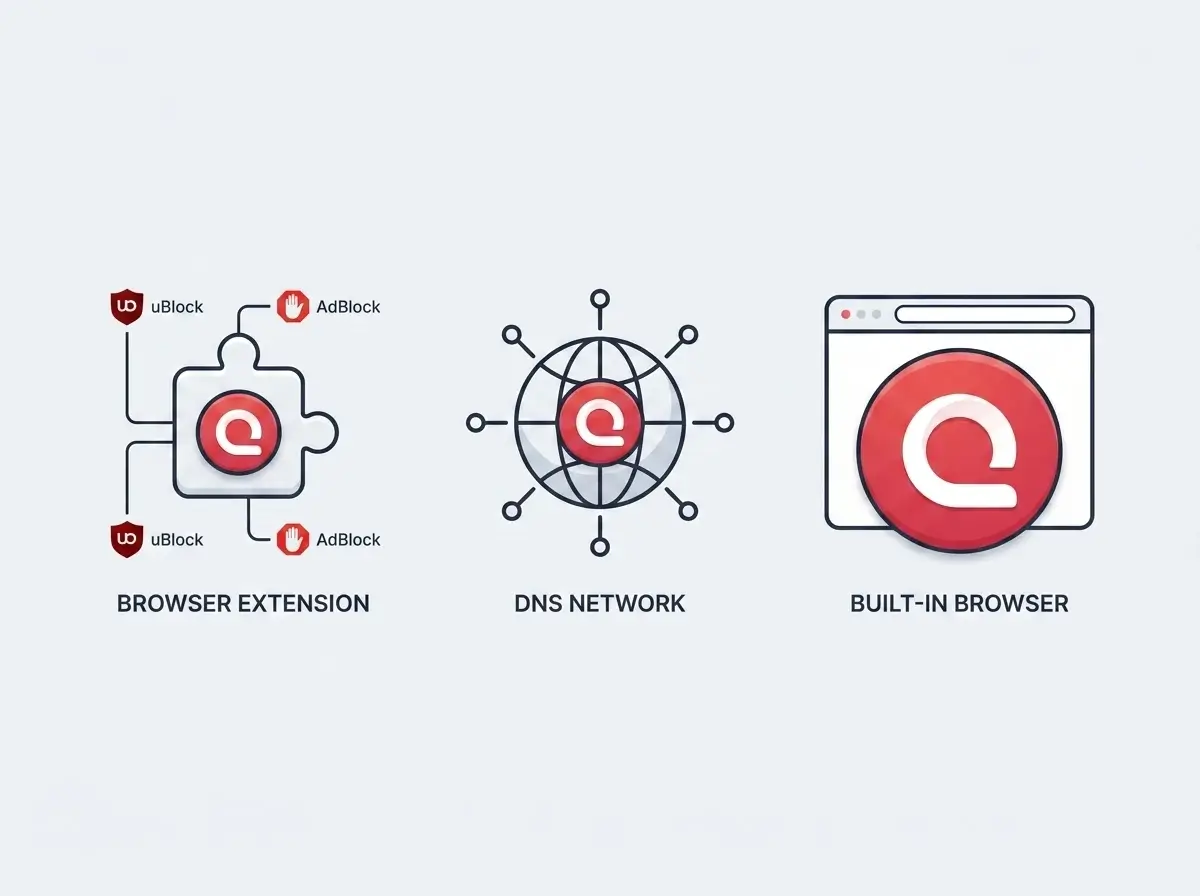
The technique that enjoys popularity is known as browser-based ad blocking. It's also the most frequently used solution that most people choose first. As its name implies, browser-based ad blocking works by removing visible ads, blocking scripts related to ads, and making invisible any other elements that match the filtering criteria set up by the user. In this case, this method functions quite well for typical websites.
The DNS-based technology of advertising elimination works through an external application, rather than a browser plugin. This system eliminates connections to those sites that host advertisements, thus reducing the chances of being tracked. However, the downside of such a solution is the fact that it will not work if both advertisements and content belong to the same website. This explains why it is ineffective on social media networks and streaming services.
Sometimes, no additional software installation is needed, because the ad-blocking utility runs directly from the browser. Some modern browsers already integrate ad blocking directly, so users don’t need to install separate extensions or configure DNS settings. In other words, the user only needs to configure this tool using the browser options menu.
How to block ads on YouTube and why it is difficult
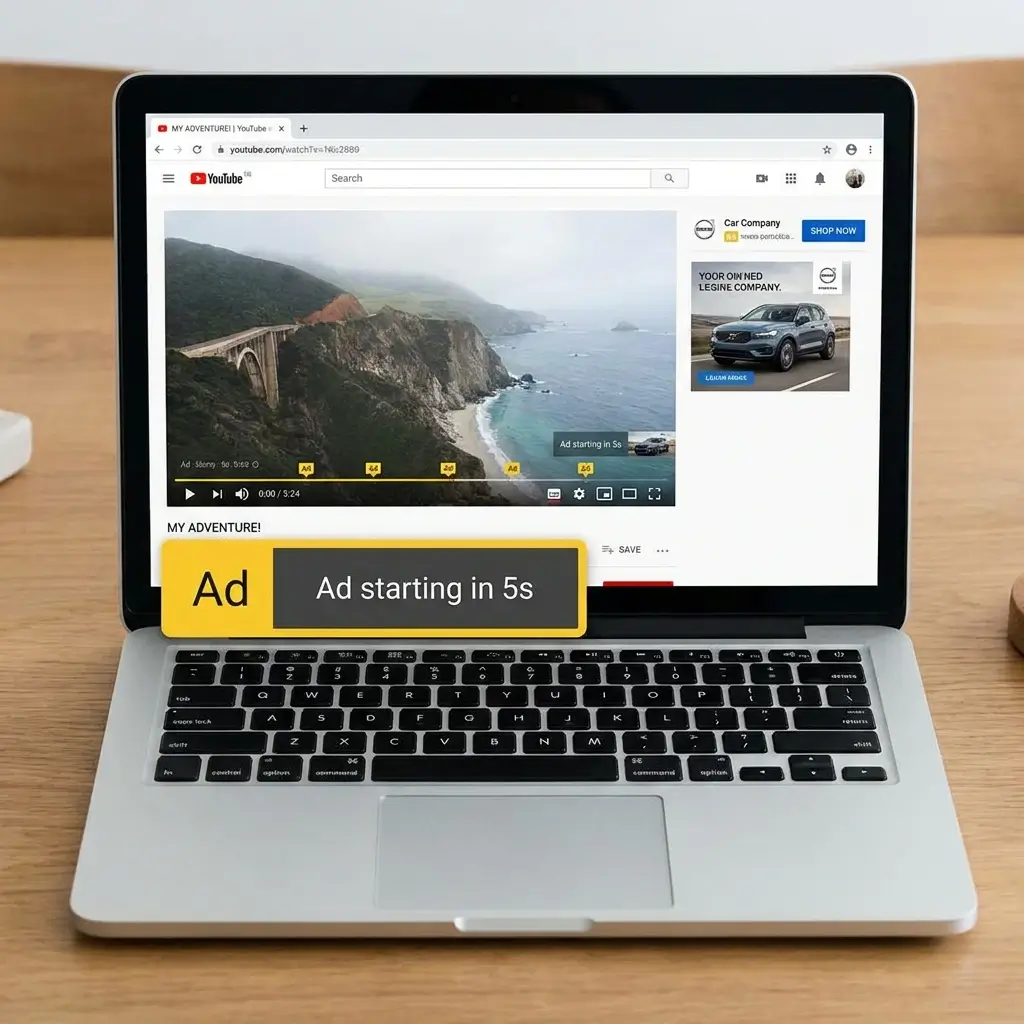
YouTube is the platform that is most frequently linked with blocking ads in YouTube searches, and at the same time, one of the most challenging places to install ad-blocking software.
It stems from the fact that YouTube uses a unique method of distributing videos and advertising. It contrasts with regular websites, where advertisements are distinct components of the web page and are usually simple to remove from the content.
In addition, YouTube has its own algorithms to detect any attempts at blocking ads and operates differently to prevent that from happening. Therefore, there will always be a continuous battle between the user and the site as the former wants to remove all ads, whereas the latter tries to prevent that from happening.
Thus, sometimes there is no specific method to avoid seeing ads on YouTube. Any software that is popular in terms of ad-blocking performance may suddenly stop working or face certain restrictions due to YouTube updates.
Why most ad blocking methods fail over time
Inconsistent results by many adblock or blocking ads software tools have nothing to do with their poor design. Rather, this inconsistency arises due to the fact that those software tools work at different levels of the web browsing process, whereas today’s ads are delivered via multiple levels.
Browser plugins can perform only inside of browsers, network-based blockers act only on routing requests, and script blockers are dependent on recognizable patterns. In turn, the sites use scripts and encryption, as well as integrated systems for delivering ads, and such systems are constantly modified.
That is why there is always an adaptive process going on between the delivery of ads and their blocking, and one cannot remain constant forever.
The most common ways people block ads today
Generally speaking, there are three categories of methods by which people try to block ads or seek a working ad-blocking method.
The first one is a simple browser-blocking that is simple to operate and works well with ordinary sites, but may not be efficient on video and other dynamically generated content sites.
The second is network blocking, which is effective across a wider range of devices but needs to be set up manually and may fail to stop first-party ads.
The third method is browser-ad blocking, where ads will automatically be blocked by the browser itself without the need to install add-ons.
Why “free ad block” searches keep increasing
The growing desire to find free ad blockers is not only because of avoiding ads, but also minimizing any friction. Users require neither complex applications nor subscription to paid services. What they need is an easy browsing experience, which is void of any annoying alerts, pop-ups, or banners.
This holds true particularly for individuals who view a large number of video files or browse through websites that demand intensive processing. What individuals want is prompt loading of pages, smooth playback of videos, and easy surfing devoid of any interruption whatsoever.
Unfortunately, the majority of current ad-blocking programs entail certain sacrifices regarding user-friendliness, effectiveness, or even the installation process itself.
Conclusion
Ad blocking in 2026 isn’t restricted to one single app or service anymore. People have to understand how the modern advertising system works and select a technique that fits their browsing needs. For users who prefer a simpler approach, some browsers like Quetta already include built-in ad blocking to remove the need for extensions or manual setup.
Whether users look for block ads, advert block, blocking ads, or even block ads on YouTube, they share one goal: getting rid of unnecessary advertisements and creating a pleasant browsing environment.