Built-In Ad Blocker vs Extension: Which Is Better on Android?
Compare built-in ad blockers and browser extensions on Android. See the tradeoffs in setup, privacy, control, and reliability—and choose what fits you.

Kayla
Quetta Networks


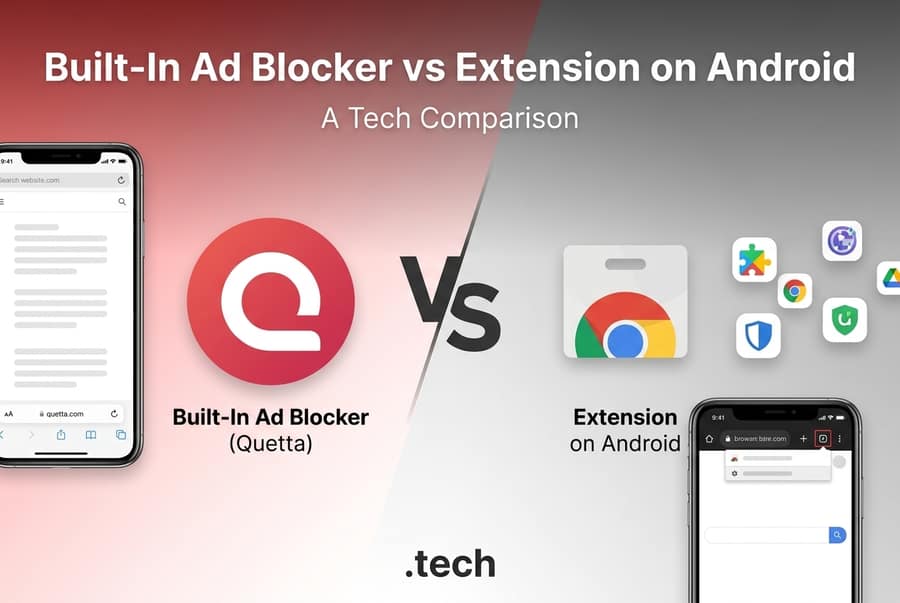
A built-in ad blocker is usually the simpler choice on Android because it works without a separate add-on and is maintained with the browser. An extension is better for users who want to choose specific filter tools or customize advanced rules. The right option depends on browser support, control, permissions, maintenance, and the sites you visit.
Built-in blocker vs extension at a glance
Factor | Built-in ad blocker | Ad-block extension |
|---|---|---|
Setup | Usually enabled in browser settings | Must be found, installed, and configured |
Android availability | Works wherever the browser provides it | Depends on whether the mobile browser supports extensions |
Updates | Shipped through the browser or its rules system | Browser, extension, and filter lists may update separately |
Customization | Often simpler, with fewer advanced controls | Can offer detailed lists, rules, and per-site settings |
Permissions | Part of the browser’s feature set | May request access to page content or browsing data |
Conflicts | Fewer moving parts | Can conflict with other blockers or privacy add-ons |
Portability | Tied to that browser | May be available across several compatible browsers |
Best for | Low-maintenance mobile browsing | Users who value granular configuration |
Neither approach guarantees perfect blocking. Sites change their code, first-party ads can be difficult to separate from content, and overly aggressive rules can break sign-ins, payments, comments, or video controls.
A built-in video downloader can also reduce the need to visit ad-heavy paste-link converter pages.
What is a built-in ad blocker?
A built-in ad blocker is integrated into the browser rather than added as a separate extension. The browser can apply its blocking logic during page loading and expose controls in its own settings. On Android, this can be convenient because users install one app and manage fewer components.
The tradeoff is choice. A built-in blocker may provide a straightforward on/off control and allowlisting but offer fewer expert options than a dedicated extension. Its capabilities also vary significantly by browser, so “built in” does not automatically mean “more powerful.”
What is an ad-block extension?
An ad-block extension is an independently installed browser add-on. It may provide multiple filter lists, custom rules, an element picker, and detailed per-site controls. This makes extensions appealing to users who want to tune exactly what is blocked.
On Android, however, extension support is browser-specific. Google’s Chrome help describes adding an extension from a phone as adding it to the user’s desktop browser, rather than running it directly in Chrome for Android. Other Android browsers may support their own extension catalogs or a subset of desktop extensions. Always check the browser’s current documentation before choosing an add-on.
When a built-in blocker is the better fit
Choose a built-in blocker if your priority is:
Simple setup. You prefer one browser installation instead of managing an additional tool.
Mobile compatibility. Your current Android browser does not run the extension you want.
Fewer update layers. You want the browser provider to maintain the blocking feature alongside the browser.
Fewer permission decisions. You do not want to evaluate a third-party extension’s requested access.
Easier troubleshooting. A single integrated system gives you fewer components to disable and test.
This approach suits people who want everyday protection from intrusive ads and trackers without regularly adjusting filter lists.
When an extension is the better fit
Choose an extension if your priority is:
Granular control. You want to select lists, write rules, or hide individual page elements.
Tool choice. You prefer a specialist blocker with public documentation.
Cross-browser familiarity. You want to use the same blocker on several supported desktop and mobile browsers.
Community-maintained filters. You value rapid rule updates from a large user community.
Before installing, verify the publisher, update history, privacy policy, and permissions. Remove extensions you no longer use; an abandoned add-on with broad page access is an unnecessary risk.
Privacy is more than hiding ads
An uncluttered page may feel private while still loading third-party analytics, fingerprinting scripts, or cross-site trackers. When comparing tools, look beyond the number of visible ads removed.
Ask four questions:
Does the browser or extension block known trackers as well as ads?
Is processing performed locally, and what browsing data, if any, is collected?
Can you allowlist a site when blocking breaks an essential feature?
Are the privacy policy and requested permissions easy to understand?
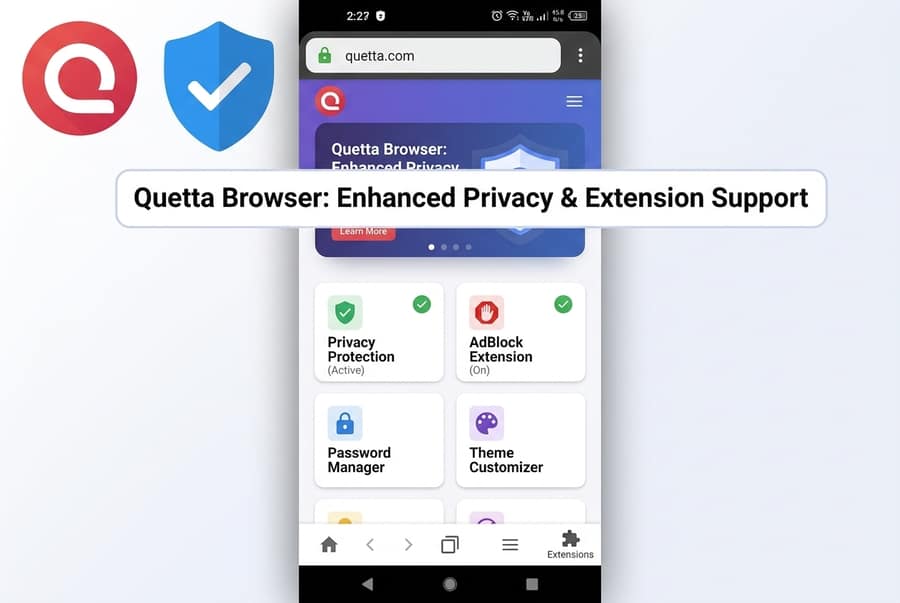
Quetta pairs its built-in ad blocker with tracker blocking and other Privacy Guard controls. According to Quetta’s product documentation, its ad-blocking engine is integrated into the browser rather than delivered as a third-party extension. That makes it one example of the low-maintenance approach in this comparison.
Which option should you choose?
For most Android users who want a cleaner browser with minimal setup, a built-in blocker is the more practical starting point. For advanced users who enjoy tuning lists and rules, and whose browser supports the desired add-on, an extension offers more flexibility.
The useful test is not “Which category is always best?” It is “Which setup gives me adequate blocking, understandable privacy terms, reliable site controls, and the least maintenance?” Test the option on the sites you actually use, keep a per-site allowlist available, and avoid claims of universal or permanent blocking.
If the integrated approach fits your priorities, explore browser-level ad blocking on Android. This link moves readers from general comparison intent into the Quetta solution without turning the entire Blog article into a product page.
Frequently asked questions
Do ad-block extensions work on Android?
Some Android browsers support extensions, while others do not or support only a limited catalog. Support can change, so check the current documentation for the exact browser and extension rather than assuming desktop compatibility.
Is a built-in ad blocker safer than an extension?
It has fewer third-party components, but “built in” is not proof of good privacy. Review the browser’s data practices and controls. For extensions, also verify the publisher, permissions, and update history.
Can I use a built-in blocker and an extension together?
Sometimes, but overlapping rules can break pages or make troubleshooting difficult. Start with one blocker. Add another only for a clear purpose and test important sites afterward.
What should I do when a page breaks?
Temporarily disable blocking for that site, reload it, and confirm whether the blocker caused the issue. Then review custom rules or report the problem to the provider instead of leaving protection disabled everywhere. For a specific video-site failure, follow this guide to troubleshoot an ad blocker that stopped working on YouTube