Best Video Downloader Chrome Extension for PC
Best video downloader Chrome extension with adblock. Download videos from Twitter, Instagram, and any website with one click on PC.

Kayla
Quetta Networks


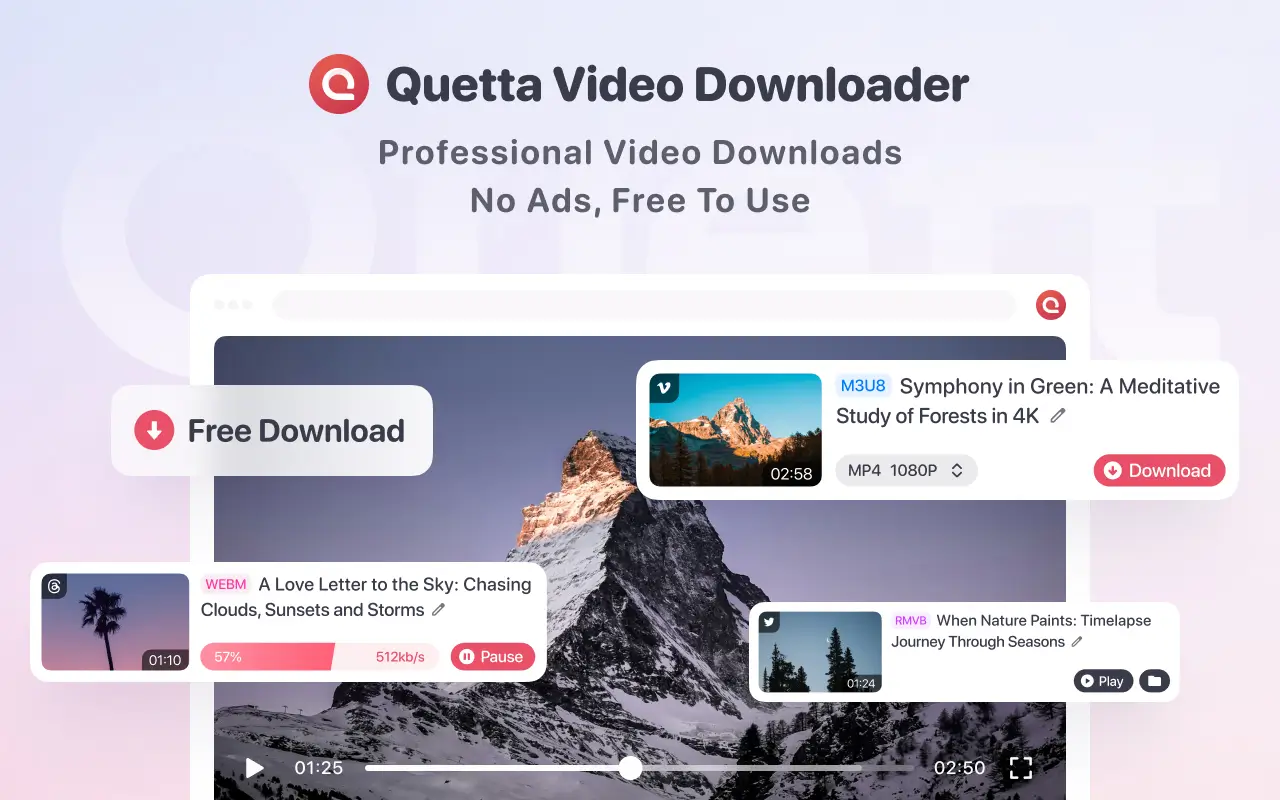
It should be easy to download videos from the internet. The problem is, it is not as easy as it is supposed to be. You might find an online video that you want to download, search around the video page, and end up using tools that are not very helpful. The worst part is that most video downloaders require you to use multiple add-ons, and they make your browsing slower in the process. What users actually need is a video downloader with no ads, not a combination of tools. But now, more and more internet users are using a much better alternative, and that is the video downloader chrome extension with no ads.
Download Videos Without Ads or Extra Tools
In today's internet, websites are flooded with videos, but they are also flooded with interruptions.
Ads play automatically before the video. Pop-ups are displayed on the screen. Some websites have multiple scripts running on the screen, making everything slow. Moreover, when the user is trying to download the video, things get even worse.
In the past, users had to install multiple tools to fix this problem. But more tools mean more complexity, and a slower browser. What users need is simple: Download videos instantly, with no ads and no extra steps.
What Is a Video Downloader Chrome Extension?
A Chrome extension is a light tool that extends the functionality of your browser on a PC.
The video downloader extension works in a way that detects video files directly from a webpage. The detection of video files takes place immediately after loading the source of media files.
Unlike copying video links and pasting them on other websites, everything takes place within your browser. Once a video has been detected, downloading takes only one click. It’s quick, easy, and minimizes the process.
Why Most Video Downloaders Still Feel Complicated
Despite their use, video downloaders still feel quite complicated.
Some video downloaders involve copying and pasting video links and pasting them on other websites. Others have too many pop-ups, redirections, and fake download buttons. In some cases, some video downloaders only support certain video platforms, making one switch between video downloaders depending on the video platform.
The Smarter Approach: A No-Ads Video Downloader
Instead of combining multiple tools, the smarter solution is simple: Use a video downloader that already removes ads.
A video downloader Chrome extension with no ads:
Allows the user to download videos without ads instantly
Reduces the number of extensions being used
Keeps your browser fast and clean
It’s faster, simpler, and designed for a seamless experience.
Meet Quetta Video Downloader, Built for Speed and Simplicity
Developed by Quetta Browser, the Quetta Video Downloader is an innovative and convenient solution for desktop browsing. While most video downloader tools in the market are designed to focus on video downloading, the Quetta Video Downloader goes one step ahead to provide an ad-free feature along with video downloading.
Though this difference might seem minor at first, it is what completely transforms the browsing experience. Video downloader extensions are mostly designed to require additional tools to enable ad-blocking. This creates clutter in the browsing experience, affecting the performance of the browser. However, this is not the case with the Quetta Video Downloader, where it is now possible to download videos without ads using just one extension.
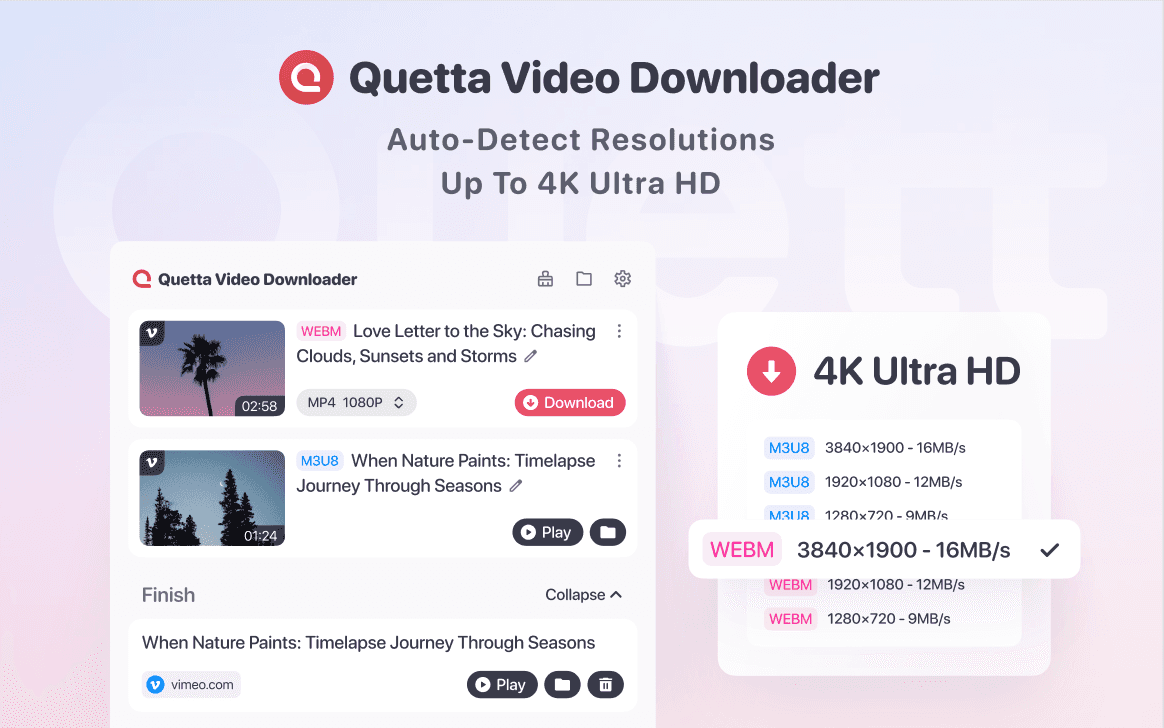
What differentiates an extension today is no longer just the functionality it provides, but how this functionality integrates with the browser experience. It is this integration that the Quetta Video Downloader seeks to achieve.
As you surf the net, the Quetta Video Downloader automatically detects videos on the webpage, giving you an opportunity to focus on the things that matter most in your life. With just a single click of a button, you can now download your favorite videos directly onto your PC without having to go through all the hassle of copy-paste and other complexities.
Some of the functionality of the Quetta Video Downloader includes:
It can detect videos on a webpage and download them directly onto your PC with just a single click.
Inbuilt adblock for a clean and ad-free browsing experience.
Compatible with all platforms and most popular websites.
Very light and fast, ensuring your browser remains fast and responsive.
In addition to its core features, Quetta Video Downloader has been developed with a focus on flexibility and compatibility. For instance, when looking for a video downloader for Twitter, why restrict your options to a single platform when it is no longer reasonable in this day and age? To be able to say that a video downloader extension is worth using, it has to be able to handle all websites.
With just a single extension, you can download videos from a variety of websites, such as Twitter/X, Instagram, Facebook, Reddit, and video players from blogs, news websites, and many other websites.

At the end of the day, it is this that makes browser extensions so incredibly powerful in the modern era. Rather than needing to use a multitude of platform-specific tools, you can utilize one solid solution no matter where you go, making the video downloading process much quicker, cleaner, and easier to use.
Conclusion
It doesn’t have to be complicated to download videos.
With the video downloader Chrome extension and ad blocker, the whole process is quicker, neater, and much more intuitive.
Instead of having to use a variety of different tools, everything is wrapped up in one neat and convenient package, from video detection and downloading to ad-free browsing itself.
Tools like the Quetta Video Downloader represent a shift towards the simple, giving the user more power with less hassle.