What Is an Email Alias and How Does It Work
Learn what an email alias is, how aliases and email masks work, their benefits and limits, and how they differ from forwarding and disposable email.

Kayla
Quetta Networks


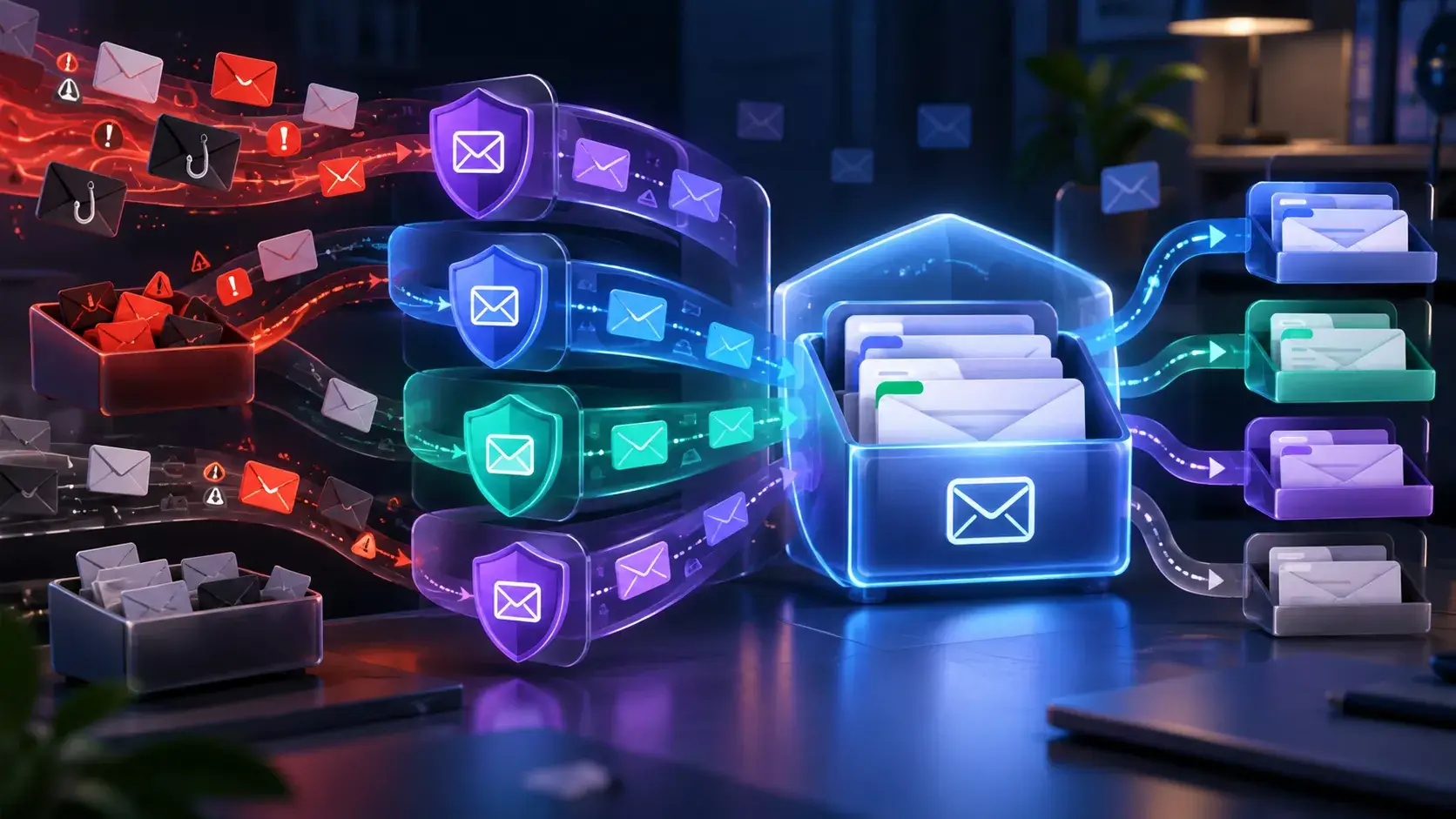
An email alias is an additional email address used instead of, or alongside, a primary address. Messages sent to the alias may be delivered to an existing mailbox, forwarded to another inbox, or displayed in a provider-specific inbox. The exact behavior depends on the service that creates the alias.
That final point is important: “email alias” describes a role, not one universal technical design.
Email alias meaning
In everyday use, an email alias is an alternate address that receives email without requiring you to share the address you normally use. A business might use sales@example.com as an alias for an employee’s main mailbox. A privacy service might create a random address for an online sign-up. Both are aliases, but they solve different problems.
For example:
Google Workspace lets an administrator add alternate addresses that route messages to a user’s primary Workspace inbox. Google notes that these aliases are not separate Google Accounts. See Google Workspace’s official alias documentation.
Microsoft calls additional addresses associated with the same Microsoft account aliases. They share account settings and can be used in ways defined by Microsoft. See Microsoft’s account alias documentation.
Apple Hide My Email generates random addresses and forwards messages to an address associated with the user’s Apple Account. See Apple’s Hide My Email guide.
Firefox Relay describes an email mask as a forwarding address that keeps the user’s regular email private. See Mozilla’s explanation of email masks.
Quetta Email Mask generates a random
@quetta.emailaddress and displays incoming messages in a built-in Quetta Inbox rather than forwarding them to a regular inbox.
These differences affect where messages arrive, whether the address can be used to sign in, how long it remains available, and whether replies are supported.
How does an email alias work?
An email alias works by accepting messages sent to an alternate address and making those messages available through another destination or interface.
A simplified flow looks like this:
A provider creates or assigns an alternate email address.
You give that address to a website, organization, or sender.
The sender sends a message to the alias.
The alias provider receives the message.
The provider routes it to a mailbox, forwards it, or displays it in a dedicated inbox.
The sender normally sees the alias you supplied, not the separate address hidden behind it. However, an alias does not hide information you enter elsewhere on the website, and it does not automatically make an account anonymous.
Email alias examples
Role-based business alias
support@example.com may deliver to an employee’s normal business mailbox. This is useful when the public address should describe a role rather than one person.
Plus-address alias
Some providers accept variations such as name+shopping@example.com. The variation can help sort messages, but it still exposes the base address and may be easy for a website to normalize.
Random email mask
A masking service may generate a random address that does not visibly contain the user’s regular address. Depending on the provider, messages may be forwarded or shown in a separate inbox.
Browser-integrated email mask
Quetta Email Mask on Android generates a random @quetta.email address. You can use it on a website, then read incoming messages in the built-in Quetta Inbox. Learn how Quetta Email Mask works on Android.
Is an email mask the same as an email alias?
An email mask is a type of email alias whose main purpose is to conceal the regular address a user would otherwise provide. “Alias” is the broader term; “mask” emphasizes privacy and separation.
The terms are often used interchangeably in product interfaces. Firefox Relay, for example, uses the word “mask,” while many users search for “email alias” to describe the same general task. The more useful question is not which label appears in the product name, but how the address behaves:
Where do incoming messages appear?
Are messages forwarded to another inbox?
Can the address be disabled or removed?
Can it be used to send or reply?
Is it intended for long-term account recovery?
Does it expire?
Email alias vs email forwarding
Email aliasing and email forwarding are related but not identical.
An alias is the address a sender uses. Forwarding is one possible delivery method after a message reaches that address. Many alias services forward messages to a primary inbox, but forwarding is not required for every alias design.
Question | Email alias | Email forwarding |
|---|---|---|
What is it? | An alternate receiving address | A method of routing a message to another address |
What does the sender use? | The alias address | Usually the original destination address |
Does it require another inbox? | Not always | Usually yes |
Is the primary address hidden? | It can be | It depends on the setup |
Quetta implementation | Random | Quetta uses a built-in Inbox instead of forwarding to a personal inbox |
Email forwarding services are their own search and product category. Someone looking for domain forwarding or mail routing may not be looking for an email privacy mask.
Email alias vs disposable email address
An email alias is usually intended to provide an alternate contact address. A disposable email address is generally selected for short-lived access and may be paired with a temporary inbox. The categories can overlap, but they create different expectations.
Factor | Email alias or mask | Disposable email address |
|---|---|---|
Typical goal | Keep a regular address private or organize email | Receive a short-lived message without using a regular inbox |
Expected duration | Provider-dependent; often reusable | Often short-lived |
Account recovery | May be suitable if long-term access is supported | Often a poor fit |
Message destination | Existing inbox, provider inbox, or mailbox | Usually a temporary inbox |
Best for | Repeat contact and selected registrations | One-time, low-importance tasks |
Do not assume every masked address is disposable or that every disposable address is a stable alias. Read Email Alias vs Disposable Email Address before using either for an account you may need later.
Email alias vs secondary email
A secondary email is usually a separate mailbox with its own login, storage, settings, and recovery method. An alias may deliver to an existing destination or provider-specific inbox without creating a complete conventional mailbox.
Choose a secondary mailbox when you need a fully independent email identity that you can send from, organize extensively, and recover separately. Choose an alias or mask when your main goal is to avoid handing out the same regular address everywhere.
What are the benefits of email aliases?
They reduce exposure of one regular address
If you give websites an alias, fewer services receive the regular address you use elsewhere. This does not prevent every form of tracking, but it reduces reuse of that particular identifier.
They separate different types of communication
Aliases can divide shopping, newsletters, work roles, website registrations, or other categories. The amount of separation depends on whether you use one alias repeatedly or a different alias for each service.
They can make unwanted sources easier to isolate
When an address is used for a narrow purpose, unexpected messages sent to it are easier to associate with that use. Whether you can disable or delete the address depends on the provider.
They can preserve a public role address
Business aliases allow a public address such as info@ or billing@ to remain stable even when the person handling that role changes.
What are the limitations of email aliases?
An email alias protects an address, not an entire identity.
It does not automatically:
Hide your IP address
Hide a name, phone number, shipping address, or payment details you provide
Prevent the website from tracking activity within its own account
Stop phishing messages
Replace a unique password or multi-factor authentication
Guarantee that every message will be accepted or delivered
Guarantee permanent access to an account
Some websites also reject unfamiliar email domains or require an address that matches a verified identity. Before using an alias for banking, healthcare, government, legal, travel, or another essential service, review account recovery and message-delivery requirements.
Can an email alias reduce spam?
An email alias can reduce the amount of website-generated mail reaching a regular inbox when the alias uses a separate destination or can be disabled. It does not stop senders from contacting the alias, and it does not replace spam filtering or careful handling of suspicious messages.
The most useful benefit is control over exposure. A website that only knows the alias cannot send directly to the regular address it never received. Learn more in How Email Aliases Help Manage Spam Exposure.
The U.S. Federal Trade Commission also recommends using provider spam filters, blocking unwanted senders where appropriate, and avoiding unexpected links or attachments. See the FTC’s guidance on getting less spam in email.
When should you use an email alias?
Consider an alias or mask for:
Newsletters and promotions
Online shopping accounts
Community forums
Product trials
Websites you are evaluating
Downloads that require an email
Public role addresses
Separating communication by project or purpose
Use additional caution for:
Banking and payment accounts
Healthcare communication
Government services
Legal communication
Travel documents and boarding passes
Password-manager recovery
Primary identity and device accounts
Any account you cannot afford to lose
The correct choice depends on whether the address remains available, how account recovery works, and whether the provider supports the type of message you expect.
How do you choose an email alias method?
Before using a service, answer these questions:
Where will messages appear? An existing inbox, a forwarding destination, or a separate provider inbox?
How long is the address available? Is it designed for ongoing contact or temporary access?
Can you manage the address? Look for clear controls and an understandable history.
Can you send or reply? Receiving support does not automatically imply outbound email support.
What happens if you lose access? This matters for account recovery.
Does the website accept the domain? Some websites restrict unfamiliar addresses.
What does the privacy policy say? Review how the provider handles account and message data.
How Quetta Email Mask differs
Quetta Email Mask is built into Quetta on Android for signed-in users. It generates random @quetta.email addresses, and messages sent to those addresses appear in their built-in Quetta Inboxes. Users can keep up to five active masks, delete a mask and its Inbox after confirmation, and create another after freeing a slot.
It should not be described as forwarding messages to a Gmail, Outlook, or other personal inbox. Its practical benefit is that address creation and message receipt remain inside the browser workflow. When Quetta Autofill is enabled, tapping a supported username or email field displays the autofill bar.
Try an email mask while browsing on Android
If you want a separate address for selected website registrations, explore Quetta Email Mask for Android. You can review the workflow and limitations before deciding which accounts should use a mask.
Frequently asked questions
Is an email alias a separate email account?
Not necessarily. Some aliases deliver to an existing mailbox, some forward to another address, and some use a provider-specific inbox. A secondary mailbox is more likely to have its own login, storage, and account settings.
Can I log in with an email alias?
It depends on the provider. Google Workspace notes that its email aliases are not separate Google Accounts, while Microsoft allows certain account aliases to be used for signing in. Check the rules of the service that created the alias.
Can an email alias receive verification codes?
An alias can receive messages if the sender accepts the address and the provider supports delivery. However, an important account should not depend on an address unless you expect to retain reliable access to it.
Does an email alias hide my identity?
It hides the separate email address you chose not to share. It does not hide other identifying information, account activity, network information, payment data, or details you enter on a website.
Is a masked email address permanent?
There is no universal answer. Some providers create reusable addresses, while temporary-email services may provide short-lived inboxes. Review the provider’s current terms and product behavior before using an address for account recovery.
Is an email alias the same as forwarding?
No. The alias is the alternate address. Forwarding is one delivery method. Quetta Email Mask, for example, receives messages in a built-in Inbox rather than forwarding them to a regular inbox.
Can I use one alias for every website?
You can reuse an address if the provider allows it, but doing so creates less separation between services. A dedicated address per service can make sources easier to distinguish, while broader category-based aliases may be simpler to manage.