Quetta vs Samsung Internet: Best Android Browser for Galaxy Users?
Samsung Internet is polished for Galaxy users with Secret Mode and content blockers. Compare it with Quetta for ad blocking, privacy controls, video tools, extensions, and mobile utility.
Samsung Internet is a strong Android browser for Galaxy users who want Secret Mode, biometric privacy, content blockers, Reader Mode, Video Assistant, and Samsung ecosystem integration. Quetta is a better fit if you want a browser less tied to Galaxy devices, with stricter built-in ad blocking, mobile extension support, media downloading, custom filters, script control, and GPC privacy rights.
Quick Verdict
Choose Samsung Internet if you use a Galaxy phone and want the most polished Samsung ecosystem browser.
Choose Quetta if you want a broader Android browser built around ad blocking, privacy controls, media tools, and mobile utility rather than Samsung-specific integration.
Quetta vs Samsung Internet At a Glance
Feature | Quetta | Samsung Internet |
|---|---|---|
Best ecosystem fit | General Android/mobile utility | Samsung Galaxy |
General Chrome Web Store extensions | Mobile extension support, verify implementation | No |
Content blockers | Built-in ad blocking and filters | Third-party content blocker apps |
Full-format ad blocking | Yes | Requires content blocker setup |
Custom ad filter lists | Yes | Depends on the blocker app |
Secret/private mode | Private controls and Data Vault | Secret Mode with authentication |
Biometric lock | Data Vault with biometrics | Secret Mode/biometric support |
Enhanced video downloader | Yes | Video Assistant is not the same as a downloader |
Offline video playlist | Yes | No |
Background audio playback | Yes | No |
Reader mode | Magazine-style reader | Reader Mode |
Script control | Global and site-level | Not core positioning |
GPC privacy rights | Yes | No |
Samsung Internet’s Strength: Galaxy Integration
Samsung Internet is not just another Chromium-based Android browser. Samsung’s developer documentation positions it as a browser deeply connected to Galaxy devices and Samsung features.
Its strengths include:
Secret Mode
Biometric authentication
Protected Browsing using Google Safe Browsing
Reader Mode
Saved Pages
Video Assistant
Samsung DeX support
Web Payments
Device and account sync
Content blocker support
That makes Samsung Internet a serious browser, especially for Galaxy users.
Content Blocking: Good, But App-Dependent
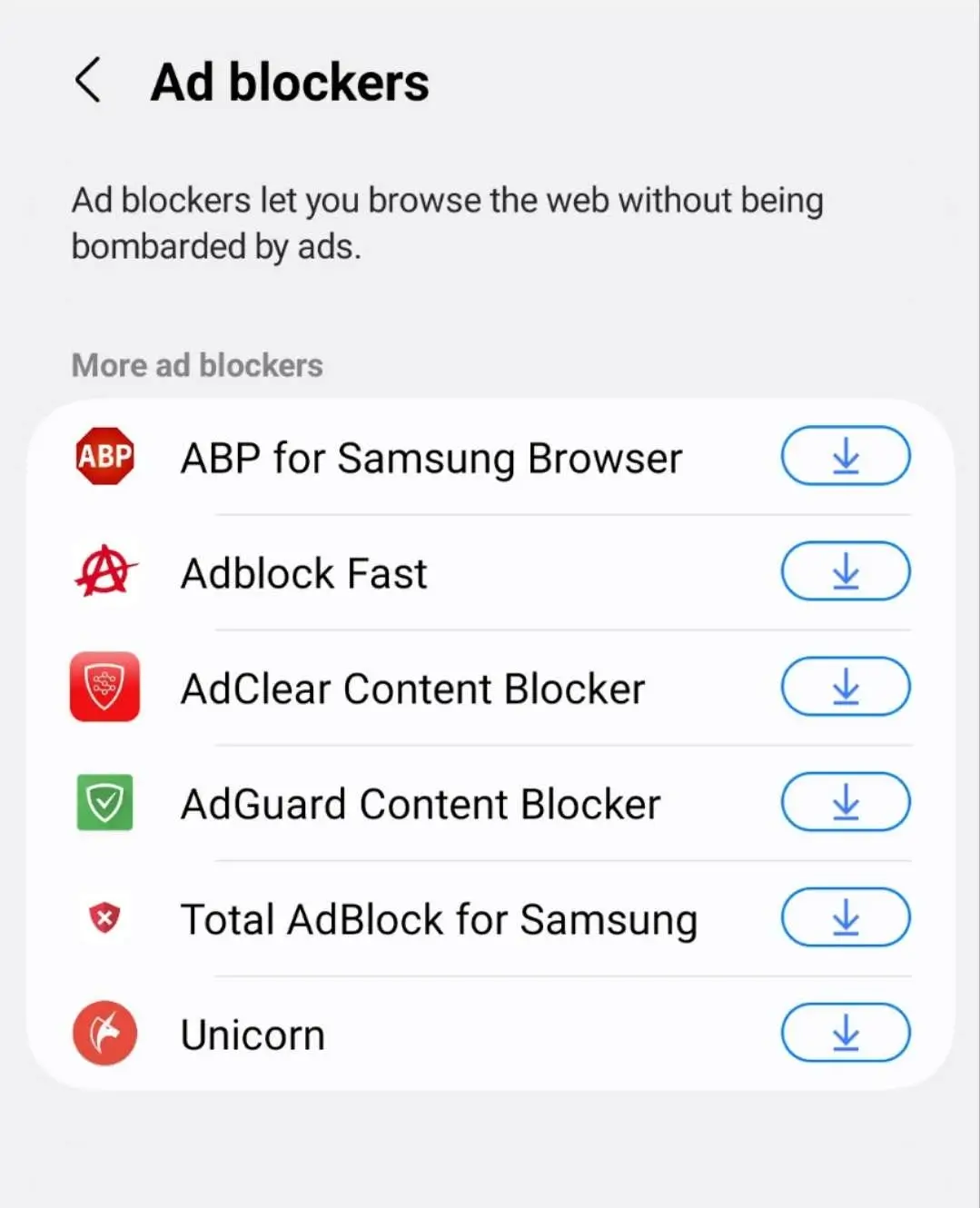
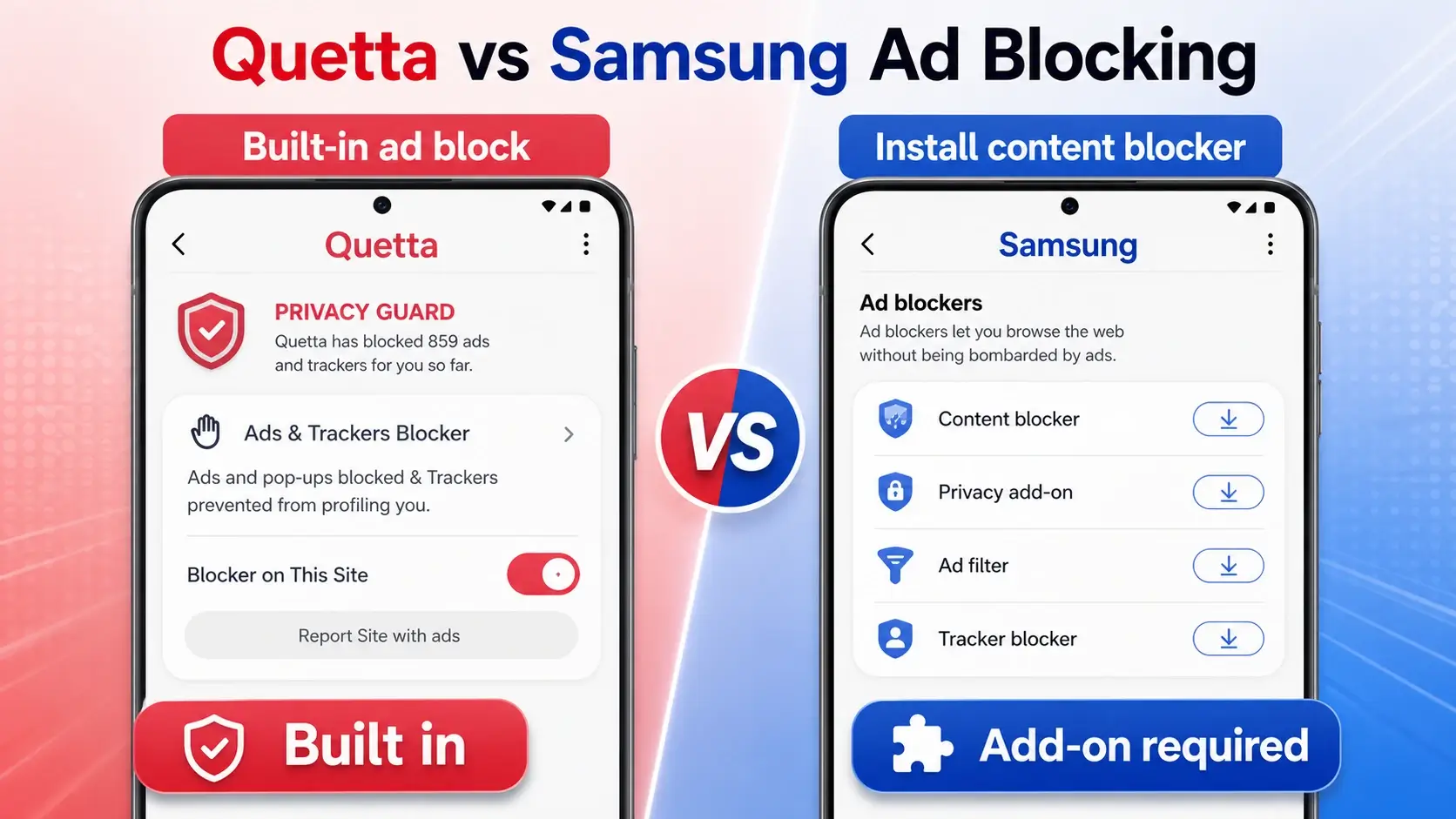
Samsung Internet supports content blockers, but Samsung’s documentation explains that the browser depends on separate filter apps. Samsung also says it does not provide the content-blocking filters itself.
This creates a useful comparison angle:
Samsung Internet gives users a content blocker ecosystem.
Quetta gives users built-in ad blocking with preset filter lists, custom filter lists, and no Acceptable Ads positioning.
For users who want “turn it on and control it in the browser,” Quetta is easier to explain.
Secret Mode vs Quetta Data Vault
Samsung Internet’s Secret Mode is one of its best privacy features. Samsung documents separate Secret Mode storage, biometric authentication, and protection for browsing data such as history, cookies, cache, IDs, passwords, and autofill.
Quetta should not dismiss that. Instead, compare the use cases:
Samsung Secret Mode is best for private browsing sessions inside Samsung Internet.
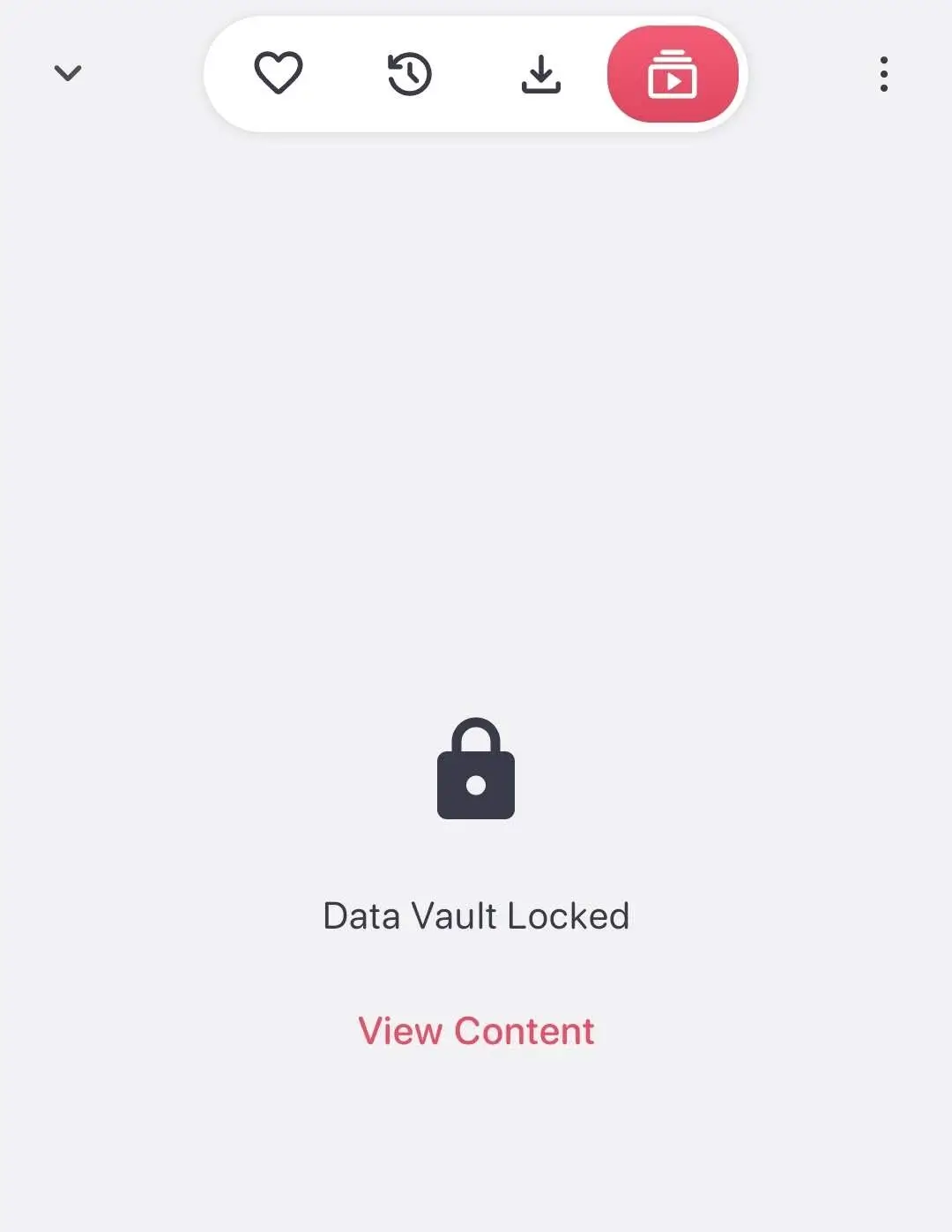
Quetta Data Vault is best positioned as private storage for sensitive browser data and media workflows, especially if paired with video downloads and private media storage.
Video and Reading Features
Samsung Internet has strong reading and video convenience features, including Reader Mode, Saved Pages, and Video Assistant.
Quetta has a different media angle:
Offline video playlist
Picture-in-picture
Sleep timer
Background audio playback
Video downloads to private storage
This section should include product screenshots because it is where Quetta can create a distinct page, not just another “Samsung Internet alternative” article.
Privacy Controls
Samsung Internet has credible privacy and security features, especially Secret Mode and Protected Browsing. Quetta’s privacy story should focus on controls that are visible and user-actionable:
Cross-site tracker prevention
Fingerprint tracking protection
Third-party cookie tracking prevention
Global and site-level script control
GPC privacy rights
Biometric Data Vault
This section can rank for privacy-related query fan-out such as “Samsung Internet private mode”, “Samsung Internet ad blocker”, and “private Android browser.“
Who Should Choose Samsung Internet?
Choose Samsung Internet if:
You use a Samsung Galaxy phone.
You like Samsung account sync and Galaxy-specific integrations.
You want Secret Mode and Samsung’s polished mobile UI.
You are comfortable installing a separate content blocker app.
You want Reader Mode, Saved Pages, and Video Assistant.
Who Should Choose Quetta?
Choose Quetta if:
You want built-in ad blocking without relying on separate content blocker apps.
You want custom filter lists and stricter ad-blocking defaults.
You want video downloading, offline playlists, and background audio.
You want mobile extension support beyond Samsung’s content blocker model.
You want script control and GPC privacy rights.
Related: Quetta vs Chrome
FAQ
Does Samsung Internet support Chrome extensions?
No, Samsung Internet is not positioned around general Chrome Web Store extension support. It supports content blockers through third-party apps and has its own browser features.
Does Samsung Internet block ads?
Samsung Internet can block ads through third-party content blocker apps. Samsung’s documentation says content blocking depends on app-provided filter data, and up to five ad-blocking apps can be enabled.
Is Samsung Internet only for Samsung phones?
Samsung Internet is available beyond Samsung phones, but its strongest experience is on Samsung Galaxy devices because of Samsung ecosystem integration.
Is Quetta better than Samsung Internet?
Quetta is better for users who want built-in ad blocking, custom filters, media downloading, mobile extension support, and script/privacy controls. Samsung Internet is better for Galaxy users who value Samsung integration and Secret Mode.