Vimeo Video Downloader for Mobile
Download supported Vimeo videos with Quetta Browser on Android, iPhone, and iPad. Choose an available quality and fix missing download options.
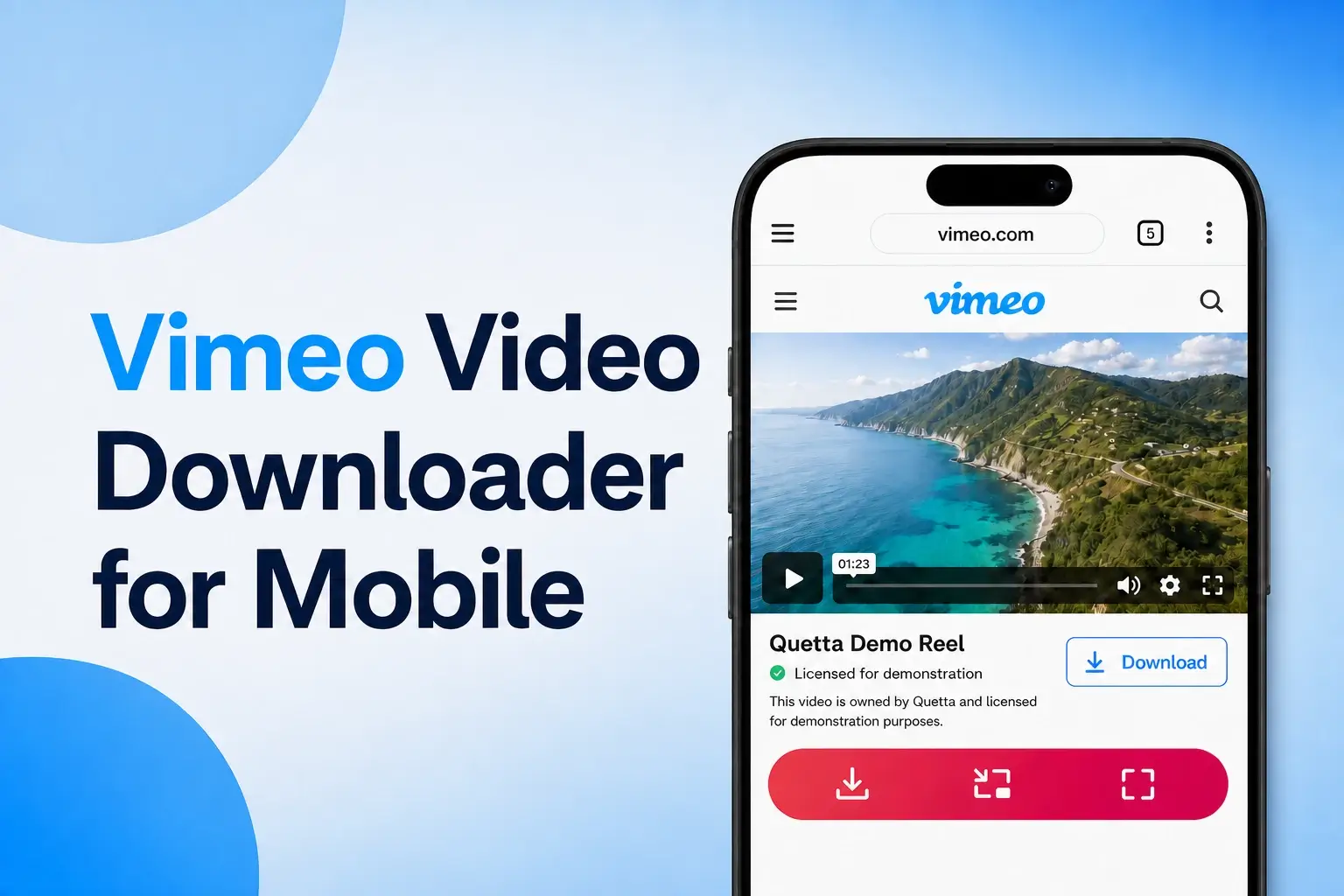
Quetta can download supported video resources detected on Vimeo pages. Open the video in Quetta Browser on Android, iPhone, or iPad, start playback, review the available format or resolution, and save the file to your device. Vimeo’s own Download button may also appear when the video owner has enabled it.
Use Vimeo’s Official Download Button First
Vimeo lets video owners decide whether viewers can download their work. Vimeo’s official guide explains how to download a video when downloads are enabled: sign in if required, open the video page on vimeo.com, select Download, and choose an available file version.
The button and available qualities depend on the owner’s settings and the versions Vimeo provides. Vimeo does not support bulk downloading through that viewer workflow.
If the official button is present, use it. It is the clearest indication that the owner has enabled downloading.
How to Download a Vimeo Video with Quetta
Open the original Vimeo video page in Quetta Browser for Android or iOS and iPadOS.
Look for Vimeo’s own Download button.
Play the video briefly so its media resources load.
Open Quetta’s download control and review any detected file or stream.
Save the available version and verify the file after downloading.
Quetta’s video downloader feature supports compatible media resources, including formats such as MP4, WebM, M3U8, and HLS when a website exposes them. That support is not a promise that every Vimeo player or privacy state can be downloaded.
Why a Vimeo Download Button May Be Missing
Vimeo’s troubleshooting guidance lists several reasons a Download button may not appear, including the owner’s download setting, the account or plan configuration, and where the video is being viewed.
The owner disabled downloads
Quetta may still detect a supported resource, but availability depends on how that Vimeo page delivers the video.
You are watching an embedded player
Vimeo says viewer downloads are available from the video page on vimeo.com, not from an embedded player on another website. Its guide to video download permissions confirms that the owner controls this option.
Open the legitimate Vimeo source page if the embed provides one. If it does not, contact the publisher or video owner.
The video requires access
Private Mode, passwords, team permissions, review links, subscriptions, and other account controls can change which media resources load on the page.
Only streaming playback is available
A video can play without exposing a normal downloadable file. Temporary authorization, segmented streaming, or protected delivery may prevent a complete download.
Public, Unlisted, Password-Protected, and Private Vimeo Videos
These Vimeo visibility settings can change download behavior:
A public video can be viewed broadly and is the most reliable type to test.
An unlisted video is accessible through its link.
A password-protected video requires credentials supplied by the owner.
A private or account-restricted video is available only under its configured access rules.
Vimeo also offers Private Mode for eligible accounts. Private and account-restricted pages may expose different media from a normal public video page.
Download Quality and File Versions
When Vimeo’s official Download menu is available, it may offer more than one size or resolution. Choose based on your actual use:
A smaller file is easier to store and share privately.
A higher-resolution file may be useful for editing or presentation.
The original or source file may not be offered for every video.
Quetta can only present the compatible resources it detects. It should not invent a higher resolution, reconstruct a missing source file, or promise the same choices as Vimeo’s official menu.
If You Only Need to Watch the Video Later
Downloading is not always necessary. Vimeo supports account features such as Watch Later, and some Vimeo experiences offer official offline viewing. These options keep the creator’s access controls and platform behavior intact.
Use these options when you only need to return to the video later and do not need a local file.
Quetta Mobile Browser vs. the PC Extension
This page owns Vimeo-specific questions: owner permissions, embedded players, missing buttons, and supported public media.
For desktop installation and extension controls, use Quetta’s separate PC video downloader guide. Keeping those roles separate prevents two pages from competing for the same generic “video downloader extension” intent.
Frequently Asked Questions
Can I download a Vimeo video if there is no Download button?
A missing Vimeo button often means the owner has not enabled native viewer downloads or you are watching an embedded player. Play the video and check whether Quetta detects a supported resource; otherwise, use Vimeo’s offline option or request the file.
Does Quetta download every Vimeo video?
No. Availability depends on page access, the player, and whether Vimeo exposes a compatible downloadable resource.
How do I download a Vimeo video on Android?
Open the original video page on vimeo.com in Quetta, play the video, and check Vimeo’s button or Quetta’s detected media. Review the available resource and save it.
Can I download a Vimeo video on iPhone or iPad?
Yes. Open the original Vimeo page in Quetta for iOS or iPadOS, play the video, and select an available detected resource or Vimeo download option.
Can I download a Vimeo video from an embedded player?
Vimeo’s official viewer download button is available on the vimeo.com video page rather than the embedded player. Open the original source page when legitimately available.
Can Quetta download a password-protected Vimeo video?
The video must first load in your current session. If no compatible resource appears, ask the owner to enable downloads or send the file directly.
Why is the downloaded quality lower than the player quality?
Playback quality and downloadable file versions are not always the same. The owner and Vimeo determine official file choices, while Quetta can only show compatible resources exposed to the page.
Download a Supported Vimeo Video
Open the video in Quetta for Android or iOS and iPadOS, play it, and select an available detected format or resolution without leaving the page.