Pinterest Video Downloader: Save Supported Videos with Quetta
Use Quetta’s built-in Pinterest video downloader for supported public Pins, without a separate downloader app or paste-link converter site.
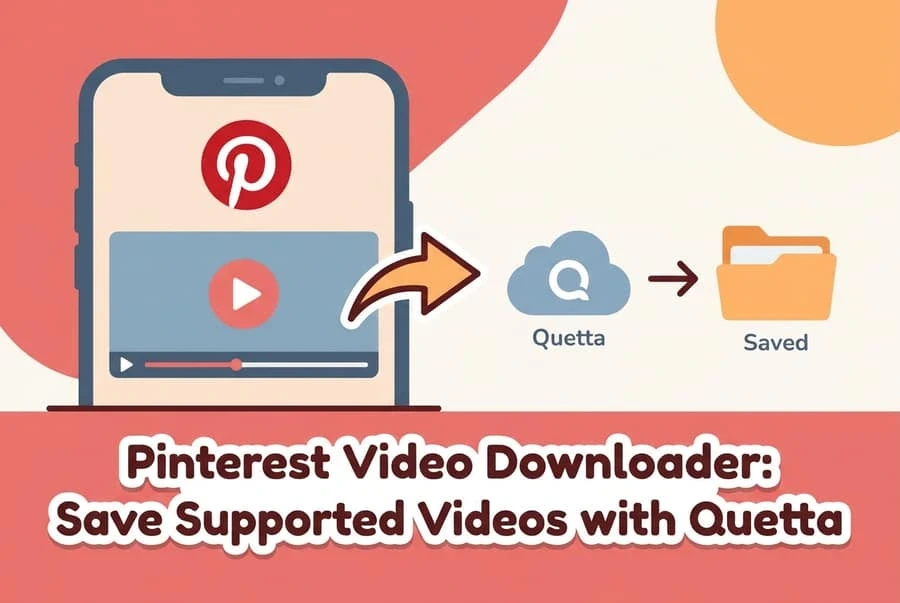
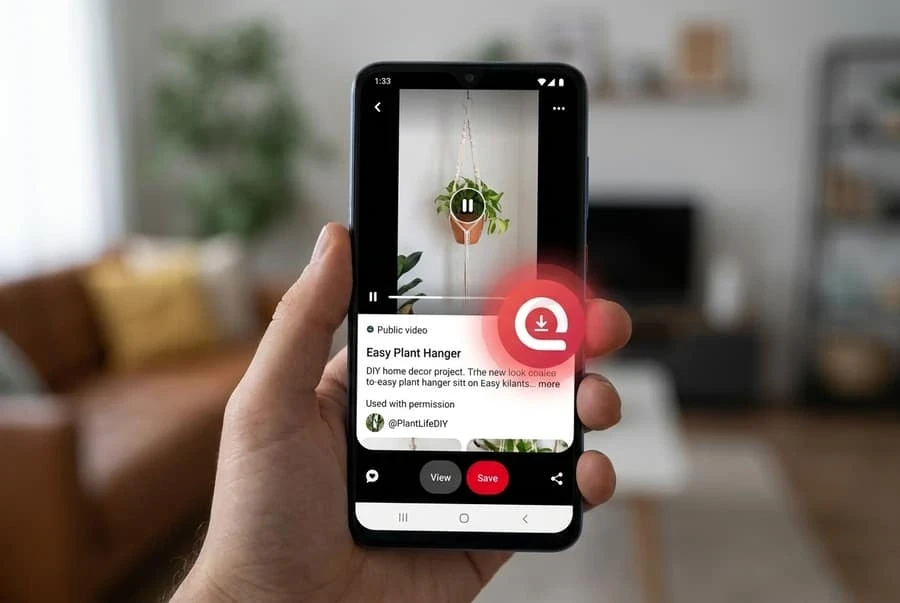
A safer way to download an eligible Pinterest video is to use Quetta’s built-in video downloader. It can detect downloadable media on supported public Pin pages, so you do not have to paste the Pin URL into an unfamiliar converter site or install a separate downloader app. Save only videos you own or have permission to use.
Pinterest downloading is one use case for Quetta’s built-in mobile video downloader, which supports compatible MP4, WebM and HLS/M3U8 media across supported webpages.
When downloadable media is detected, Quetta surfaces the download workflow inside the browser. This keeps browsing, detection, and saving in one place while Quetta’s ad and tracker controls help reduce exposure to pop-ups and tracking-heavy pages.
Why use Quetta for supported Pinterest videos?
No separate downloader app: the download feature is part of the browser.
No copy-and-paste converter step: supported media is detected on the page you are already viewing.
Fewer misleading download buttons: you use Quetta’s browser control rather than choosing among third-party page ads.
Built-in privacy tools: ad blocking and tracker protections support a cleaner browsing workflow.
Explore Quetta’s built-in video-downloading solution for supported formats and the broader feature overview.
Availability depends on the specific Pin, page implementation, region, account access, and current website behavior.
Before you download a Pinterest video
Downloading technology does not grant permission to reuse someone else’s work. Pinterest states in its Copyright Policy that it respects intellectual property rights and expects users to do the same.
Download only when at least one of these applies:
You created and own the video.
The creator gave you permission.
The content is offered under a license that permits downloading and your intended use.
Another applicable legal exception allows it in your jurisdiction.
New to Quetta? Start with the complete guide to downloading videos with Quetta.
Saving a video for reference does not automatically give permission to repost, edit, sell, or distribute it. When in doubt, use Pinterest’s own Save feature to bookmark the Pin or ask the creator.
How to download a supported Pinterest video in Quetta
Interface labels can vary by platform and app version, but the browser-level workflow is straightforward:
Install or open Quetta Browser. Use the official app listing.
Open the public Pinterest Pin. Navigate to the Pin in Quetta and confirm that it contains a video you are permitted to save.
Start the video if detection requires playback. Some pages expose the media stream only after playback begins.
Use the download control that Quetta displays. When Quetta detects supported downloadable media, open the browser’s download option.
Choose an available file option. If the page offers more than one quality or format, select the one appropriate for your device and permitted use.
Confirm the save.
Keep attribution and usage rights attached.
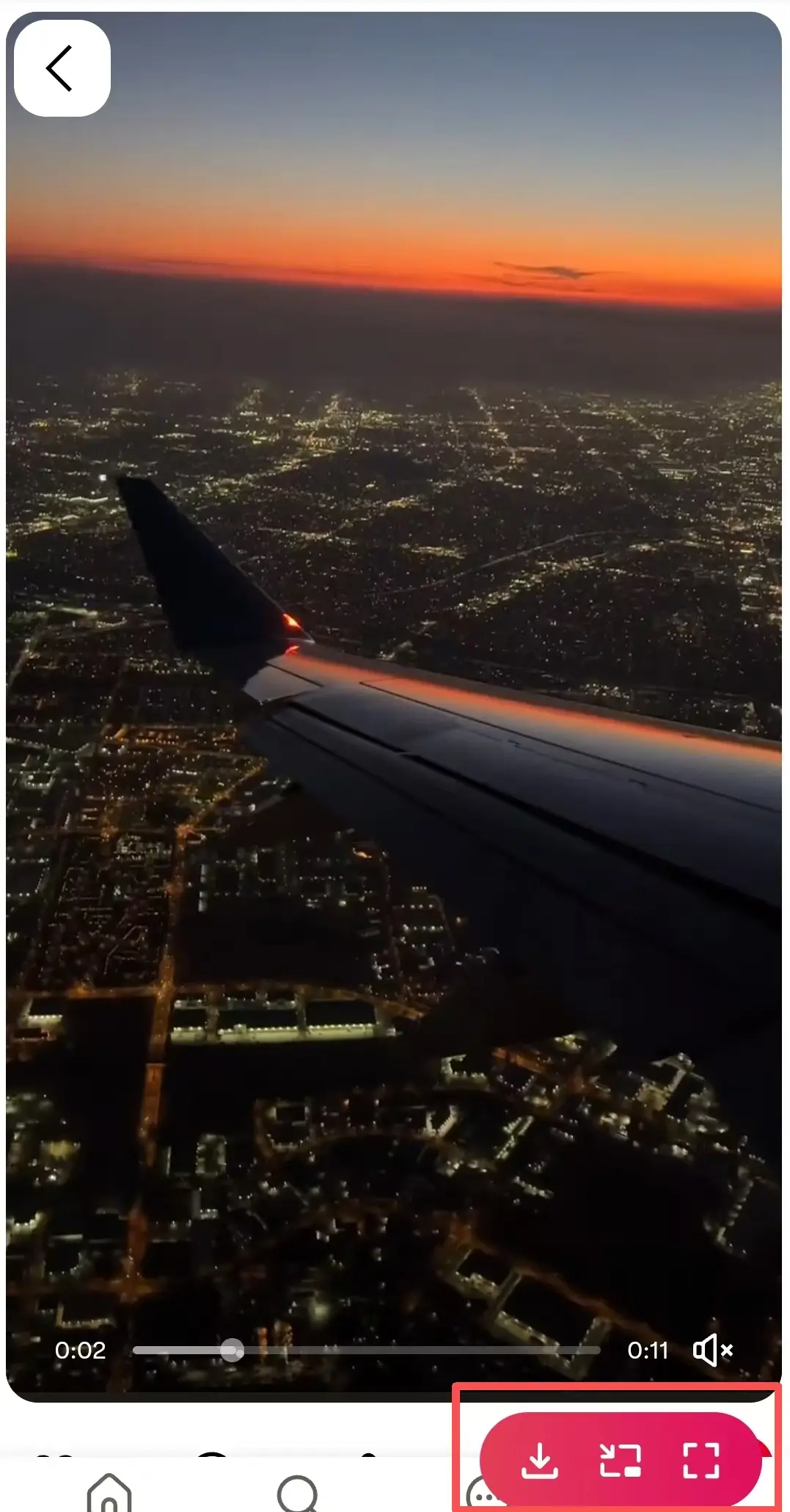
Quetta built-in video downloader supports MP4, M3U8, and HLS media across supported pages. Availability still depends on the specific Pin, page implementation, account access, region, and current website behavior. A private, restricted, rights-managed, or otherwise unsupported video may not produce a downloadable file.
Why use a built-in downloader instead of a paste-link site?
Many search results for “Pinterest video downloader” lead to sites that ask you to paste a Pin URL. Some are legitimate utilities, but others use deceptive ads, notification prompts, redirects, or fake download controls. Pasting URLs into an unknown service also introduces another party into the process.
A browser-level downloader can reduce those steps:
Browser-level workflow | Typical paste-link workflow |
|---|---|
Detects supported media on the page you are viewing | Requires copying the URL to another service |
No separate downloader app is necessary | May promote an additional app or extension |
Keeps the task inside the browser | Adds another site with its own privacy practices |
Can work alongside browser ad and tracker controls | May expose users to redirects or imitation buttons |
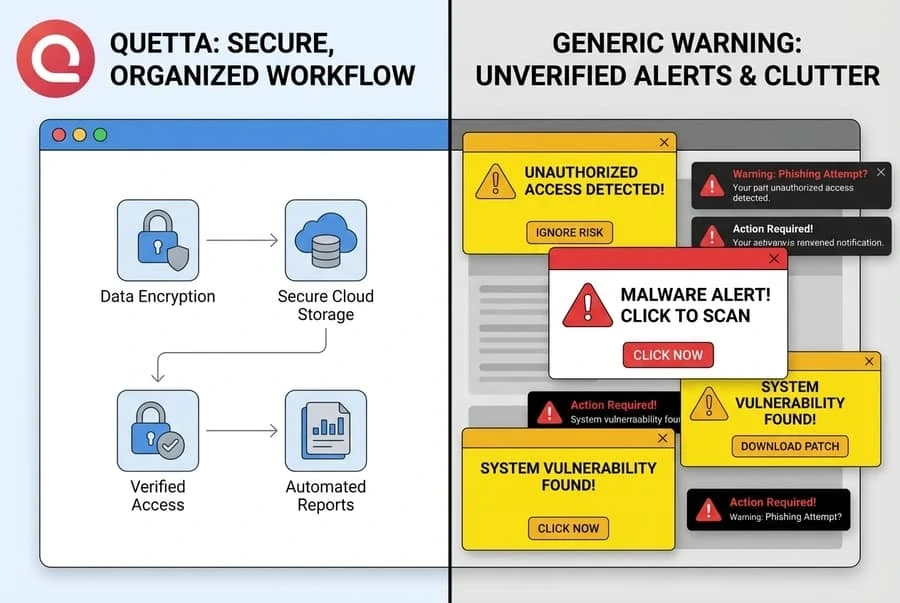
This does not make every download private or risk-free. Pinterest, your network provider, and other services involved in loading the page may still process activity according to their policies. A privacy-focused browser reduces certain exposures.
How to spot a risky downloader page
Leave the page if it:
Opens multiple tabs or sends you through repeated redirects.
Shows several identical “Download” buttons with no clear file information.
Request notification access before providing the file.
Asks for your Pinterest password outside Pinterest.
Requires an unrelated app, browser profile, or configuration file.
Claims it can bypass private accounts, paywalls, access controls, or copyright restrictions.
Also scan any downloaded file before opening it. A video download should not arrive as an executable app package or an unexpected browser extension.
When the download button does not appear
Try these checks in order:
Confirm that the Pin is public and actually contains video.
Start playback and wait a few seconds for media detection.
Reload the page and make sure Quetta is current.
Check that the page is not showing an embedded player from an unsupported source.
Use Pinterest’s Save function instead if the media is restricted or no supported file is detected.
Do not treat a missing download control as something to “bypass.” It may indicate that the media is private, protected, streamed in an unsupported way, or unavailable to your account.
A privacy-first way to save video with Quetta
Quetta combines built-in video downloading with ad blocking and tracker protections. For supported pages, that means users can detect and save available media within the browser rather than relying on a separate converter site. It also reduces exposure to pop-up-heavy pages that imitate download buttons.
The honest limitation is important: no downloader supports every Pin or platform behavior forever. Website changes, technical restrictions, and content rights can all affect availability.
Frequently asked questions
Can I download any Pinterest video?
Download availability depends on the specific Pin and how its media is delivered. Private, restricted, protected, or unsupported content may not be downloadable. You also need the right or permission to save and use the video.
Do I need to paste the Pinterest link into another website?
Not when a compatible browser can detect supported media directly on the page. A built-in workflow removes the need to submit the Pin URL to a separate converter service.
Where is the downloaded video saved?
The location depends on your device, operating system, browser settings, and the destination you choose. Check Quetta’s downloads area first, then your device’s Downloads or Files app.
Is downloading a Pinterest video legal?
It depends on ownership, permission, license terms, intended use, and local law. Download and reuse only content you own or are authorized to use. This page provides general information, not legal advice.
Why was no video detected?
The Pin may be private, restricted, embedded from another source, or delivered in a format the current browser version does not support. Start playback, update the browser, and retry once; if detection still fails, do not attempt to bypass the restriction.